
Annual Report
Docs + Word6 pages
FeaturedFree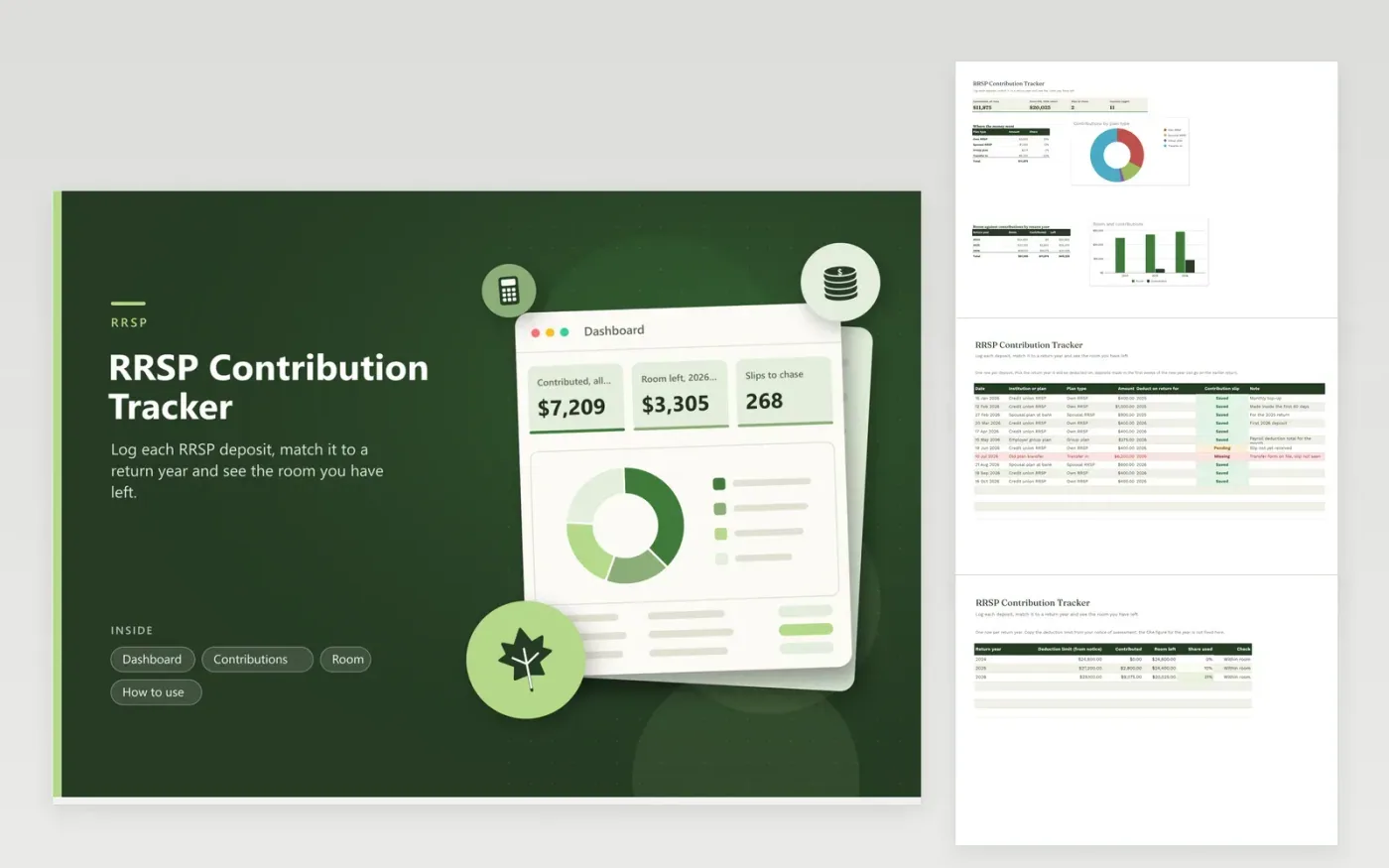
Canadians who save into an RRSP, a spousal plan or a group plan use this tracker to keep deposits in one list. The Contributions tab records the date, plan, amount, return year and slip status. The Room tab holds the deduction limit from your notice of assessment for each year and works out what is used and what is left. The Dashboard shows a plan breakdown and a chart of room against deposits.
Type the limit exactly as it appears on your latest notice, because it changes with income, pension adjustments and past use. Mark the return year as you deposit, not at filing time, so deposits made right after New Year land on the right return. Chase any row marked Missing before you file, and read the Check column for a warning if a year looks over its limit.
Click Make a copy in Google Sheets, then confirm on the Google page. The copy is saved to your own Google Drive.
Start on the Contributions tab: replace the sample rows with your own.
Keep the formula columns as they are; they fill in as you type.
Read the How to use tab for tips. For Excel, download the .xlsx file instead.
It is printed on your notice of assessment and shown in your CRA My Account. Type that figure into the Room tab for the year. The sheet does not hold a fixed limit because the number differs for each person and each year.
Deposits made early in the new year can usually be deducted on the previous year, as the CRA sets out. Check the deadline on the CRA site, then choose the return year in the Contributions tab.
No. It is a working record to share with your tax professional. You still enter deductions on your return and keep the slips in case the CRA asks.
Docs + Word6 pages
FeaturedFree
Excel
FeaturedFree
Sheets + Excel6 tabs
Free








