
Annual Report
Docs + Word6 pages
FeaturedFree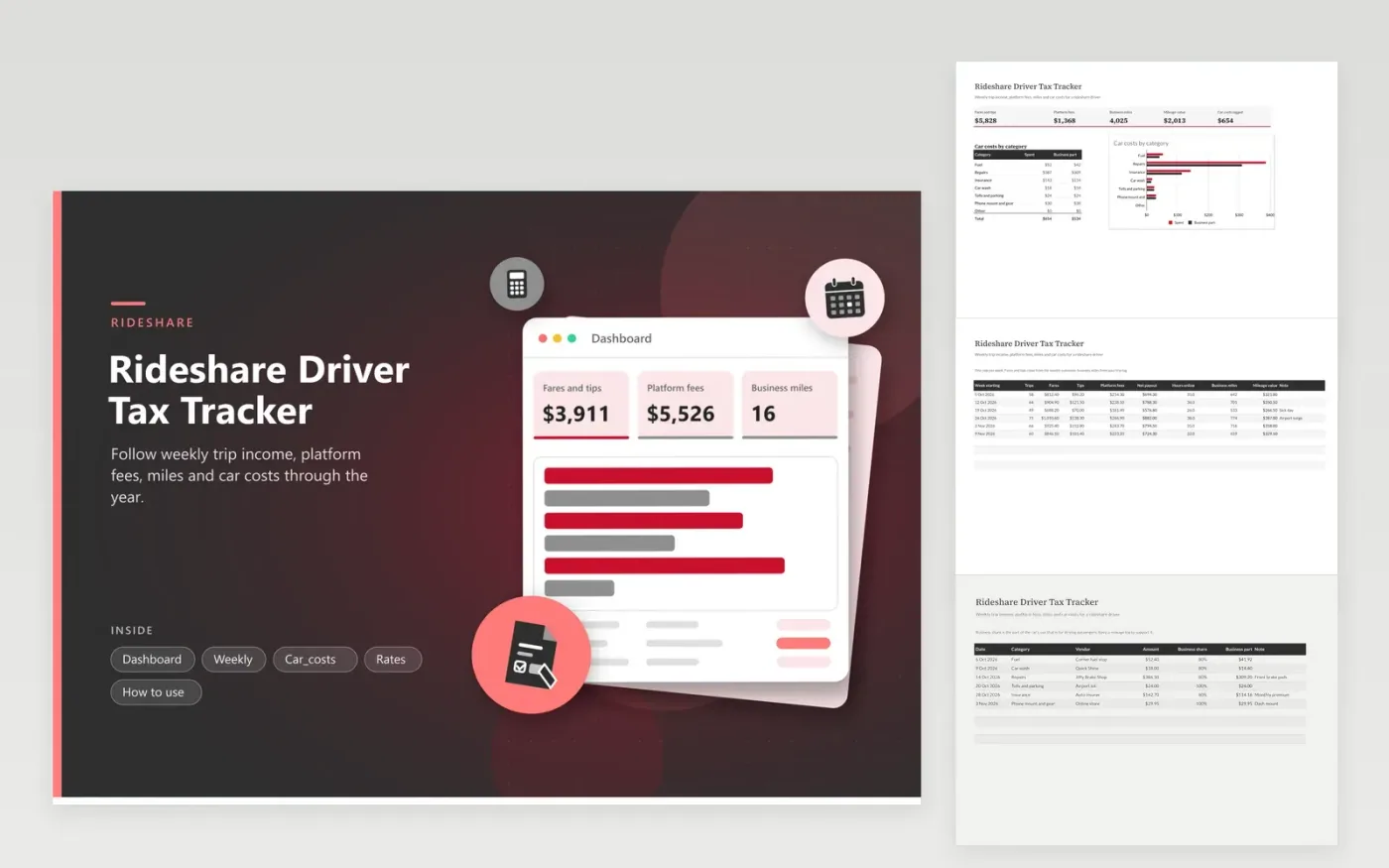
Rideshare drivers use this tracker to find out what they kept after fees and car costs. The Weekly tab records trips, fares, tips, platform fees, hours online and business miles, and works out net payout and mileage value. The Car costs tab logs fuel, repairs, insurance and other items with a business share. The Rates tab holds your mileage rate and set-aside share. The Dashboard adds it all up and charts car costs by category.
Enter each week's numbers on Monday, while the app's summary is easy to read. Keep a separate trip log for business miles, then type the weekly total here. Look up the IRS standard mileage rate for the year and enter it on the Rates tab. Talk to a tax professional about whether the mileage method or actual costs suits you.
Click Make a copy in Google Sheets, then confirm on the Google page. The copy is saved to your own Google Drive.
Start on the Weekly tab: replace the sample rows with your own.
Keep the formula columns as they are; they fill in as you type.
Read the How to use tab for tips. For Excel, download the .xlsx file instead.
Keep weekly earnings summaries, platform fee statements, a mileage log, and receipts for car costs and supplies. Also keep any year-end tax form you receive. This tracker has a place for each of them.
Use an app or a notebook that records the date, start and end points and miles for each business trip. Add up the miles each week and enter them on the Weekly tab. The sheet multiplies them by the rate you enter.
There is no single figure. It depends on your full income, filing status and costs. Enter a set-aside share on the Rates tab with the help of a tax professional, and move that share into savings regularly.
Docs + Word6 pages
FeaturedFree
Excel
FeaturedFree
Sheets + Excel6 tabs
Free








