
Annual Report
Docs + Word6 pages
FeaturedFree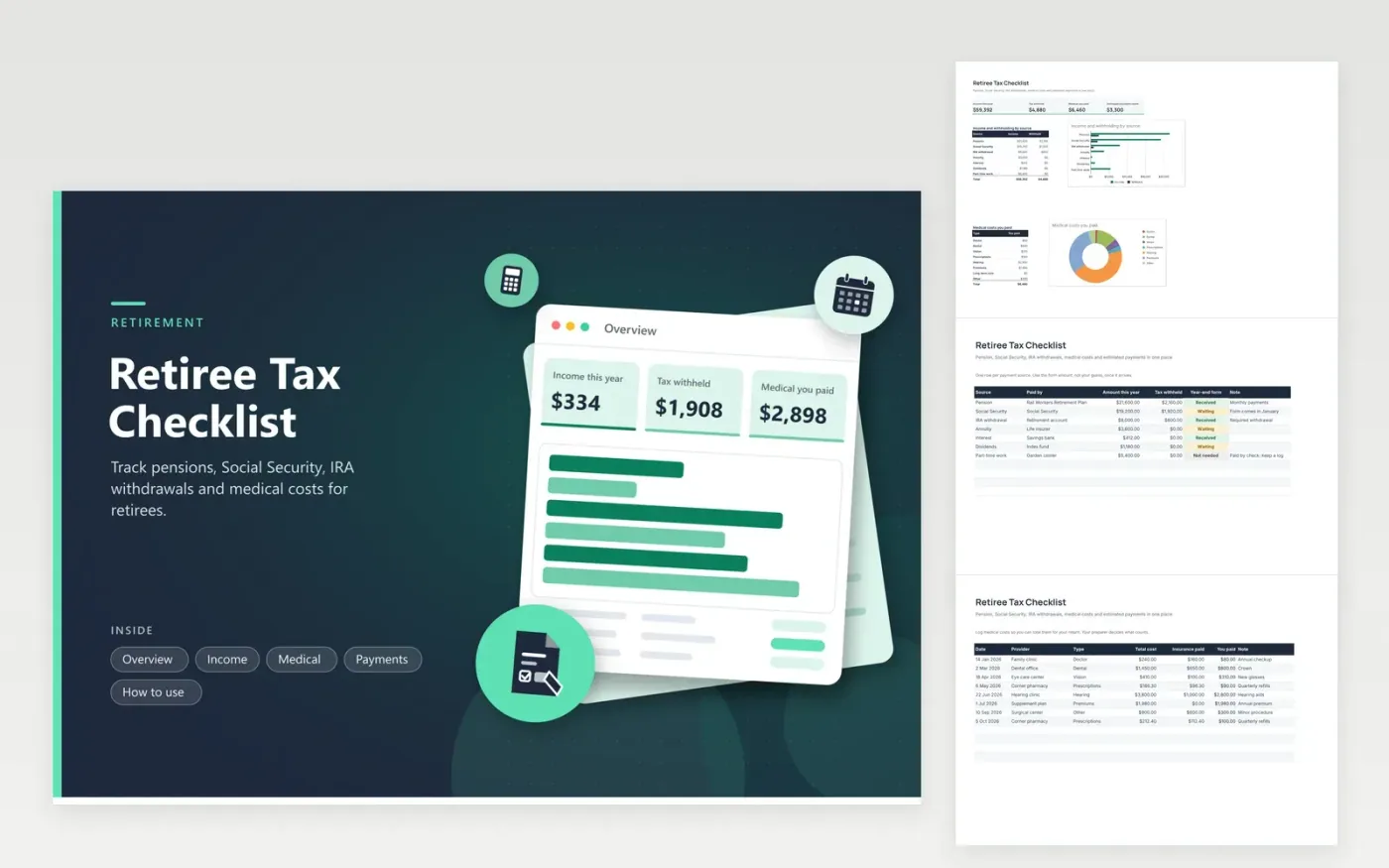
Retirees with several income sources use this retiree tax checklist to keep a year of papers in order. The Income tab lists each source with its payer, amount, tax withheld and year-end form status. The Medical tab logs costs and what insurance paid, and works out what you paid. The Payments tab records estimated tax payments by quarter. The Overview totals income and withholding by source and charts your medical costs by type.
Check each income row against the form when it arrives in January and correct any estimate. Log medical bills as they come, along with insurance statements. If you pay estimated tax, enter each payment on the day you make it. Withholding choices vary, so bring the Overview to a tax professional and ask whether to change them.
Click Make a copy in Google Sheets, then confirm on the Google page. The copy is saved to your own Google Drive.
Start on the Income tab: replace the sample rows with your own.
Keep the formula columns as they are; they fill in as you type.
Read the How to use tab for tips. For Excel, download the .xlsx file instead.
Common ones include a form for pension or IRA payments, a form for Social Security benefits, and forms for interest and dividends. Which ones arrive depends on your income. List each payer on the Income tab and mark each form as it arrives.
Record each bill with its date, provider, total cost and what insurance paid. Keep receipts and explanation-of-benefits statements together. The Medical tab calculates what you paid. A tax professional can tell you what counts.
Some do, when no one withholds enough tax from their income. The answer varies with your case, so read the official IRS pages or talk with a preparer. The Payments tab records any you make.
Docs + Word6 pages
FeaturedFree
Excel
FeaturedFree
Sheets + Excel6 tabs
Free








