
Annual Report
Docs + Word6 pages
FeaturedFree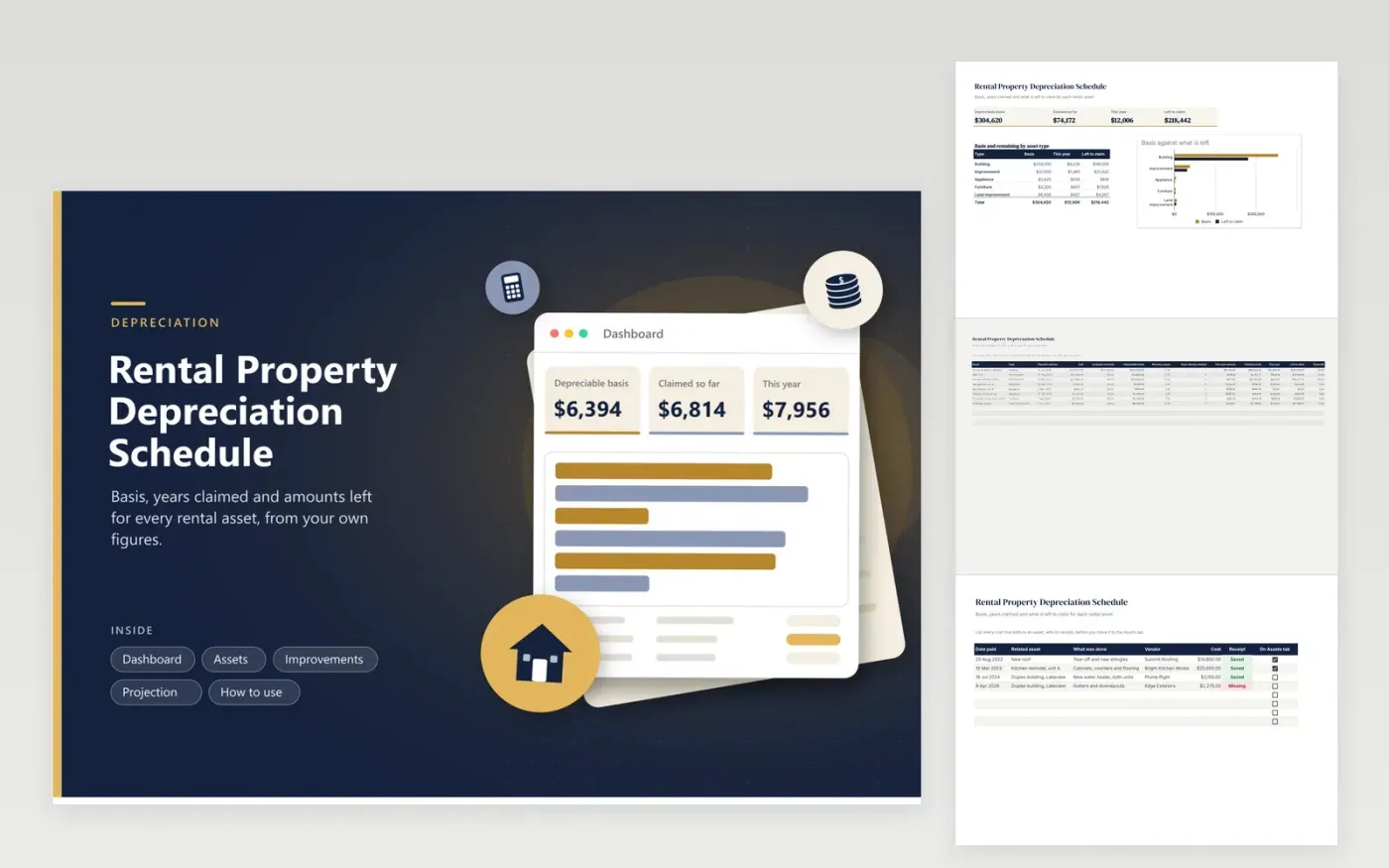
Landlords with a duplex, a rented house or a few furnished units use this schedule to keep their depreciation figures in one place. The Assets tab takes cost, land part, recovery years and years already claimed, then works out basis, the full-year amount, the amount claimed so far, this year's figure and what is left. The Improvements tab logs repairs that may add to basis. The Projection tab estimates future years, and the Dashboard groups basis by asset type.
Begin with the purchase of the building and remove the land share, which depreciation does not cover. Add appliances, furniture and improvements as separate rows because each can have its own recovery period. Update the years claimed once a year after filing. Show the schedule to your tax professional, who decides the method and the amounts that go on the return.
Click Make a copy in Google Sheets, then confirm on the Google page. The copy is saved to your own Google Drive.
Start on the Assets tab: replace the sample rows with your own.
Keep the formula columns as they are; they fill in as you type.
Read the How to use tab for tips. For Excel, download the .xlsx file instead.
List each asset with the cost and the date it was placed in service, remove the land part, and add its recovery period. Then record how many years you have claimed. The sheet turns those inputs into yearly and remaining amounts.
The period depends on the type of asset and current IRS tables, so the sheet leaves it as an input. Look up the figure for the year the asset started service, or consult a tax professional, then type it in the Recovery years column.
Costs that add value or extend life are usually added to the basis of the property, while routine repairs are not. Log the cost on the Improvements tab and ask your tax professional how to treat it before adding it as an asset.
Docs + Word6 pages
FeaturedFree
Excel
FeaturedFree
Sheets + Excel6 tabs
Free








