
Annual Report
Docs + Word6 pages
FeaturedFree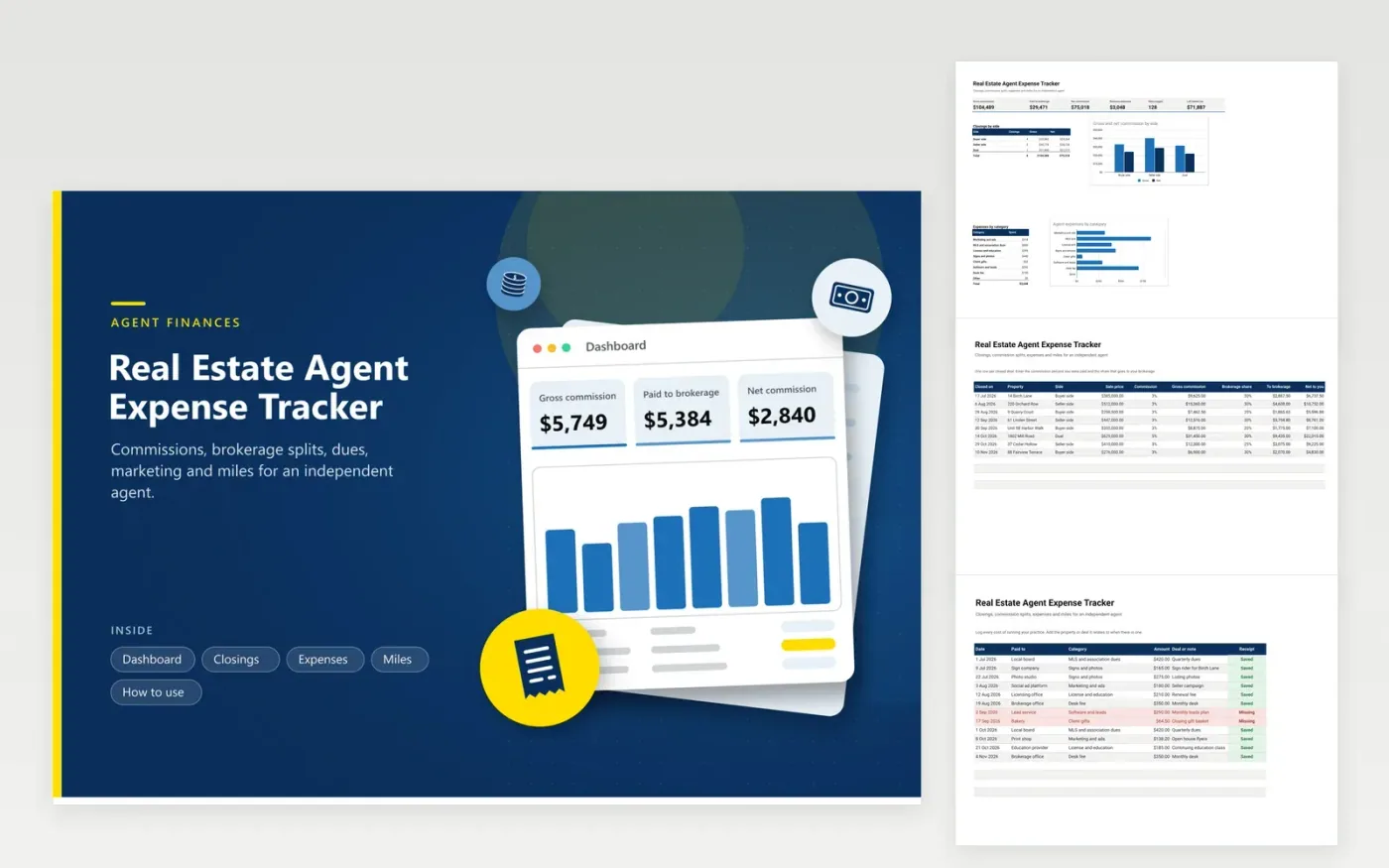
Independent agents use this real estate agent expense tracker to turn a year of closings and receipts into one clear picture. The Closings tab works out gross commission and the brokerage share from the price, rate and split. The Expenses tab sorts dues, marketing, signs, education and desk fees. The Miles tab values each trip at a rate you enter. The Dashboard adds up the year and charts commission by side and costs by category.
Add a closing the day it funds and a cost the day you pay it. Change the split on new rows when your brokerage terms change so old rows stay correct. Chase red receipt rows each month, not in March. Many agents set money aside for tax during the year, so share the Dashboard totals with a tax professional before the first estimated payment is due.
Click Make a copy in Google Sheets, then confirm on the Google page. The copy is saved to your own Google Drive.
Start on the Closings tab: replace the sample rows with your own.
Keep the formula columns as they are; they fill in as you type.
Read the How to use tab for tips. For Excel, download the .xlsx file instead.
Common groups are association and MLS dues, marketing, signs and photos, licensing and education, desk fees, software, client gifts and car use. Whether each one is deductible is a question for a tax professional.
Enter the sale price, your commission rate and the brokerage share for each closing. The sheet calculates gross commission, the brokerage amount and what you keep.
Tax rules generally ask for records of business driving, such as date, purpose and miles. Check current IRS guidance for exactly what to keep, then log each trip as it happens.
Docs + Word6 pages
FeaturedFree
Excel
FeaturedFree
Sheets + Excel6 tabs
Free








