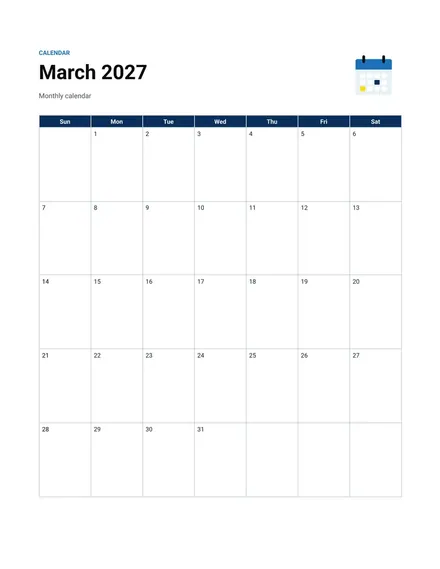
Monthly Calendar
Docs + Word2 pages
Free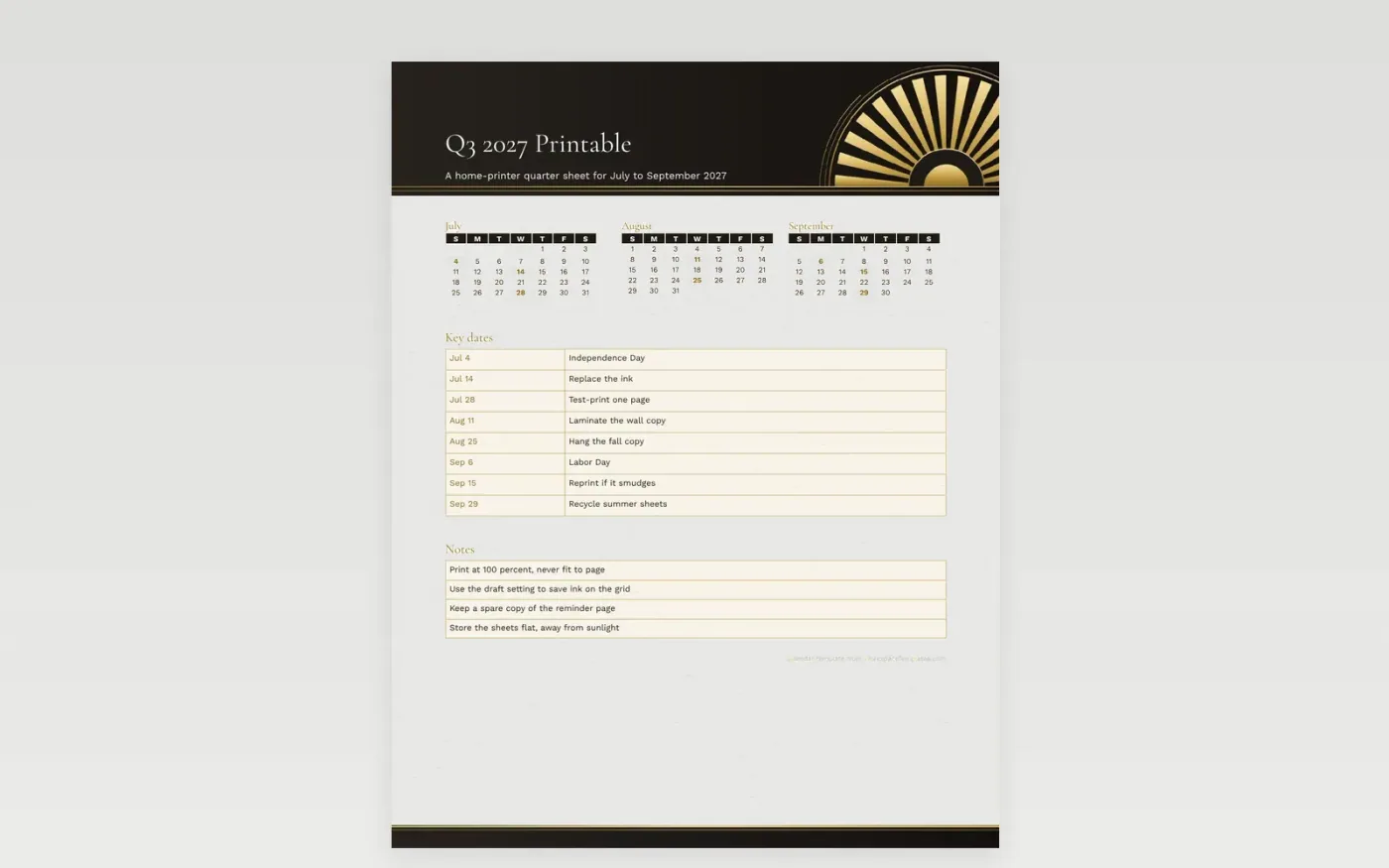
Most calendars look fine on screen and then print with a blank strip down one side. This one keeps its grid inside safe margins, so July, August and September land on a standard sheet without clipping. The header uses a soft citrus tint that stays light on the page, and the sample entries stay brief so they remain sharp at a small size.
Before running a full stack, test one page at full size and check the edges. Use draft mode to spare ink, then keep the best copy as a master. Spare room at the bottom holds reminders that do not belong on a single day. Label the master with its print date.
Make a copy in Google Docs, or download the Word file.
Type over the sample text with your own details.
Delete the guide page when you are done.
Print it, or save it as a PDF.
The printer is probably set to fit to page. Choose actual size or 100 percent instead.
Yes. The tint turns to light gray on a mono printer, and the grid stays readable.
Most home printers take cardstock up to a set weight. Check the tray label before feeding a thick sheet.
Docs + Word2 pages
Free
Docs + Word2 pages
Free
Docs + Word2 pages
Free
Docs + Word1 page
Free
Docs + Word11 pages
Free
Docs + Word11 pages
Free
Docs + Word11 pages
Free
Docs + Word11 pages
Free
Docs + Word11 pages
Free
Docs + Word1 page
Free
Docs + Word11 pages
Free
Docs + Word11 pages
Free
Docs + Word1 page
Free
Docs + Word1 page
Free
Docs + Word11 pages
Free










