
Annual Report
Docs + Word6 pages
FeaturedFree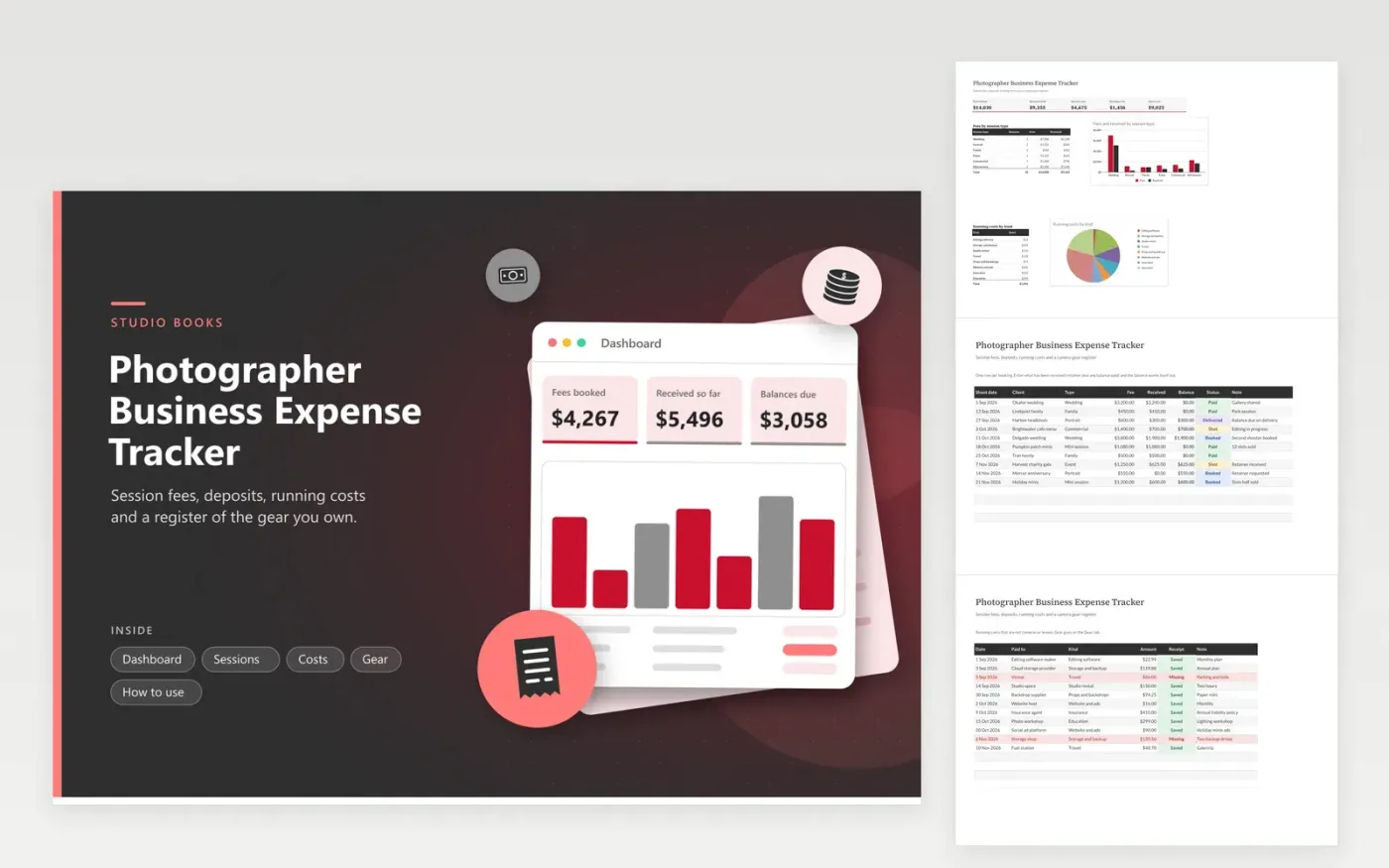
Working photographers use this photographer business expense tracker to know what each booking is worth and what the business costs. The Sessions tab holds the client, shoot date, fee, amount received and a status from Booked to Paid. The Costs tab covers software, storage, studio rental, travel, insurance and education. The Gear tab lists cameras, lenses and lights with a business-use share. The Dashboard totals fees, balances due and costs by kind.
Add a booking when the retainer arrives, not when the gallery is delivered. Keep the status current so the balances due figure tells you who still owes you. Record gear when you buy it and keep the invoice with the serial number, which also helps with insurance. Before you file, bring the totals to a tax professional to learn how larger equipment is handled.
Click Make a copy in Google Sheets, then confirm on the Google page. The copy is saved to your own Google Drive.
Start on the Sessions tab: replace the sample rows with your own.
Keep the formula columns as they are; they fill in as you type.
Read the How to use tab for tips. For Excel, download the .xlsx file instead.
Keep contracts, invoices, payment records and receipts for gear and running costs. A booking list with dates and amounts, plus saved receipts, covers the usual requests from a preparer.
Enter the fee and the amount received so far on each session. The Balance column shows what is still due, and the Dashboard adds up all open balances.
A gear register helps because large purchases can be treated differently from everyday costs. List each item with its date, cost and business use, then have a tax professional advise on reporting.
Docs + Word6 pages
FeaturedFree
Excel
FeaturedFree
Sheets + Excel6 tabs
Free








