
Annual Report
Docs + Word6 pages
FeaturedFree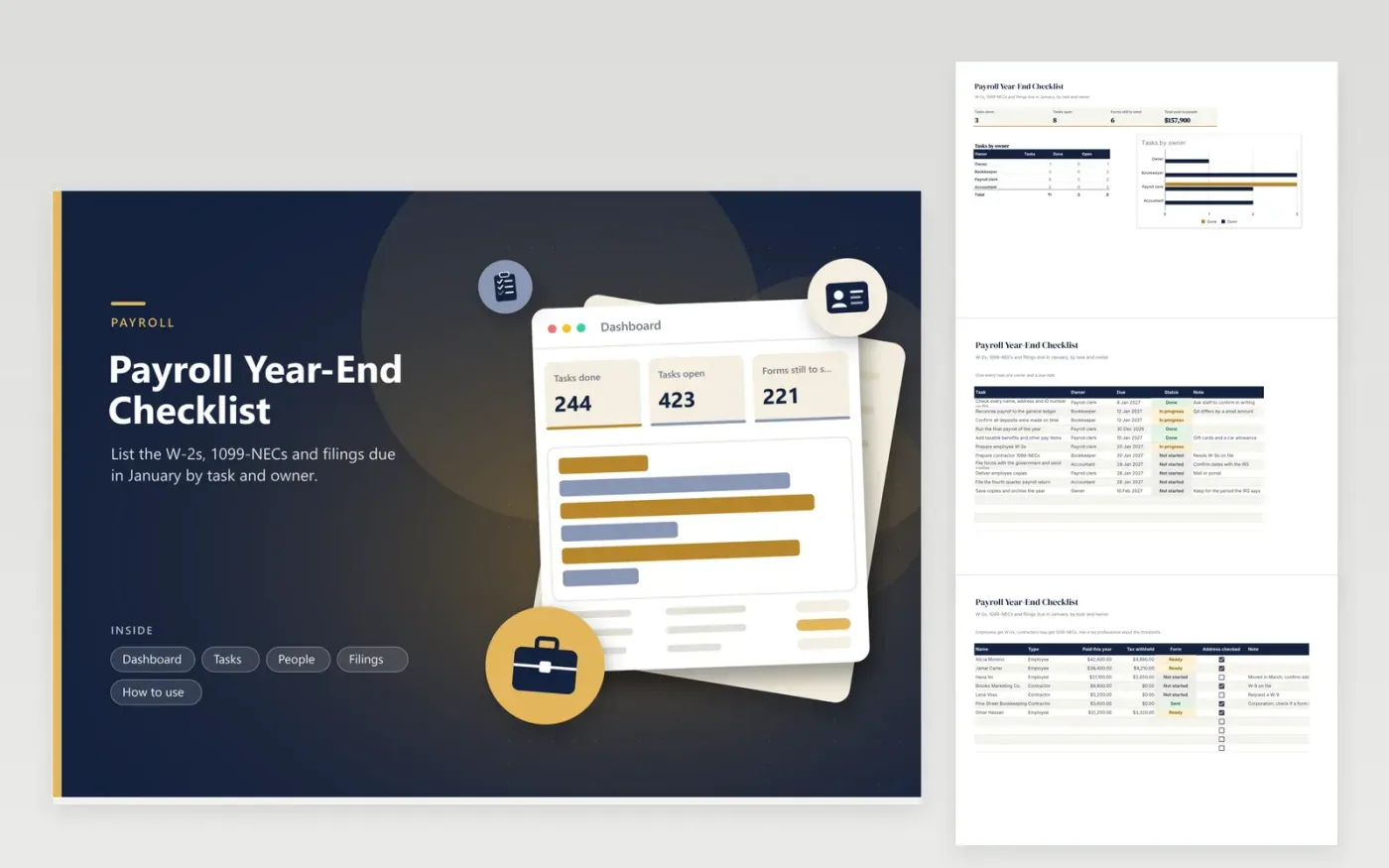
Business owners, bookkeepers and payroll clerks use this payroll year-end checklist to meet the January deadlines. Each job on the Tasks tab is given an owner, due date and status. The People tab lists every employee and contractor with pay, withholding, form status and an address check. The Filings tab tracks each government deadline. The Dashboard counts open tasks by owner and shows forms still to send.
Begin in early December by asking staff and contractors to confirm their details. Reconcile payroll to the books before preparing any form, because errors found later are harder to fix. Mark a form Ready when it is checked and Sent when it is delivered. Check exact filing dates with the IRS and your state each year.
Click Make a copy in Google Sheets, then confirm on the Google page. The copy is saved to your own Google Drive.
Start on the Tasks tab: replace the sample rows with your own.
Keep the formula columns as they are; they fill in as you type.
Read the How to use tab for tips. For Excel, download the .xlsx file instead.
Check employee and contractor details, reconcile payroll to the books, prepare W-2s and 1099-NECs, deliver copies, file with the government and archive the records. This workbook puts each step in a task list with an owner.
Both usually have a January deadline, but the exact date can move with weekends and holidays. Check the IRS instructions for the year and write the date into the Filings tab.
Use the Form column on the People tab. Mark each person Ready when the form is checked and Sent when it is mailed or posted. Add a note for anyone whose address changed.
Docs + Word6 pages
FeaturedFree
Excel
FeaturedFree
Sheets + Excel6 tabs
Free








