
Annual Report
Docs + Word6 pages
FeaturedFree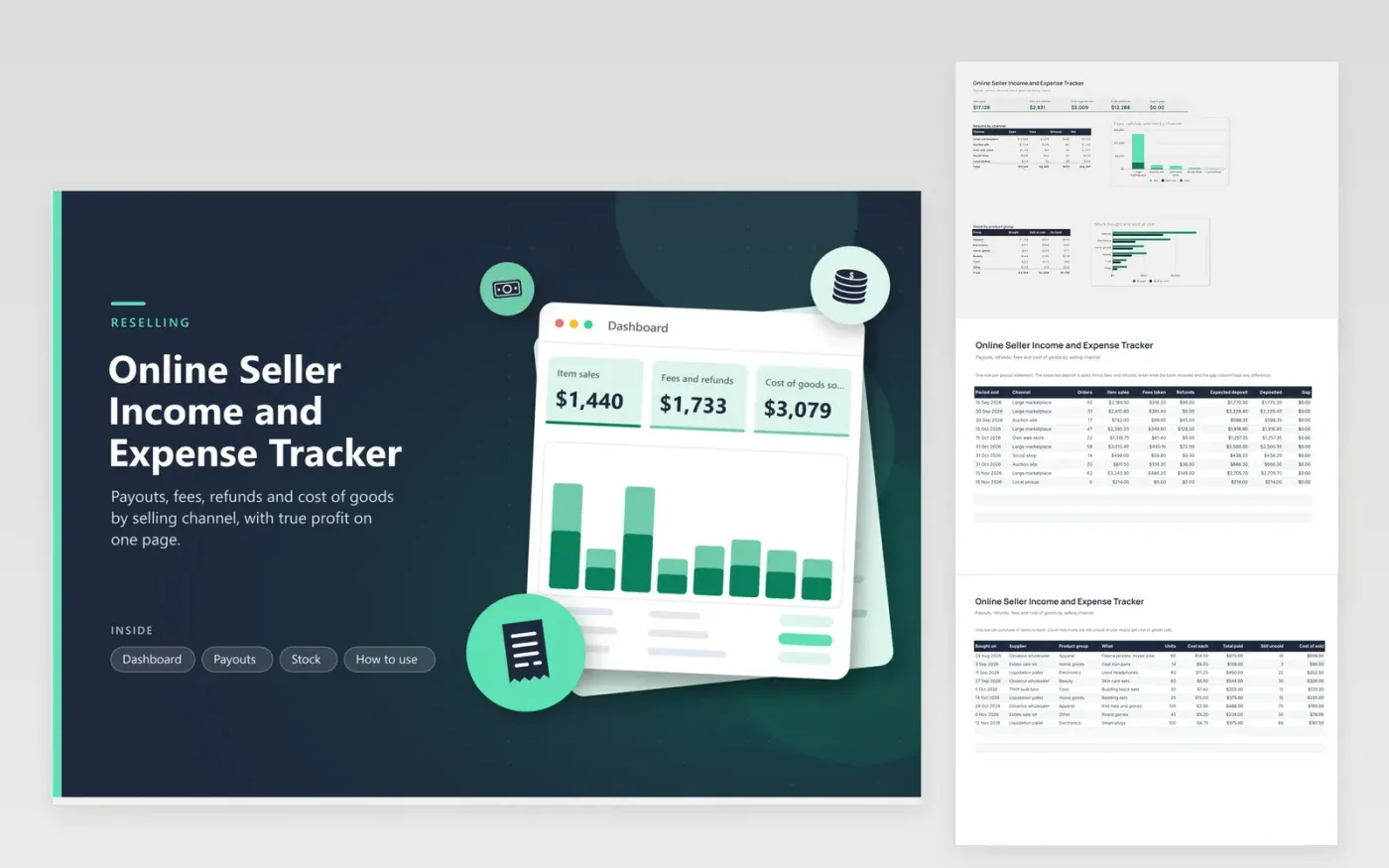
Resellers who sell through several marketplaces, an auction site and their own store use this online seller income and expense tracker to see the whole business in one workbook. The Payouts tab records each statement with sales, fees and refunds and compares the expected deposit with the bank. The Stock tab records what was bought for resale and how much is still unsold, which gives cost of goods sold. The Dashboard shows net by channel and stock by product group.
Enter a payout the day the statement arrives, then check the Gap column before you forget which order it relates to. Count your shelves at least once a quarter so cost of sold stays honest. When the year closes, send the Dashboard totals and your statements to a tax professional, who can advise on inventory, sales tax and any forms the marketplaces issue.
Click Make a copy in Google Sheets, then confirm on the Google page. The copy is saved to your own Google Drive.
Start on the Payouts tab: replace the sample rows with your own.
Keep the formula columns as they are; they fill in as you type.
Read the How to use tab for tips. For Excel, download the .xlsx file instead.
Give each platform a row for every payout statement and pick it from the channel list. The Dashboard then totals sales, fees and refunds per channel so each channel is easy to weigh against the others.
It is what you paid for the items you actually sold. This sheet multiplies the units sold, which is units bought minus units still unsold, by the cost of each. A tax professional can explain how inventory counts on your return.
Common reasons are holds, reserves, adjustments or a payout that spans two statements. Enter the deposit you received and use the Gap column to find the row to investigate in the platform report.
Docs + Word6 pages
FeaturedFree
Excel
FeaturedFree
Sheets + Excel6 tabs
Free








