
Annual Report
Docs + Word6 pages
FeaturedFree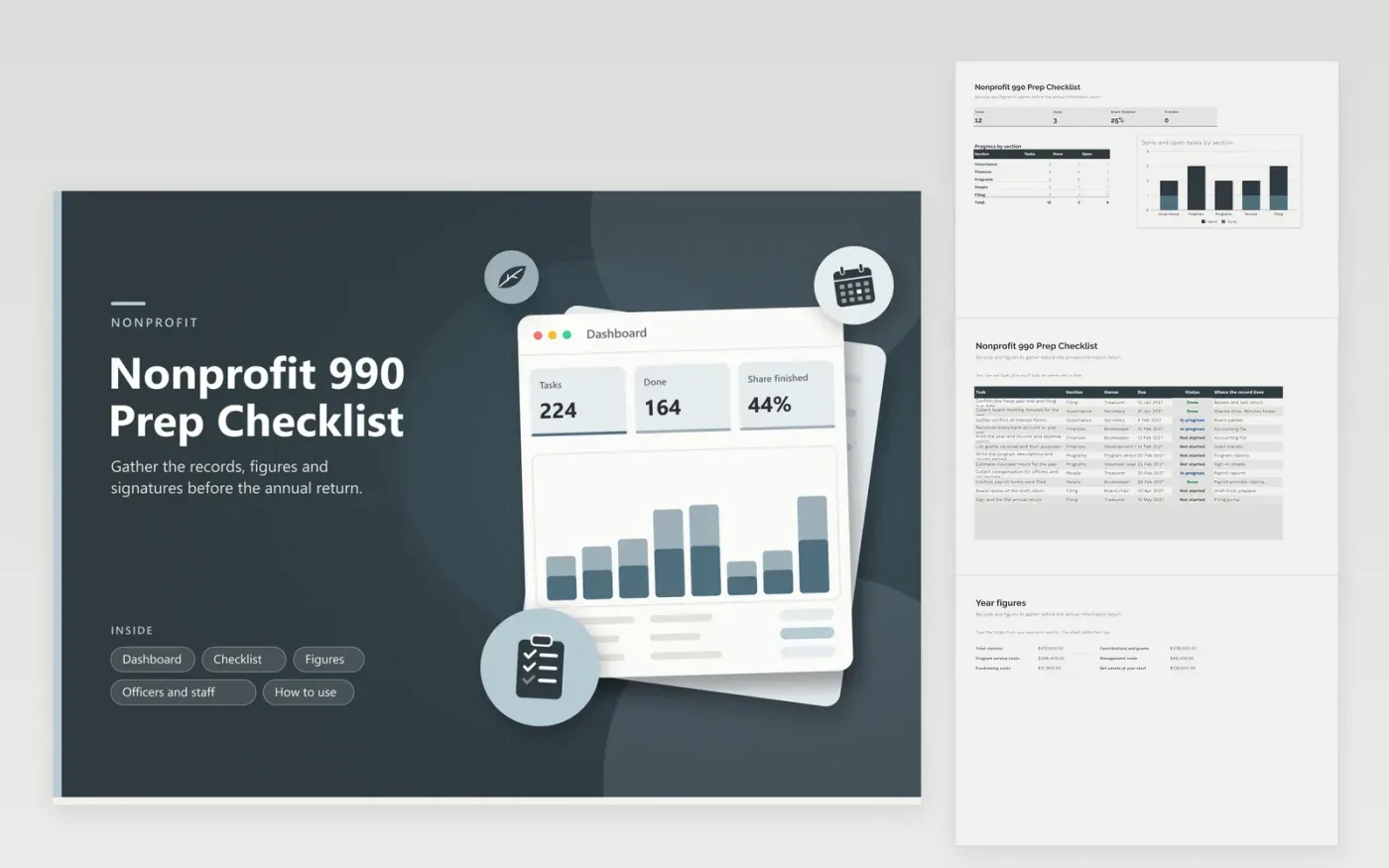
Treasurers, board chairs and part-time bookkeepers at small charities use this checklist to prepare for the annual information return. The Checklist tab breaks the work into governance, finance, program, people and filing tasks with owners, dates and status. The Figures tab adds up revenue and costs and shows the program share of spending. The Officers and staff tab tracks roles, pay and conflict forms, and the Dashboard shows progress by section.
Begin by confirming the fiscal year end and the filing date, then spread the tasks among board members and staff so no one person holds all of them. Update statuses at each board meeting. When the books are closed, enter the totals on the Figures tab and give the whole workbook to your preparer. Keep a copy each year so the following team begins with a finished list.
Click Make a copy in Google Sheets, then confirm on the Google page. The copy is saved to your own Google Drive.
Start on the Checklist tab: replace the sample rows with your own.
Keep the formula columns as they are; they fill in as you type.
Read the How to use tab for tips. For Excel, download the .xlsx file instead.
Expect to need financial statements, bank reconciliations, board minutes, conflict forms, program descriptions, pay for officers and key staff, and grant records. Use the Checklist tab to assign each one an owner.
Small organizations often work with a nonprofit accountant or preparer. This workbook organizes what that person will ask for. Confirm the right return and due date for your organization in the current IRS instructions.
It is program spending divided by total spending for the year. Funders and boards often like to see it. The Figures tab calculates it from the numbers you enter, but your preparer decides how costs are allocated on the return.
Docs + Word6 pages
FeaturedFree
Excel
FeaturedFree
Sheets + Excel6 tabs
Free








