
Annual Report
Docs + Word6 pages
FeaturedFree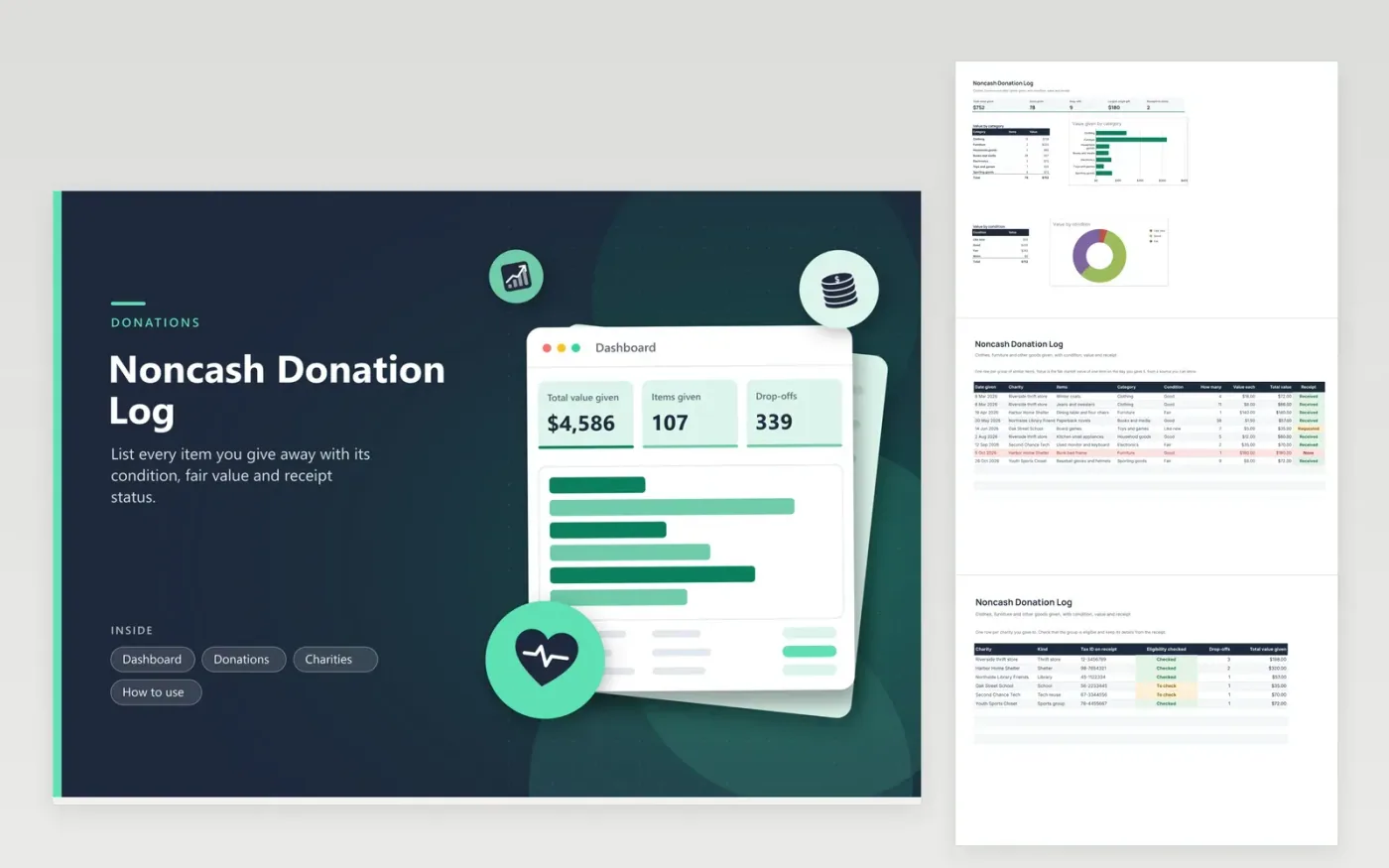
Anyone who clears out a closet, a garage or a house uses this log to keep a record of goods given to charity. The Donations tab holds one row per group of items with the charity, category, condition, count and value for one item, and it multiplies them for you. The Charities tab lists each group with its tax ID and eligibility check, and counts drop-offs and gift value for each. The Dashboard shows value by category and by condition.
Write the entry the day you drop off, while you remember what was in the bags. Choose a condition honestly, since fair market value depends on it. Ask for a written receipt each time and mark the status so missing ones show in red. Keep photos and any price guide you used. Review the list with a tax professional, because gifts of higher value come with extra rules.
Click Make a copy in Google Sheets, then confirm on the Google page. The copy is saved to your own Google Drive.
Start on the Donations tab: replace the sample rows with your own.
Keep the formula columns as they are; they fill in as you type.
Read the How to use tab for tips. For Excel, download the .xlsx file instead.
Keep a receipt from the charity, a list of the items with their condition, how you found each value and the date you gave. Photos help with larger items. This log holds the list and shows which receipts are missing.
Use the fair market value, which is what a buyer would pay for the item in its condition. Thrift-shop price lists and the prices of similar sold items are common references. Note your source in the item description and check IRS guidance.
Gifts above certain values can need extra forms or a written appraisal, and the IRS sets the limits and may change them. Read the current rules, or consult a preparer, before you give something valuable.
Docs + Word6 pages
FeaturedFree
Excel
FeaturedFree
Sheets + Excel6 tabs
Free








