
Annual Report
Docs + Word6 pages
FeaturedFree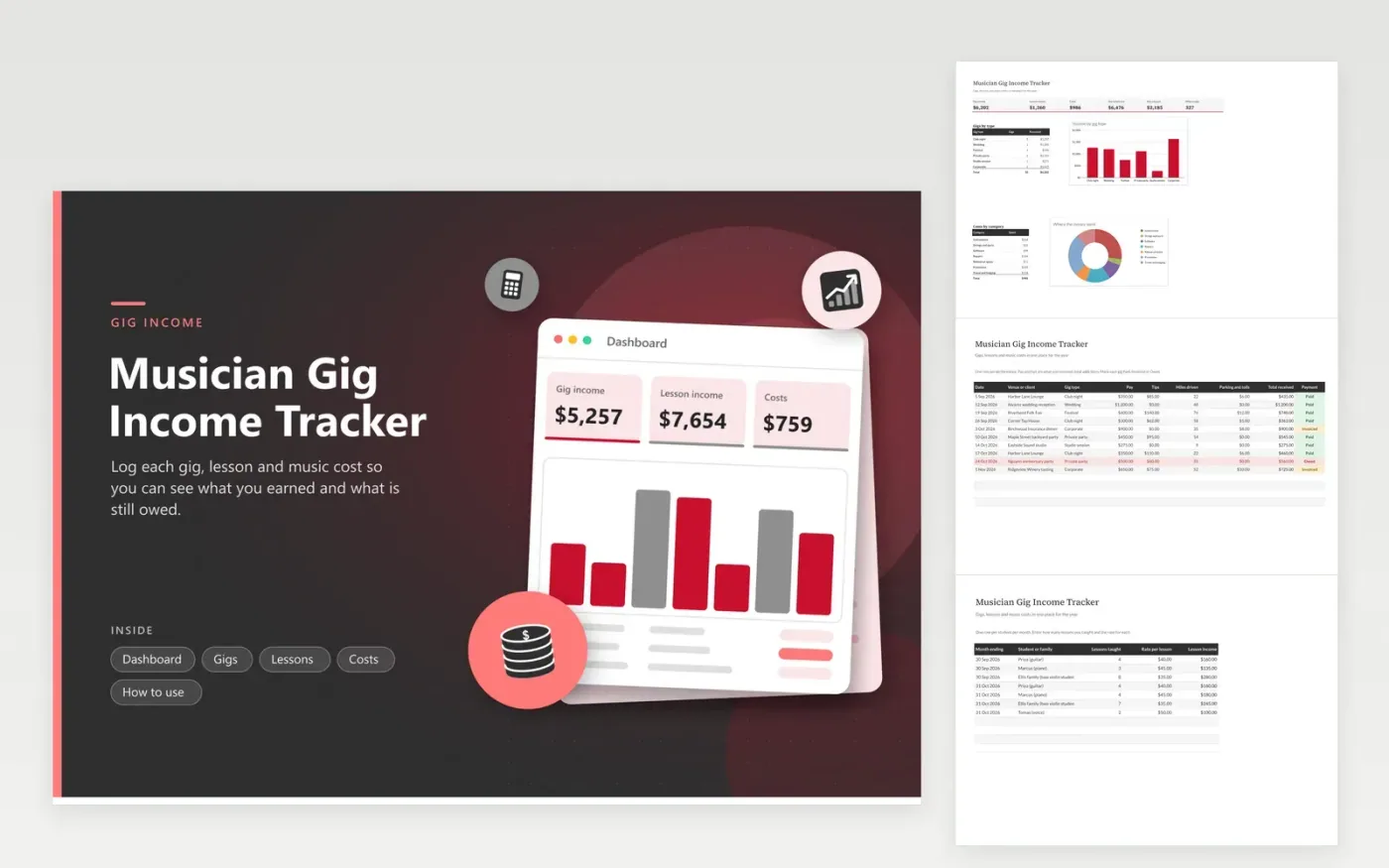
Working musicians, session players and music teachers use this tracker to keep a year of uneven income in order. The Gigs tab records each show with the venue, gig type, pay, tips, miles and whether the money has arrived. The Lessons tab turns lesson counts and rates into monthly income. The Costs tab lists strings, repairs, rehearsal rooms and other spending, and the Dashboard brings the year together with a chart of income by gig type.
Fill the Gigs tab the night of the show, when the pay and tips are fresh. Mark late payers Owed so they show in red and in the unpaid total. Record only the work share of anything you also use at home. When tax season comes, hand the totals and your mileage to a tax professional instead of rebuilding the year from bank statements.
Click Make a copy in Google Sheets, then confirm on the Google page. The copy is saved to your own Google Drive.
Start on the Gigs tab: replace the sample rows with your own.
Keep the formula columns as they are; they fill in as you type.
Read the How to use tab for tips. For Excel, download the .xlsx file instead.
Keep a date, the venue or client, what you were paid and any tips for each job. Add receipts for gear and travel, and a note of the miles driven. This sheet holds those details in one row per gig, so your year is organized for filing time.
Give each tip its own amount in the tips column, even when it came as cash. Cash is still income to report, so write it down on the day. Check IRS guidance for how tips and self-employment income are reported.
Yes. Gigs and lessons sit on separate tabs so each keeps its own columns, and the Dashboard adds them together. Keep gear used for both jobs in the Costs tab and note the share you use for each.
Docs + Word6 pages
FeaturedFree
Excel
FeaturedFree
Sheets + Excel6 tabs
Free








