
Annual Report
Docs + Word6 pages
Free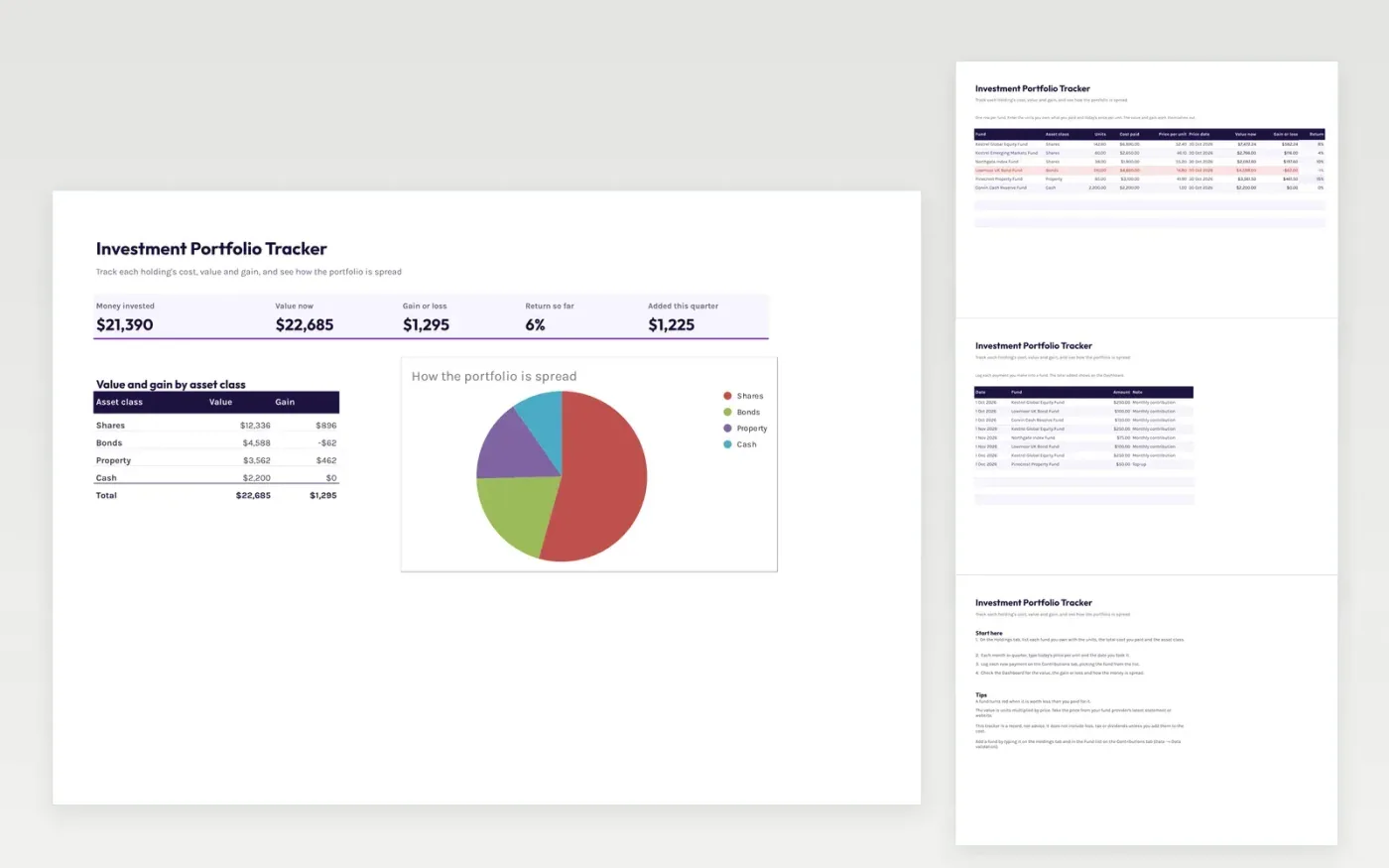
This template keeps a record of your investment funds. The Holdings tab lists each fund with its asset class, the units you own, what you paid and today's price, and works out the value, gain or loss and return.
The Contributions tab logs the payments you make into each fund. The Dashboard shows the money invested, the value now and the overall return, with a pie chart of how the portfolio is spread across shares, bonds, property and cash.
It comes with sample data. Make a copy, then replace the sample funds and prices with your own. Formulas and charts update on their own, and the template does not give investment advice.
Click Make a copy in Google Sheets, then confirm on the Google page. The copy is saved to your own Google Drive.
Start on the Holdings tab: replace the sample rows with your own.
Keep the formula columns as they are; they fill in as you type.
Read the How to use tab for tips. For Excel, download the .xlsx file instead.
Yes. Download the template and use it in Google Sheets or Excel at no cost.
Yes. Download the .xlsx file to open it in Excel. The formulas and charts work in both Excel and Google Sheets.
No. The cost and value are the figures you type in. If you want fees or tax in the gain, include them in the cost paid.
Docs + Word6 pages
Free
Excel
Free
Sheets + Excel4 slides
Free








