
Annual Report
Docs + Word6 pages
FeaturedFree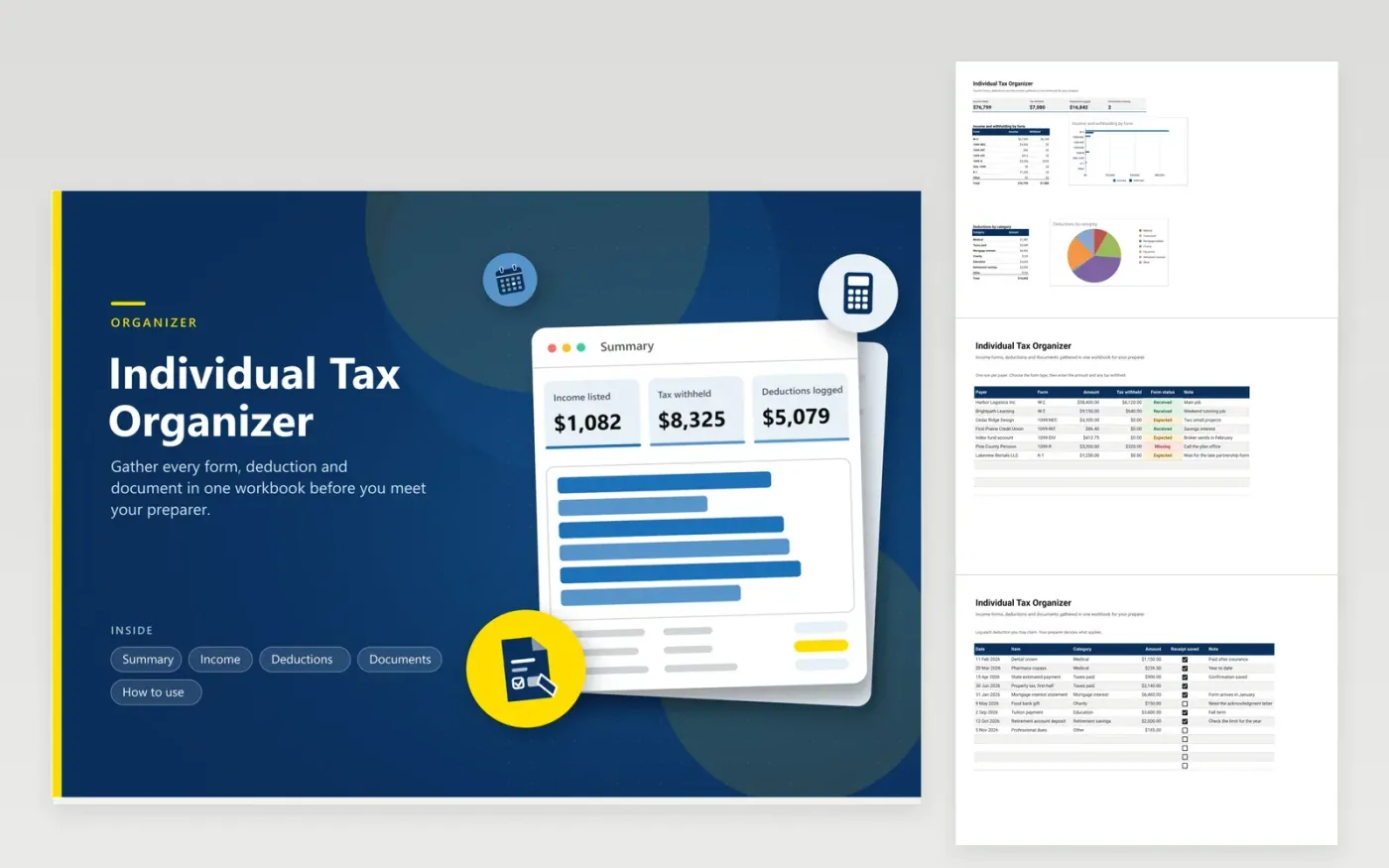
People who file their own return or meet a preparer once a year use this individual tax organizer to collect everything first. The Income tab lists each payer with its form type, amount, tax withheld and arrival status. The Deductions tab logs costs you may claim, and the Documents tab tracks the papers a preparer asks for. The Summary adds up income and withholding by form, deductions by category and the documents still missing.
Start in January with last year's return open and list every payer you remember. Mark forms Expected until they arrive, then Received. Keep receipts in a folder and write its name in the Saved in column. Skip account and Social Security numbers; give those to your preparer through a secure channel.
Click Make a copy in Google Sheets, then confirm on the Google page. The copy is saved to your own Google Drive.
Start on the Income tab: replace the sample rows with your own.
Keep the formula columns as they are; they fill in as you type.
Read the How to use tab for tips. For Excel, download the .xlsx file instead.
Gather every income form you were sent, records of tax already paid, and proof of costs you may claim. Last year's return helps you remember sources. A tax professional or the IRS website can tell you which records apply to your situation.
Use one list and one folder. Record each payer, form and status in the Income tab, then note where each file is saved. Give your preparer the list and a copy of the folder instead of loose paper.
Start in January. Many payers send forms by the end of that month, and some brokers and partnerships send later. Mark each as Expected and follow up on anything still missing in February.
Docs + Word6 pages
FeaturedFree
Excel
FeaturedFree
Sheets + Excel6 tabs
Free








