
Annual Report
Docs + Word6 pages
FeaturedFree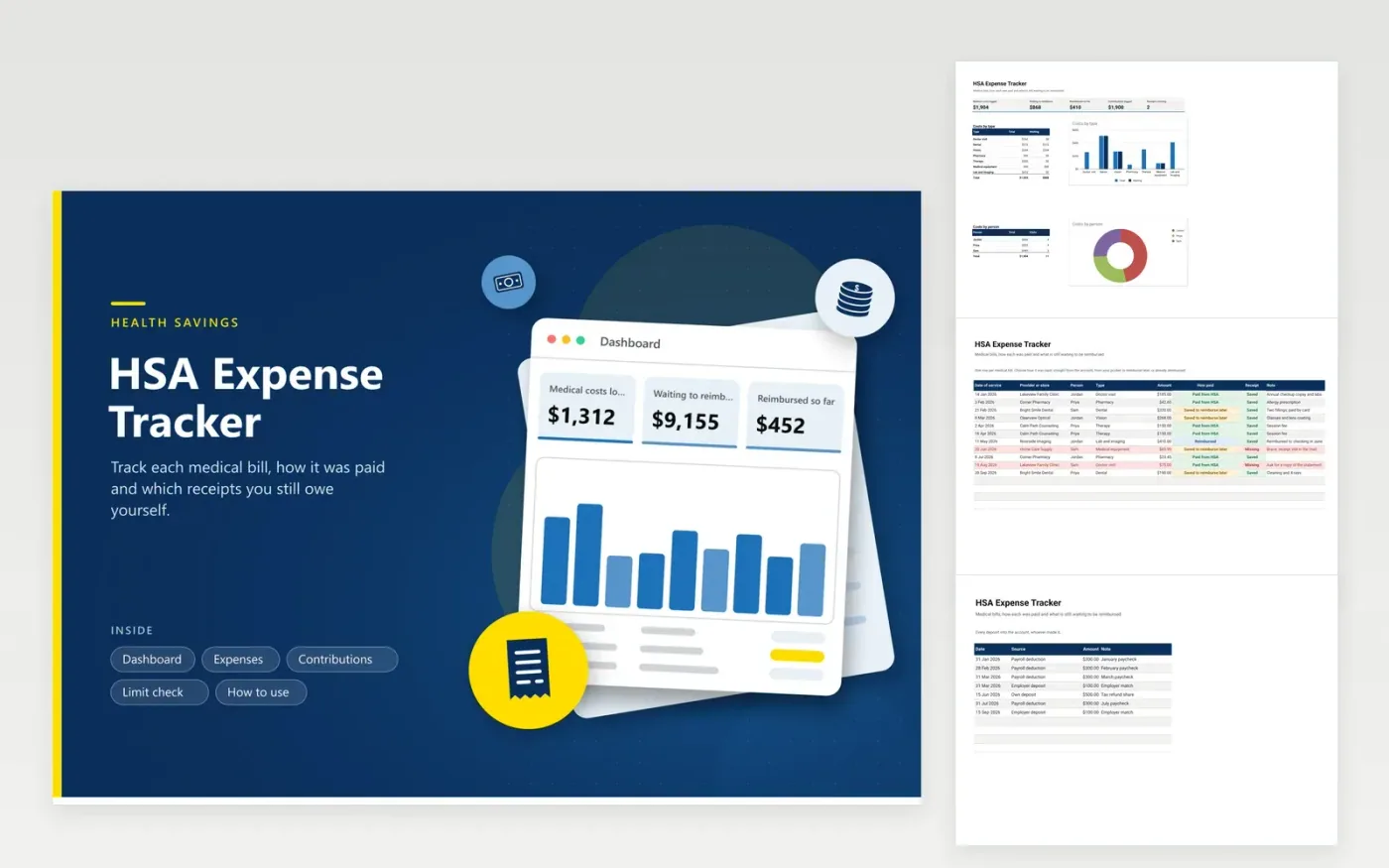
People with a health savings account use this HSA expense tracker to keep a clean record of what the money was spent on. On the Expenses tab, each bill gets a row with the provider, person, type, amount, how it was paid and receipt status. The Contributions tab lists every deposit. The Limit check tab subtracts deposits from the limit you type in, and the Dashboard shows costs by type and by person.
Some people pay a bill from their own pocket and let the account grow, then reimburse themselves years later. The 'Saved to reimburse later' status makes that stash visible, so no receipt gets lost. Keep a scan of every receipt in a folder and write the file name in the note. Check the yearly limit with the IRS before you fill in the Limit check tab.
Click Make a copy in Google Sheets, then confirm on the Google page. The copy is saved to your own Google Drive.
Start on the Expenses tab: replace the sample rows with your own.
Keep the formula columns as they are; they fill in as you type.
Read the How to use tab for tips. For Excel, download the .xlsx file instead.
Keep the bill or receipt, the date of service and a note of who the care was for. An explanation of benefits from your insurer helps too. This sheet holds the log, and you save the documents beside it.
Pick 'Saved to reimburse later' in the How paid column. The Dashboard adds those rows together, which shows how much you could take out. Change the status to Reimbursed when you do.
The limit changes each year and depends on your coverage and age. Look up the figure in current IRS publications or ask your plan administrator, then type it into the Limit check tab.
Docs + Word6 pages
FeaturedFree
Excel
FeaturedFree
Sheets + Excel6 tabs
Free








