
Annual Report
Docs + Word6 pages
FeaturedFree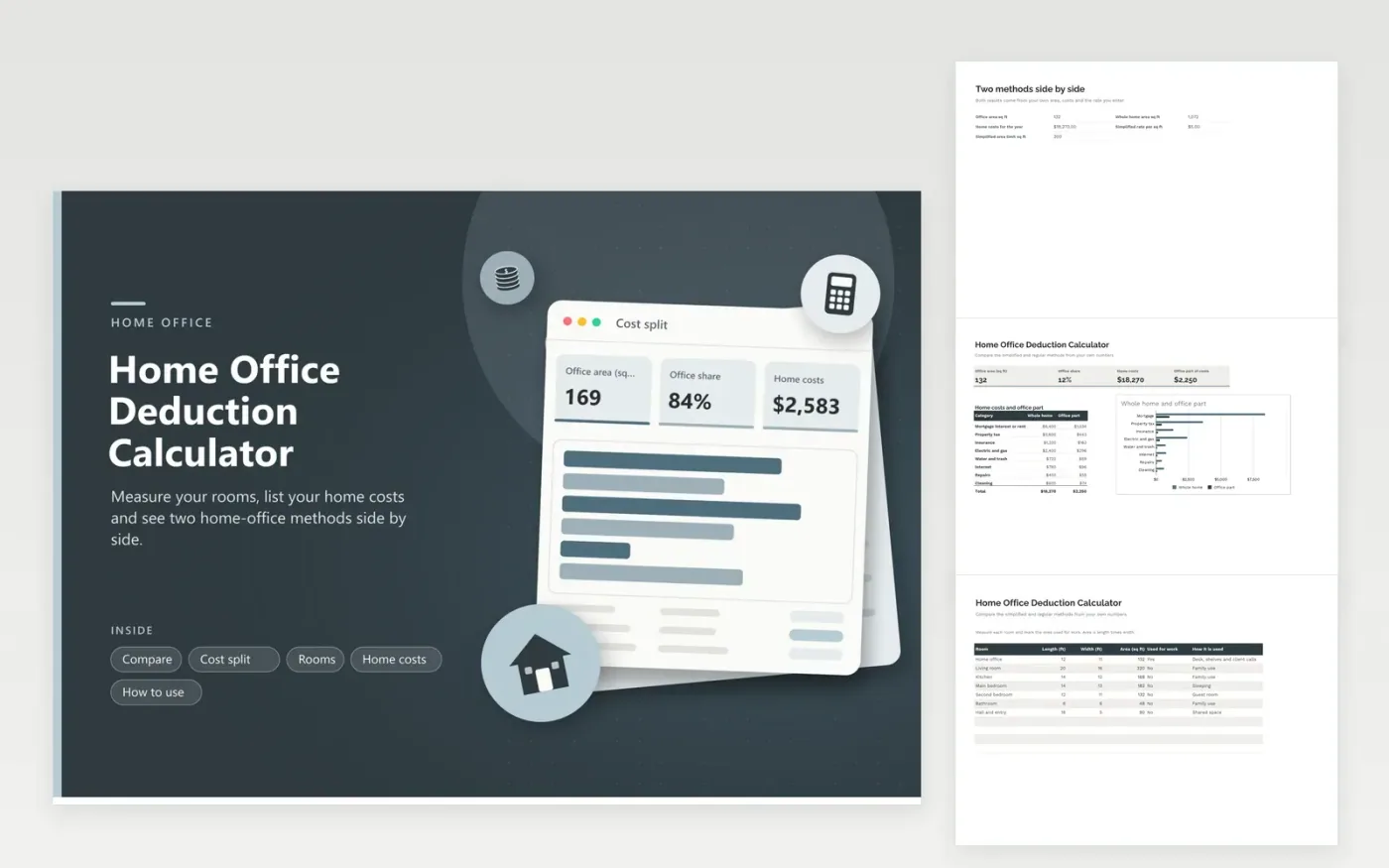
Freelancers, remote workers and small business owners who work from home use this calculator to see two ways of figuring a home-office amount before they talk to a tax professional. The Rooms tab turns measurements into square footage and marks the rooms used for work. The Home costs tab totals mortgage interest, utilities and repairs for the year. The Compare tab shows the regular method and the simplified method together, and the Cost split tab shows how each cost divides.
Measure each room once and keep the floor plan with your records. Use bills and statements for annual costs rather than guesses. Type the simplified rate and area limit from the current IRS guidance into the two input cells, since both can change. The result is a comparison for planning, not advice on whether a deduction is allowed, so review it with a tax professional.
Click Make a copy in Google Sheets, then confirm on the Google page. The copy is saved to your own Google Drive.
Start on the Compare tab: replace the sample rows with your own.
Keep the formula columns as they are; they fill in as you type.
Read the How to use tab for tips. For Excel, download the .xlsx file instead.
Divide the area of the office by the area of the home to get a share, then apply it to your yearly home costs for the regular method. The simplified method multiplies the office area, up to a limit, by a set rate. The Compare tab does both from your inputs.
It depends on your costs and your office size. The regular method often gives more when home costs are high, while the simplified method needs less record keeping. The Compare tab shows which of the two is larger for your numbers.
Keep a floor plan with measurements, bills and statements for each home cost and a note of how the room is used for work. This workbook holds the figures and marks any missing records in red.
Docs + Word6 pages
FeaturedFree
Excel
FeaturedFree
Sheets + Excel6 tabs
Free








