
Annual Report
Docs + Word6 pages
FeaturedFree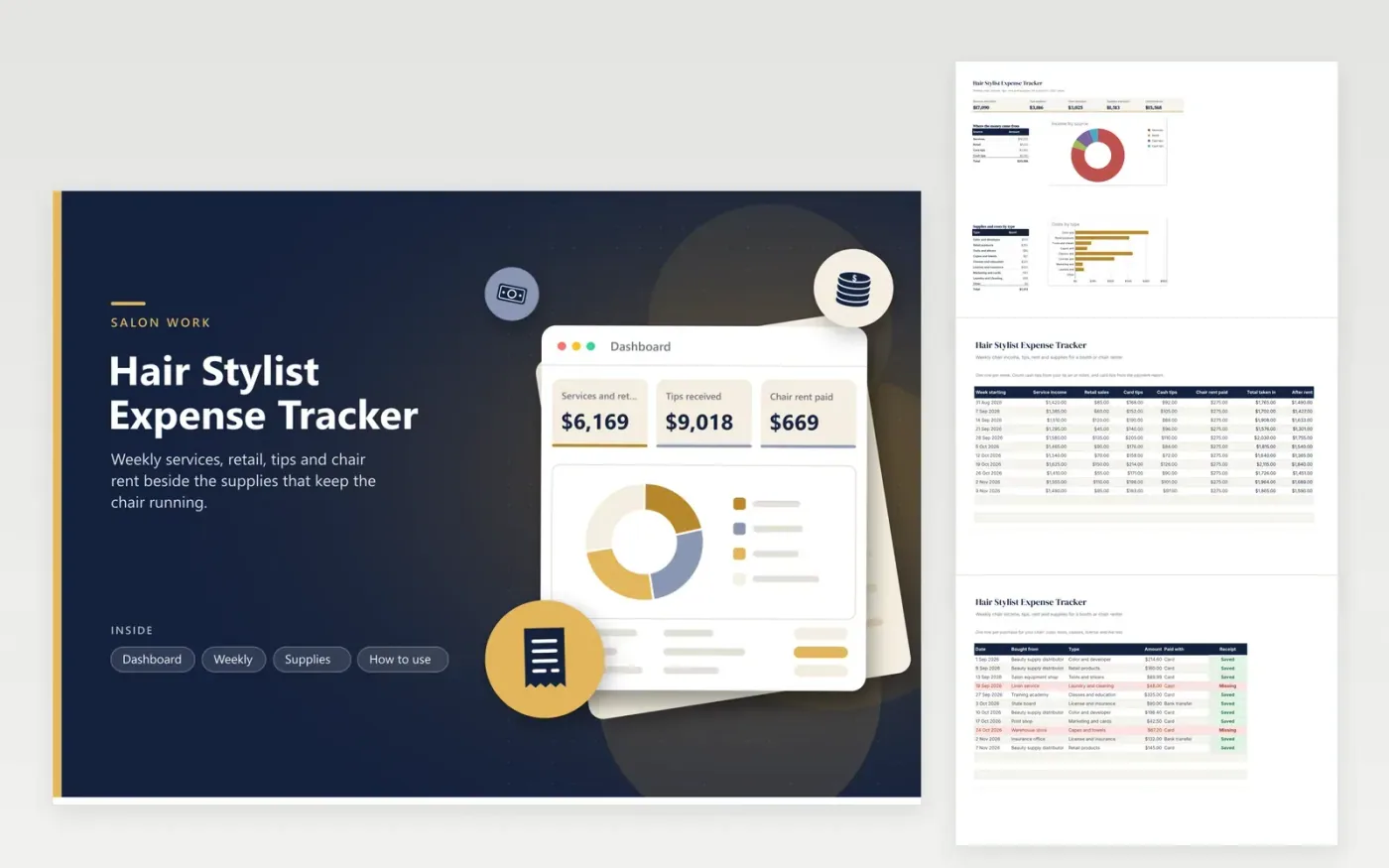
Stylists who rent a chair or a booth use this hair stylist expense tracker to see the real result of each week. The Weekly tab records service income, retail sales, card tips, cash tips and rent, then shows the total taken in and what is left after rent. The Supplies tab sorts color, tools, classes, insurance and cleaning costs and flags each receipt. The Dashboard splits income by source and totals each cost type.
Fill in one row every Monday for the week before. Keep a small notebook behind the station for cash tips, since that is the figure people most often estimate. Save receipts from the distributor in a folder and mark them Saved. At tax time, give your preparer the Dashboard totals and ask which costs apply to a chair renter.
Click Make a copy in Google Sheets, then confirm on the Google page. The copy is saved to your own Google Drive.
Start on the Weekly tab: replace the sample rows with your own.
Keep the formula columns as they are; they fill in as you type.
Read the How to use tab for tips. For Excel, download the .xlsx file instead.
Record card tips from your payment report and cash tips from a daily note, week by week. Keeping them in separate columns makes it easier to check totals against your own records.
Keep records of chair or booth rent, color and products, tools, classes, license fees, insurance, cleaning and marketing. Ask a preparer which of them count for you.
The After rent column subtracts chair rent from everything taken in. The Dashboard also subtracts supplies, to set against the income you plan to report.
Docs + Word6 pages
FeaturedFree
Excel
FeaturedFree
Sheets + Excel6 tabs
Free








