
Annual Report
Docs + Word6 pages
FeaturedFree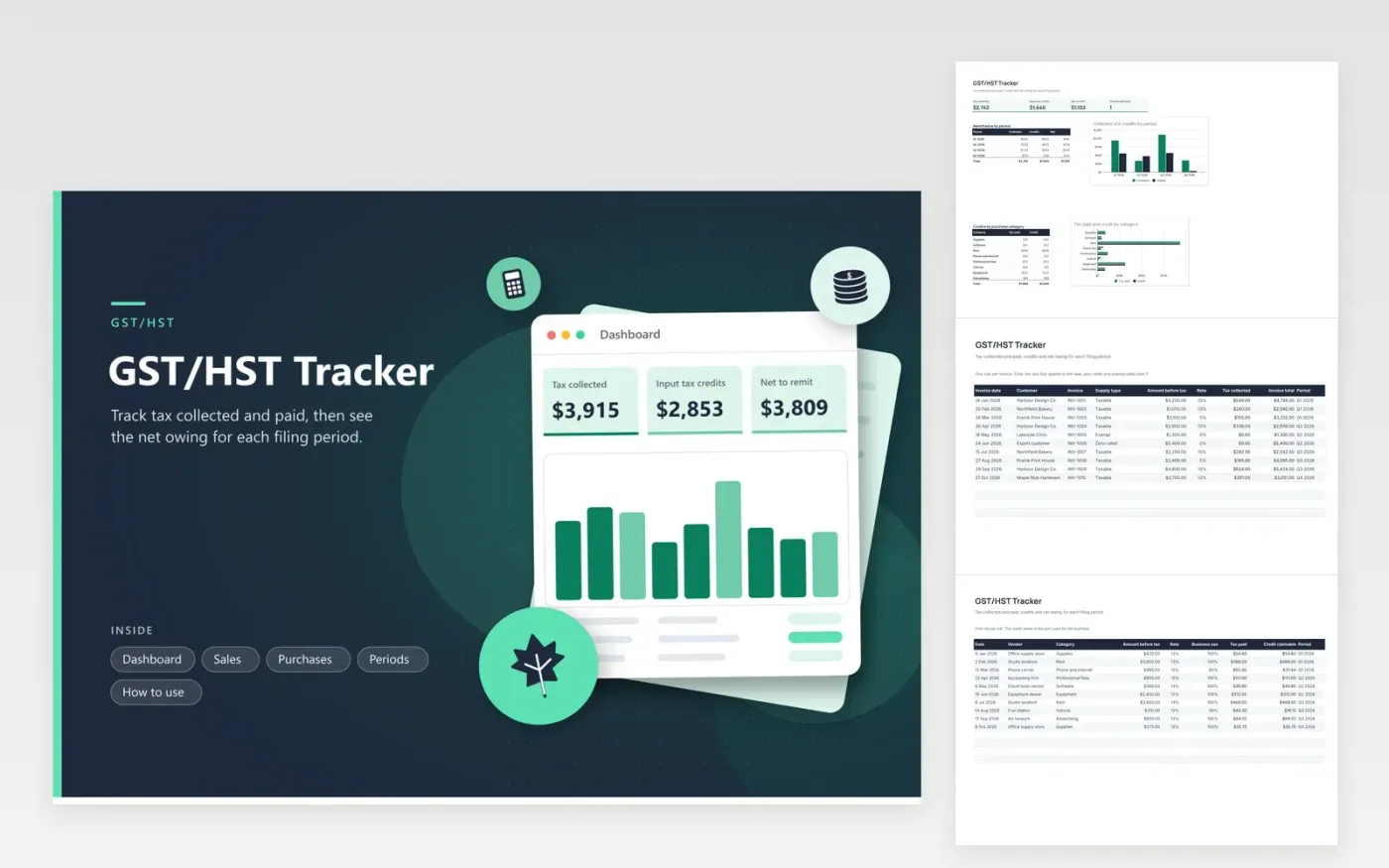
Small business owners who register for GST/HST use this tracker to prepare each return. The Sales tab records invoices with a supply type and rate and adds up the tax collected. The Purchases tab does the same for bills and credits only the business share. The Periods tab compares the two for each filing period and tracks its due date and status. Net owing and a period chart appear on the Dashboard.
Give each row its period when you enter it, so the Periods tab fills itself. Type the rate that fits the sale, since provinces and supply types differ, and use zero for zero-rated or exempt sales. Mark a period as Filed once the return is in and Paid once the payment has left your account. A tax professional can help with quick method, instalments and corrections.
Click Make a copy in Google Sheets, then confirm on the Google page. The copy is saved to your own Google Drive.
Start on the Sales tab: replace the sample rows with your own.
Keep the formula columns as they are; they fill in as you type.
Read the How to use tab for tips. For Excel, download the .xlsx file instead.
It is the GST/HST you paid on business costs, which you can usually claim back against the tax you collected. The Credit claimable column applies your business-use share. Check the CRA rules for what qualifies.
Use the rate the CRA lists for the province and type of sale. This sheet keeps rates as inputs on every row because they vary and can change, so there is no default to trust.
It is a tracker for the return, not a ledger. It suits a small business with a modest number of invoices. Larger shops usually keep the books in software and use a sheet like this only as a check.
Docs + Word6 pages
FeaturedFree
Excel
FeaturedFree
Sheets + Excel6 tabs
Free








