
Annual Report
Docs + Word6 pages
FeaturedFree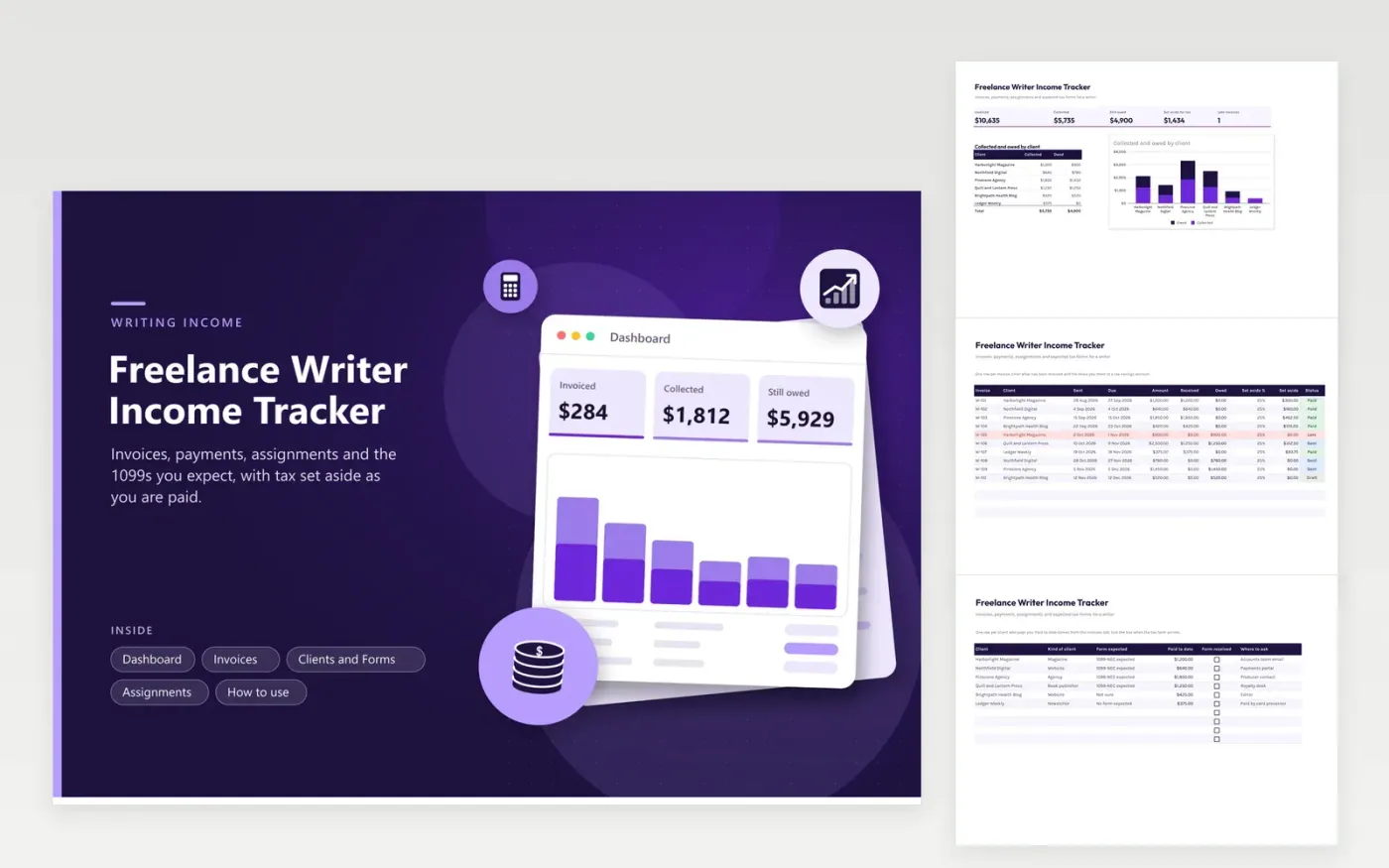
Freelance writers use this income tracker to follow money from pitch to payment. The Assignments tab lists pieces with word counts and per-word rates. The Invoices tab records what was sent, what was received, what is still owed and a tax set-aside amount for each payment. The Clients and Forms tab shows who should send a tax form and totals what each client paid. The Dashboard puts collected and owed money side by side by client.
Update the sheet each time an invoice goes out and each time a payment lands. Late invoices turn red so you know whom to chase. Pick a set-aside percentage with advice from a preparer, and move that money into savings as each payment lands. In January, check the Clients and Forms tab against the forms that arrive and compare them with your own totals.
Click Make a copy in Google Sheets, then confirm on the Google page. The copy is saved to your own Google Drive.
Start on the Invoices tab: replace the sample rows with your own.
Keep the formula columns as they are; they fill in as you type.
Read the How to use tab for tips. For Excel, download the .xlsx file instead.
Record each invoice and each payment with its date, client and amount. Compare your yearly totals by client with the tax forms you receive, and keep the invoices and bank records that support them.
The income still counts without a form. Report it from your own records, and get advice from a tax professional on any mismatch with a client's totals.
No one number fits everyone. Your income, deductions and location all play a part. Get a percentage from a tax professional, enter it in the Set aside column, and review it during the year.
Docs + Word6 pages
FeaturedFree
Excel
FeaturedFree
Sheets + Excel6 tabs
Free








