
Annual Report
Docs + Word6 pages
FeaturedFree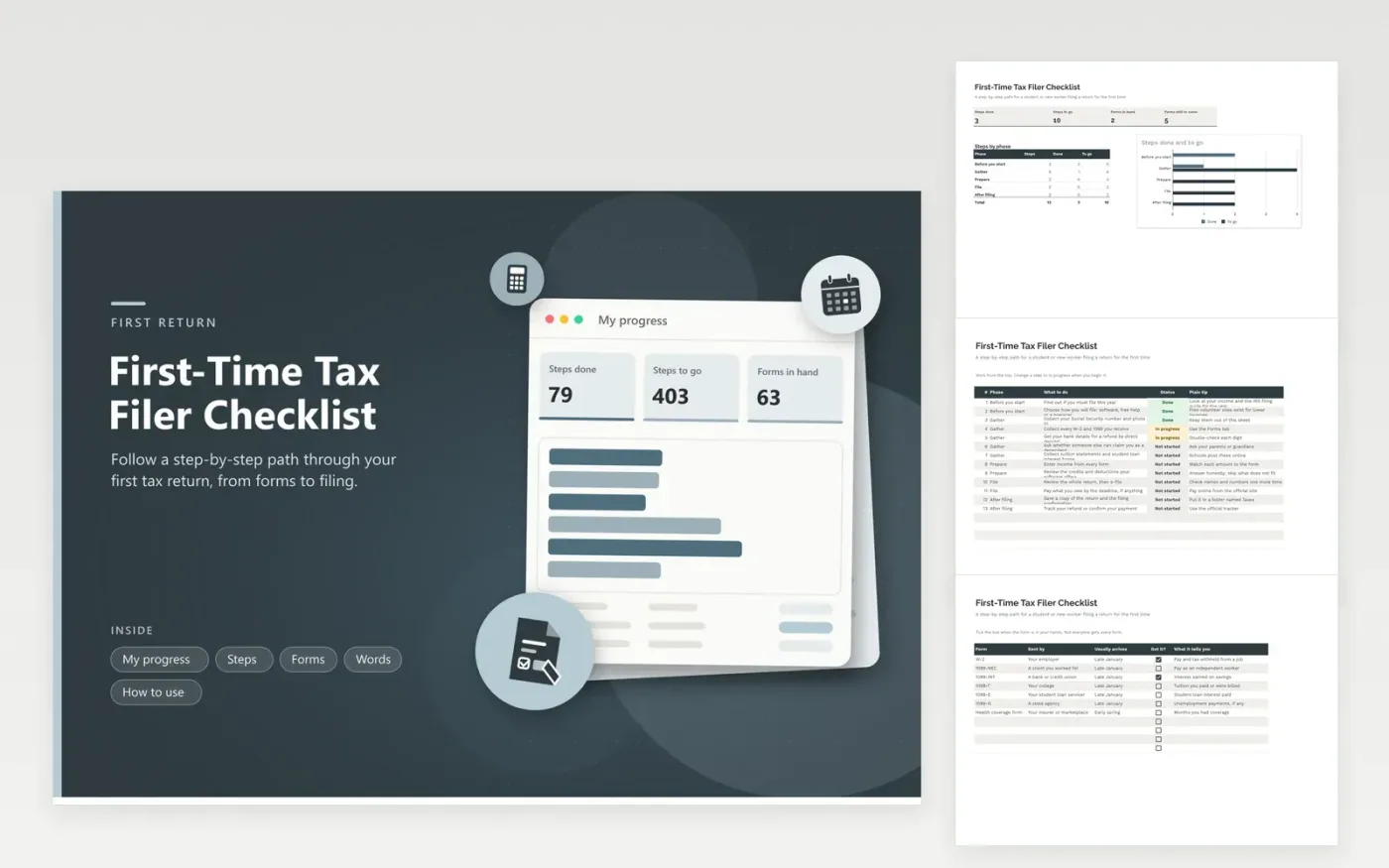
Students, new graduates and anyone starting a first job use this first-time tax filer checklist to see the whole path at once. The Steps tab walks from deciding whether you must file to saving your confirmation, grouped into five phases. The Forms tab lists the papers you may receive and lets you tick each one off. The Words tab gives plain meanings for common terms. My progress counts the steps done and the forms still to come.
Work from the top and change each step as you go. Do not worry if a row does not apply to you; set it to Done once you know that. Wait for every form before you enter income, since a form that comes in late can change the return. If anything feels unclear, a free tax help site or a professional can guide you.
Click Make a copy in Google Sheets, then confirm on the Google page. The copy is saved to your own Google Drive.
Start on the Steps tab: replace the sample rows with your own.
Keep the formula columns as they are; they fill in as you type.
Read the How to use tab for tips. For Excel, download the .xlsx file instead.
Check whether you need to file, gather your forms, choose software, a free help site or a preparer, enter your income and file before the deadline. Save a copy of the return. This checklist lists each step in order.
Usually a W-2 from each job, any 1099 forms, a tuition statement, student loan interest information and your ID. You also need bank details for a refund. Which ones apply depends on your year.
It depends on how much you earned, your filing status and whether someone can claim you. Look at the IRS filing guide for the year, or ask a tax professional. You may also file to get back tax withheld.
Docs + Word6 pages
FeaturedFree
Excel
FeaturedFree
Sheets + Excel6 tabs
Free








