
Annual Report
Docs + Word6 pages
FeaturedFree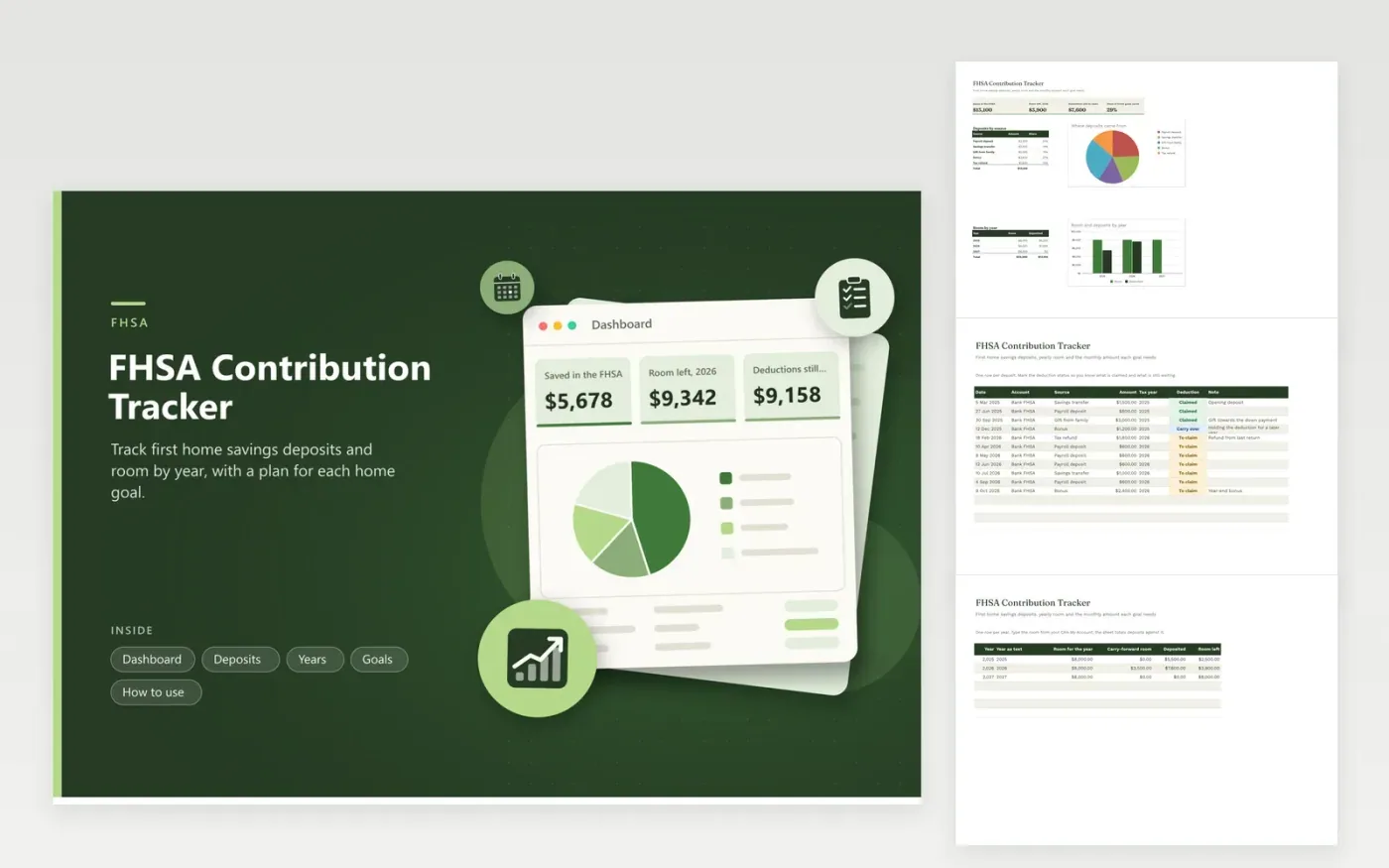
First-time buyers rely on this tracker to manage a first home savings account. The Deposits tab records each deposit with its source, tax year and deduction status. The Years tab sets your room and carry-forward against what you have deposited. The Goals tab lists the costs of buying a home with a due date, then shows the months left and the amount needed per month. The Dashboard summarizes savings, deductions waiting to be claimed and a source chart.
Take room and carry-forward from your CRA My Account and update them each year. Flag a deposit as Carry over when you plan to keep its deduction for a later return, and ask your tax professional first. Revisit the Goals tab each quarter: if the monthly figure grows, the dates or targets may need to move.
Click Make a copy in Google Sheets, then confirm on the Google page. The copy is saved to your own Google Drive.
Start on the Deposits tab: replace the sample rows with your own.
Keep the formula columns as they are; they fill in as you type.
Read the How to use tab for tips. For Excel, download the .xlsx file instead.
It marks a deposit whose deduction you plan to use on a later return instead of the current one. Whether that suits you depends on your income and the CRA rules, so speak to your own accountant first.
Your CRA My Account shows the room for the year and any carry-forward. Enter both in the Years tab. The sheet does not set a limit itself, since the figures are the CRA's and can change.
Yes. Rename the goals, set a target and a deadline, and the monthly amount adjusts. It works for any dated savings target, though the FHSA tabs are built around a first home.
Docs + Word6 pages
FeaturedFree
Excel
FeaturedFree
Sheets + Excel6 tabs
Free








