
Annual Report
Docs + Word6 pages
FeaturedFree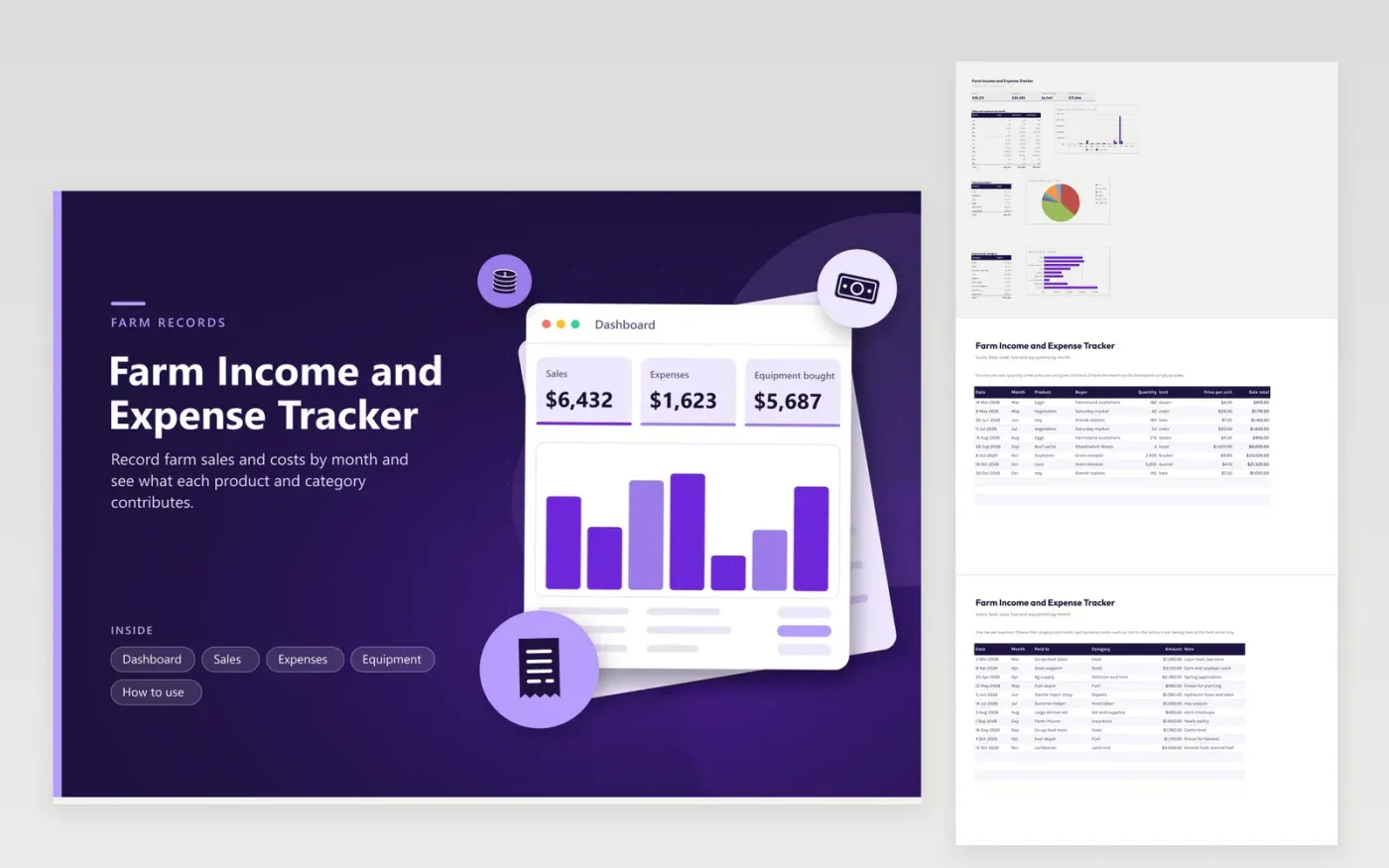
Small farms, market gardens and hobby farms use this tracker for a year of seasonal income and costs in one file. The Sales tab records each sale by product, quantity, unit and price. The Expenses tab holds feed, seed, fuel, repairs and labor, each with a category and month. The Equipment tab lists machinery bought during the year. The Dashboard shows sales against expenses month by month, plus sales by product and spending by category.
Enter a sale when the buyer pays and an expense when you pay it, and pick the month each time. Farm income swings with the seasons, so the monthly chart shows when cash runs thin. Keep invoices for equipment and mark missing ones in red. At year end, give the totals and the equipment list to a tax professional who knows farm records.
Click Make a copy in Google Sheets, then confirm on the Google page. The copy is saved to your own Google Drive.
Start on the Sales tab: replace the sample rows with your own.
Keep the formula columns as they are; they fill in as you type.
Read the How to use tab for tips. For Excel, download the .xlsx file instead.
Write down every sale, every payment for feed, seed, fuel and repairs, and an invoice for equipment. Note the date and amount of each. This workbook organizes those records by month and category, so the totals are ready at filing time.
Choose the month for each sale on the Sales tab. The Dashboard totals sales and expenses for every month in one table and a chart, so busy and quiet seasons stand out.
Enter them on the Equipment tab with the date, seller and cost. Whether a purchase is treated as a one-time cost or spread over several years is a tax question, so ask a tax professional and keep the invoice.
Docs + Word6 pages
FeaturedFree
Excel
FeaturedFree
Sheets + Excel6 tabs
Free








