
Annual Report
Docs + Word6 pages
FeaturedFree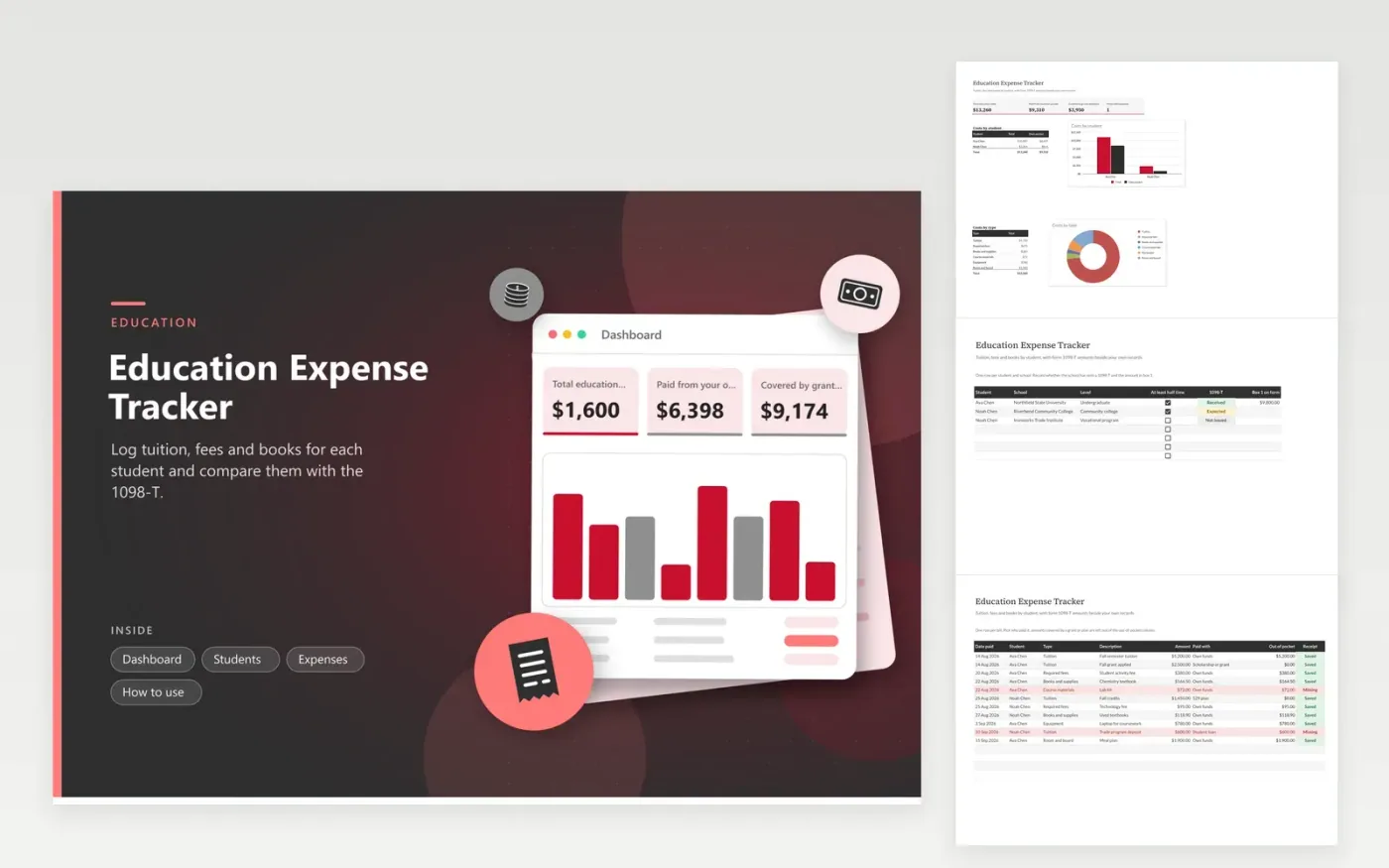
Families with a student in college, a trade program or graduate school use this education expense tracker to see what a year of schooling really cost. The Students tab lists each person and school and tracks the 1098-T form. The Expenses tab holds each bill as a row with the type, who paid it and a receipt flag. The Dashboard totals costs per student and per type and separates what you paid from what a grant or plan covered.
Log bookstore, fee and tuition payments as they happen, since a school's account statement may not show everything. When the 1098-T arrives, type the box 1 amount on the Students tab and compare it with your tuition rows. Differences are normal because of timing, so keep your own records. Credits and deductions depend on current IRS rules, so check with a tax professional.
Click Make a copy in Google Sheets, then confirm on the Google page. The copy is saved to your own Google Drive.
Start on the Students tab: replace the sample rows with your own.
Keep the formula columns as they are; they fill in as you type.
Read the How to use tab for tips. For Excel, download the .xlsx file instead.
Keep the school's billing statements, receipts for books and required supplies, proof of payment and the 1098-T when you get one. This sheet keeps the figures together and points out any missing receipts.
Timing is a common reason. A school may report amounts billed or paid in a different year than you did. Keep your own log, note the difference in the description and ask the school's billing office if the gap is large.
Add a row for the amount and pick 'Scholarship or grant' as the payment source. It counts in the total cost but not in your out-of-pocket column. Ask a tax professional how it affects your return.
Docs + Word6 pages
FeaturedFree
Excel
FeaturedFree
Sheets + Excel6 tabs
Free








