
Annual Report
Docs + Word6 pages
FeaturedFree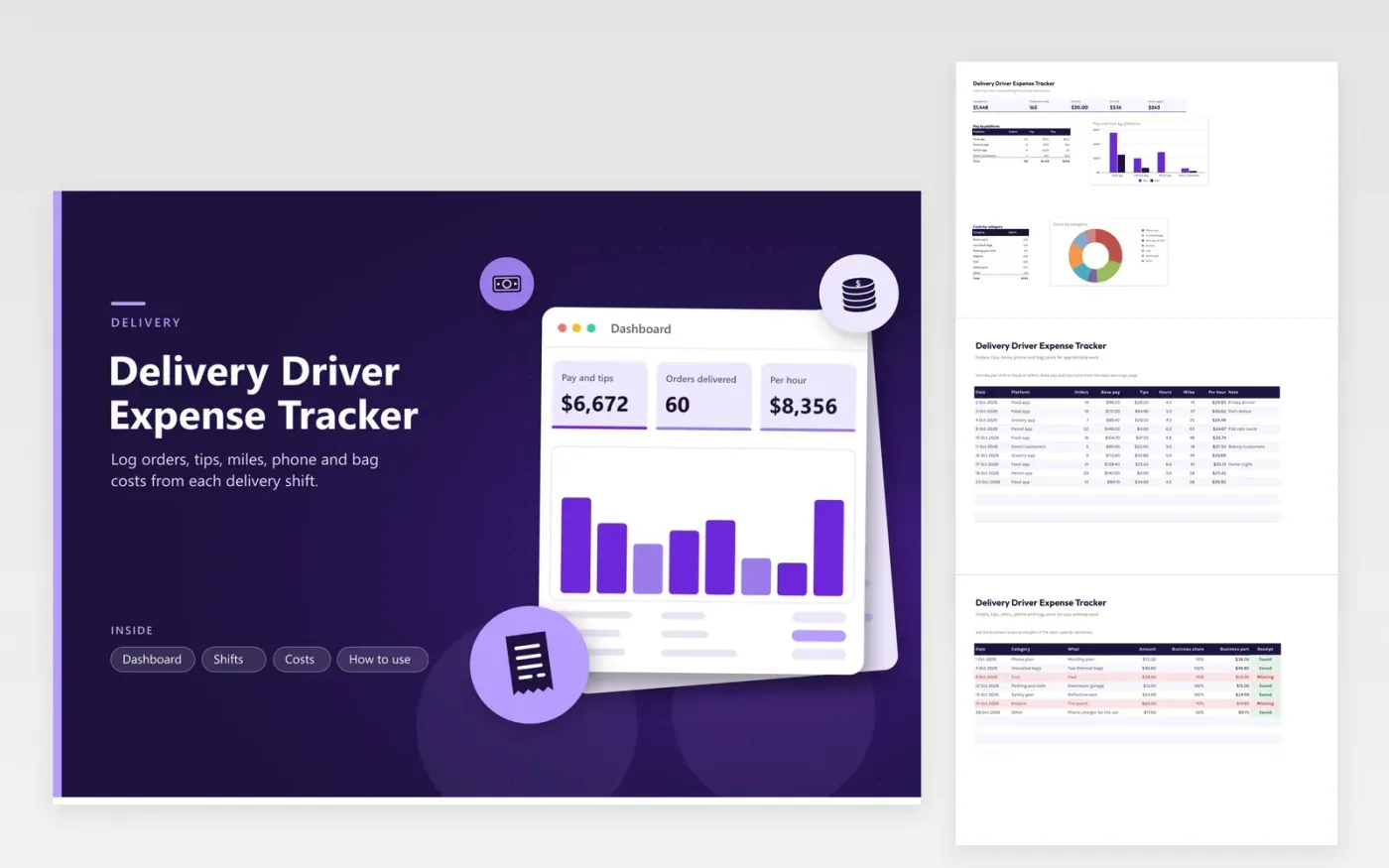
Drivers who deliver food, groceries and parcels use this delivery driver expense tracker to see what each shift really pays. The Shifts tab records orders, base pay, tips, hours and miles for each platform and shows pay per hour. The Costs tab logs phone, bags, parking and repairs with a business share and receipt status. The Dashboard shows pay per hour and per mile, pay by platform and costs by category.
Add a row after every shift while the numbers are fresh. Compare pay per hour across platforms before you decide where to spend your time. For costs shared with personal use, such as a phone, write down how you chose the business share. Red cost rows have no receipt yet, so find them before the year ends.
Click Make a copy in Google Sheets, then confirm on the Google page. The copy is saved to your own Google Drive.
Start on the Shifts tab: replace the sample rows with your own.
Keep the formula columns as they are; they fill in as you type.
Read the How to use tab for tips. For Excel, download the .xlsx file instead.
Common ones are mileage or fuel, phone plan share, insulated bags, parking, tolls, repairs and safety gear. A tax professional can say which of these apply to you. The Costs tab sorts each item by category.
Record every tip, in cash or through the app, on the Shifts tab as part of the shift. Tips are income. A weekly total in the sheet lets you compare it with app summaries and any year-end form.
Add base pay and tips, then divide by hours worked or miles driven. The Dashboard does this for the whole log and the Shifts tab does it for each shift. Include hours spent waiting for orders if you want a true hourly figure.
Docs + Word6 pages
FeaturedFree
Excel
FeaturedFree
Sheets + Excel6 tabs
Free








