
Annual Report
Docs + Word6 pages
FeaturedFree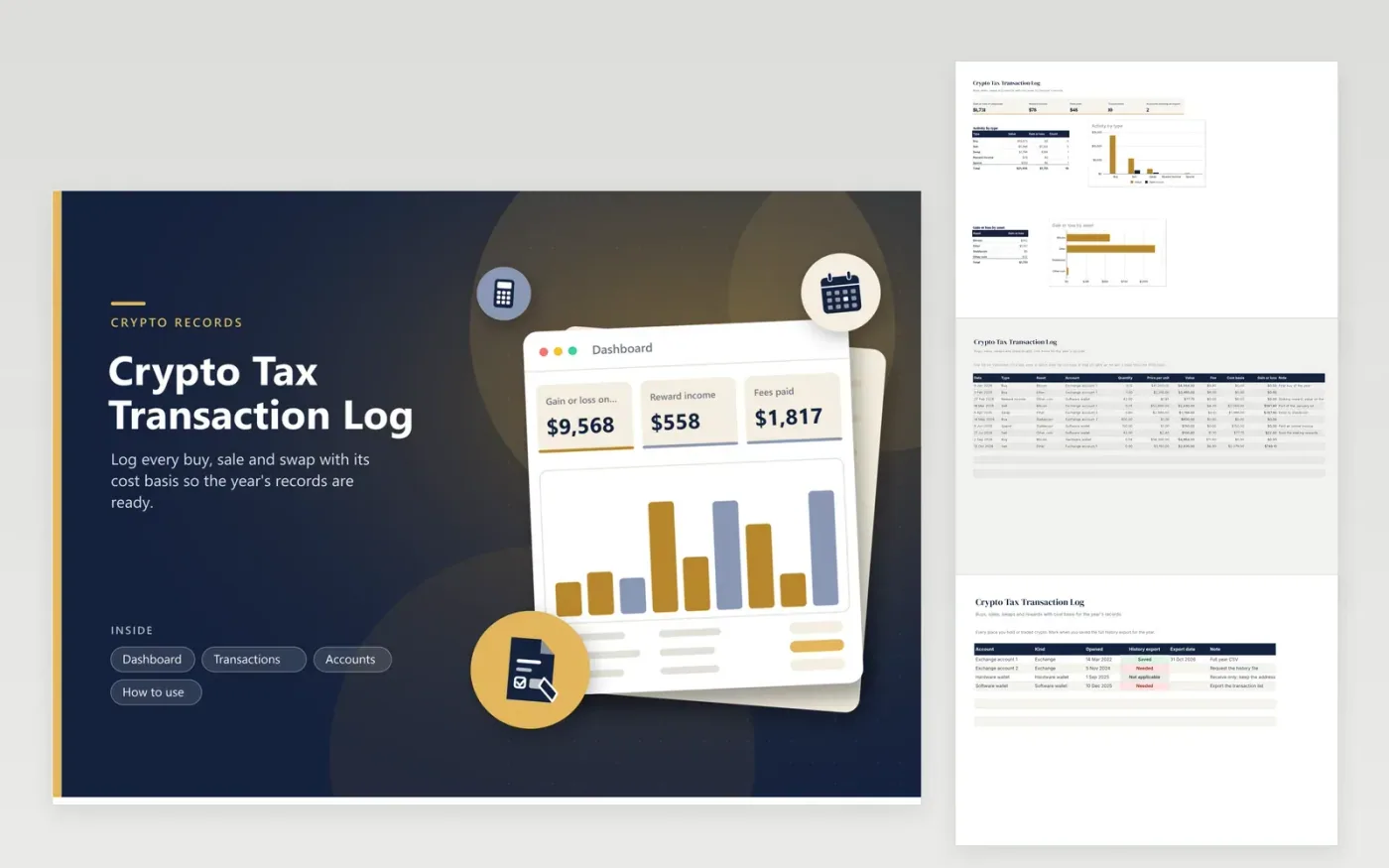
People who buy, sell or earn crypto use this transaction log to keep a record that is ready for a tax professional. The Transactions tab has one row per event with the type, asset, account, quantity, price, fee and cost basis, and calculates the value and the gain or loss on each disposal. The Accounts tab tracks every exchange and wallet and whether you saved its full history. The Dashboard totals gains, reward income and fees and splits activity by type and asset.
Enter the cost basis for every sale, swap or spend, because that is what turns a price into a gain or loss. Save each exchange's history file at year end, since exchanges may limit how far back you can download. Keep the log factual and let a tax professional decide how each type of event is treated.
Click Make a copy in Google Sheets, then confirm on the Google page. The copy is saved to your own Google Drive.
Start on the Transactions tab: replace the sample rows with your own.
Keep the formula columns as they are; they fill in as you type.
Read the How to use tab for tips. For Excel, download the .xlsx file instead.
Keep the date, type, asset, quantity, price, fees and cost basis of every transaction, plus an export of each account's history. This log holds the figures and the Accounts tab tracks the exports.
Take the value you received, subtract the fee and subtract the cost basis of what you sold. The Gain or loss column handles that for every sale, swap and spend row.
Usually a move between your own wallets is not a sale, but any fee you paid may matter. Add a note, and discuss transfers and fees with a tax professional.
Docs + Word6 pages
FeaturedFree
Excel
FeaturedFree
Sheets + Excel6 tabs
Free








