
Annual Report
Docs + Word6 pages
FeaturedFree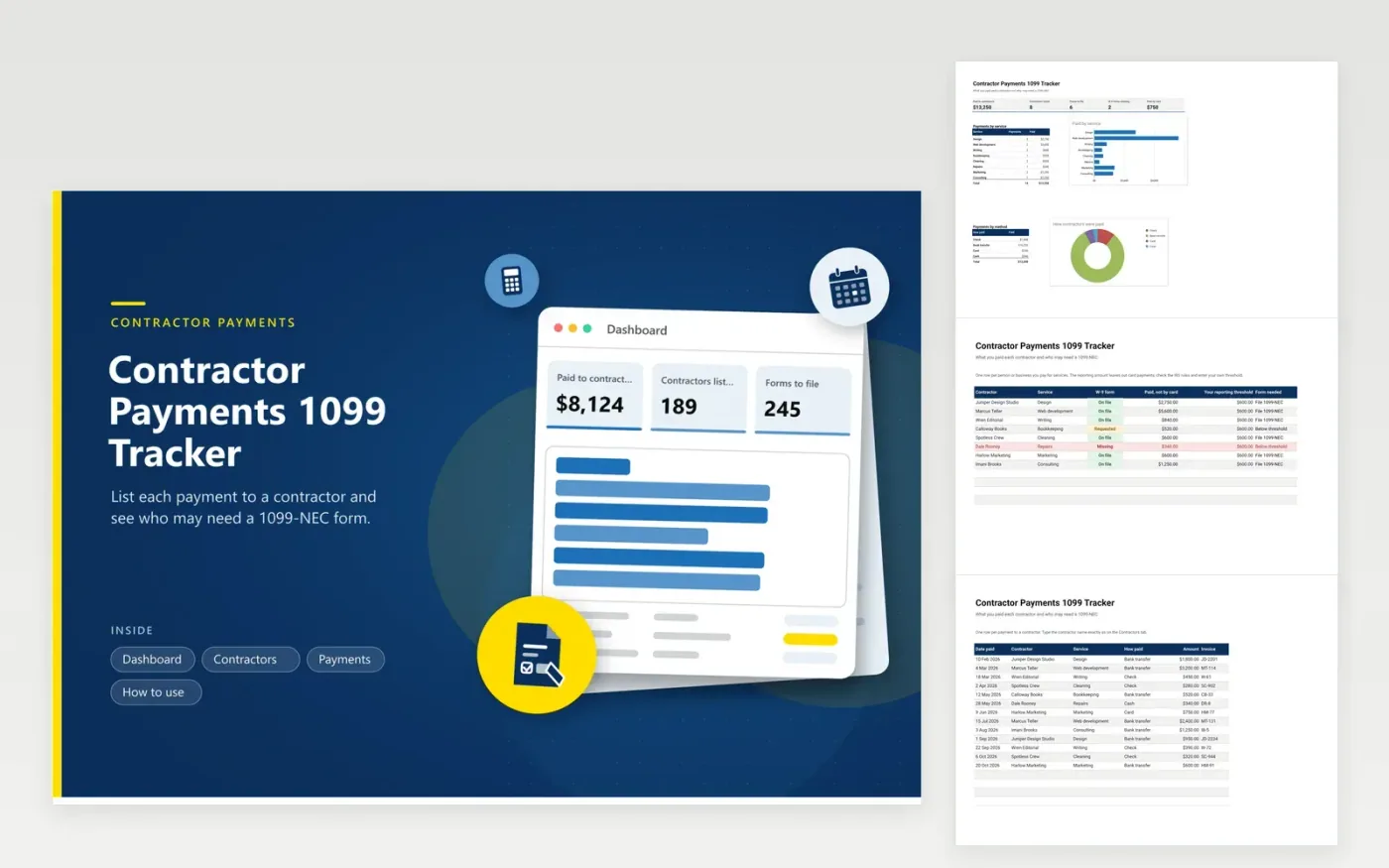
Small business owners, landlords and nonprofits that hire independent workers use this tracker to prepare for the January form deadline. The Contractors tab lists each person or business, the service, the W-9 status and the amount paid by methods other than card, then flags who is over the threshold you enter. The Payments tab holds each invoice and how it was paid. The Dashboard totals spending by service and by payment method.
Ask each contractor for a W-9 before paying them, and mark the status in red until it arrives. Enter every payment as it goes out, with the invoice number. The reporting threshold is an input cell because the figure and the rules are set by the IRS and can change; check them each year. A tax professional can confirm which payments count and which forms you must file.
Click Make a copy in Google Sheets, then confirm on the Google page. The copy is saved to your own Google Drive.
Start on the Contractors tab: replace the sample rows with your own.
Keep the formula columns as they are; they fill in as you type.
Read the How to use tab for tips. For Excel, download the .xlsx file instead.
Keep a row for every payment with the date, contractor name, service, how it was paid and the amount. Total each contractor at year end. This workbook does that with the Payments tab and a formula on the Contractors tab.
It depends on what you paid a contractor for the year and how you paid. The threshold is set by the IRS and can change, so enter the current figure in the threshold column and check the IRS instructions. A tax professional can confirm your own case.
A W-9 is the form where a contractor gives you their name and taxpayer details so you can report payments later. Ask for it before the first payment and mark it on the Contractors tab. Keep the forms in a secure place and not in the spreadsheet.
Docs + Word6 pages
FeaturedFree
Excel
FeaturedFree
Sheets + Excel6 tabs
Free








