
Annual Report
Docs + Word6 pages
FeaturedFree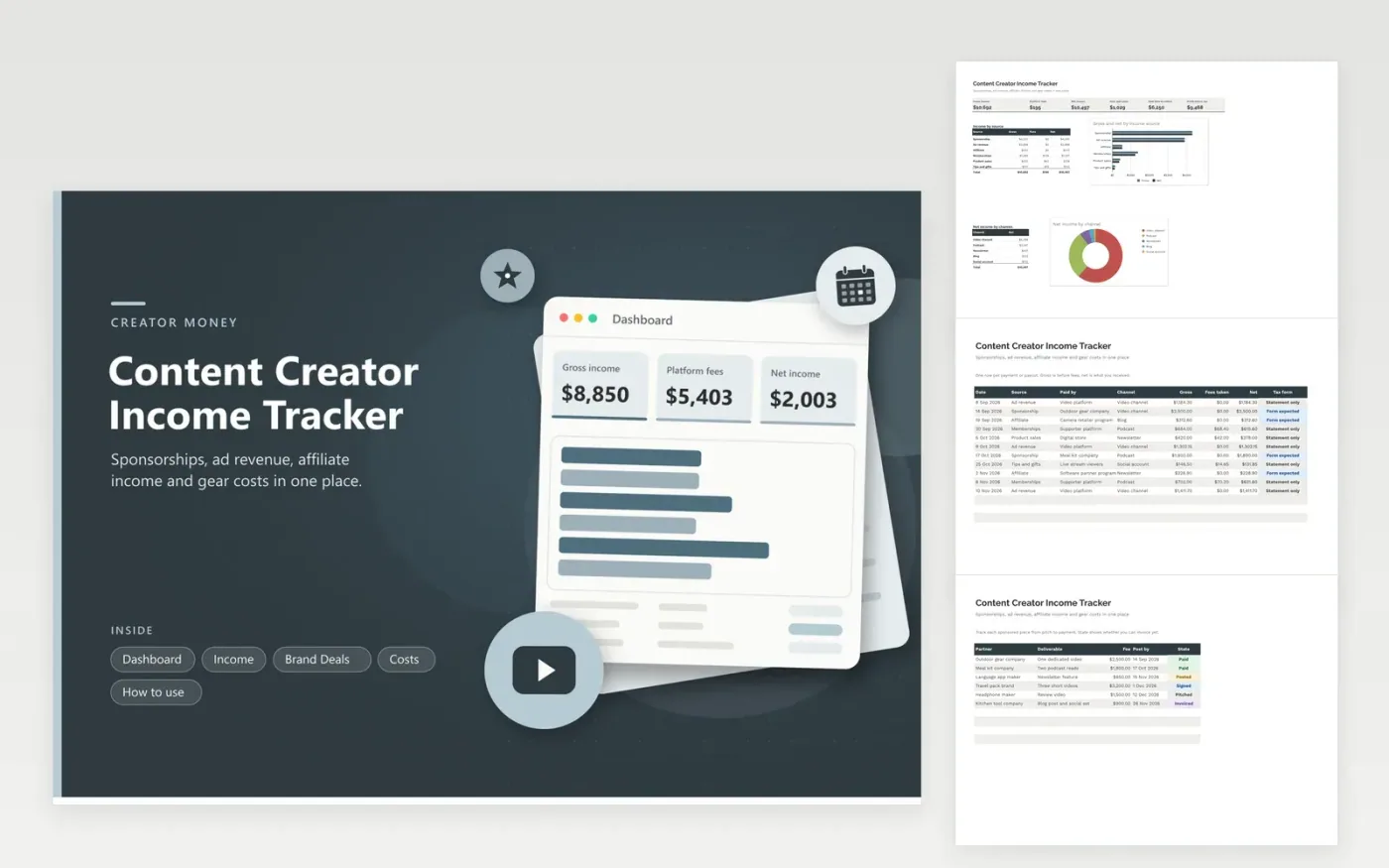
Creators who earn from videos, podcasts, newsletters or blogs use this content creator income tracker to see where money comes from. The Income tab holds each payout with its source, channel, gross amount, fees and a tax form flag. The Brand Deals tab follows each sponsored piece from pitch to payment. The Costs tab records gear, software and editing help. The Dashboard shows net income by source and channel and the deal fees still to collect.
Add a row each time a payout lands and note whether a tax form is expected. Move each brand deal through its states so you know what to invoice. Match statements with forms in January, and ask your tax professional about anything unusual, such as products received in place of payment. Keep contracts and invoices together by year.
Click Make a copy in Google Sheets, then confirm on the Google page. The copy is saved to your own Google Drive.
Start on the Income tab: replace the sample rows with your own.
Keep the formula columns as they are; they fill in as you type.
Read the How to use tab for tips. For Excel, download the .xlsx file instead.
Record every payout as a row with its source, channel, gross and fees. Totals by source and channel on the Dashboard show which platforms and deals bring in the most.
Keep payout statements, tax forms, contracts, invoices and receipts for gear and software. A single income list and a cost list make it easier for a preparer to follow your year.
List each deal on Brand Deals with its fee and due date and update its state as work moves forward. When money arrives, add it to Income so the two lists agree.
Docs + Word6 pages
FeaturedFree
Excel
FeaturedFree
Sheets + Excel6 tabs
Free








