Code Review Guidelines
Docs + Word8 pages
Free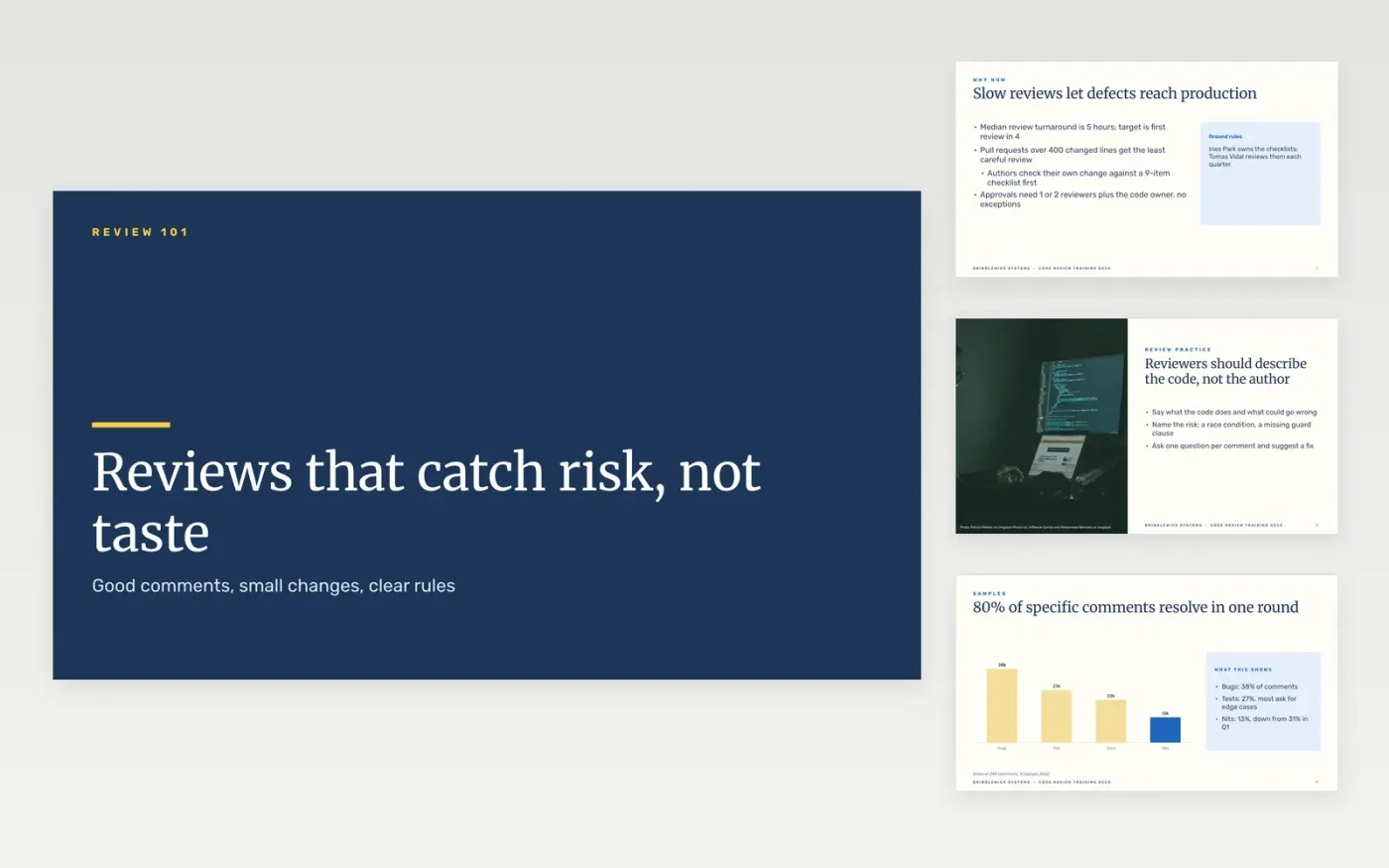
Code review slows teams down when comments turn into style debates, pull requests grow past what anyone can read, and nobody knows who breaks a tie. This template gives tech leads an 11-slide deck to coach those habits in one session. It moves from why review matters to good and bad comment examples, the size of changes, and a practice drill the team runs on a real pull request.
Every slide is sample content for Brindlewick Systems, written as a finished example. A pull request of 180 lines is reviewed in about three hours, a chart of comment types adds to 100 percent, and a table sets out sizes with their review times. Those figures are invented. Before you present, swap in your team's real before-and-after comments, your own size and turnaround targets, and the people who break ties. Keep the layouts and delete any slide your team does not need.
Click Make a copy in Google Slides, then confirm on the Google page. The copy is saved to your own Google Drive.
Replace the sample comments with real before-and-after examples from your team's recent reviews.
Set your own size and turnaround targets, then add them to your pull request template.
Name the tie-breaker and the escalation path, and check each figure against your CI data.
Delete the guide slide, then share the deck or present it from Google Slides.
Yes. Click Make a copy in Google Slides to get your own version. There is no sign-up and no cost, and the copy stays in your Google Drive.
No. Brindlewick Systems, its people, the emails and every figure are fictional, invented to show what a finished deck looks like. Replace them with your own before you share the deck.
Yes. The slides use standard Google Slides layouts and styles, so you can change fonts, colors and wording the way you would in any presentation. Keep the layouts where possible so the slides stay tidy.
More Google Slides templatesMore developer workflows templates
Docs + Word8 pages
Free
Docs + Word7 pages
Free
Slides + PowerPoint11 slides
Free









