
Annual Report
Docs + Word6 pages
FeaturedFree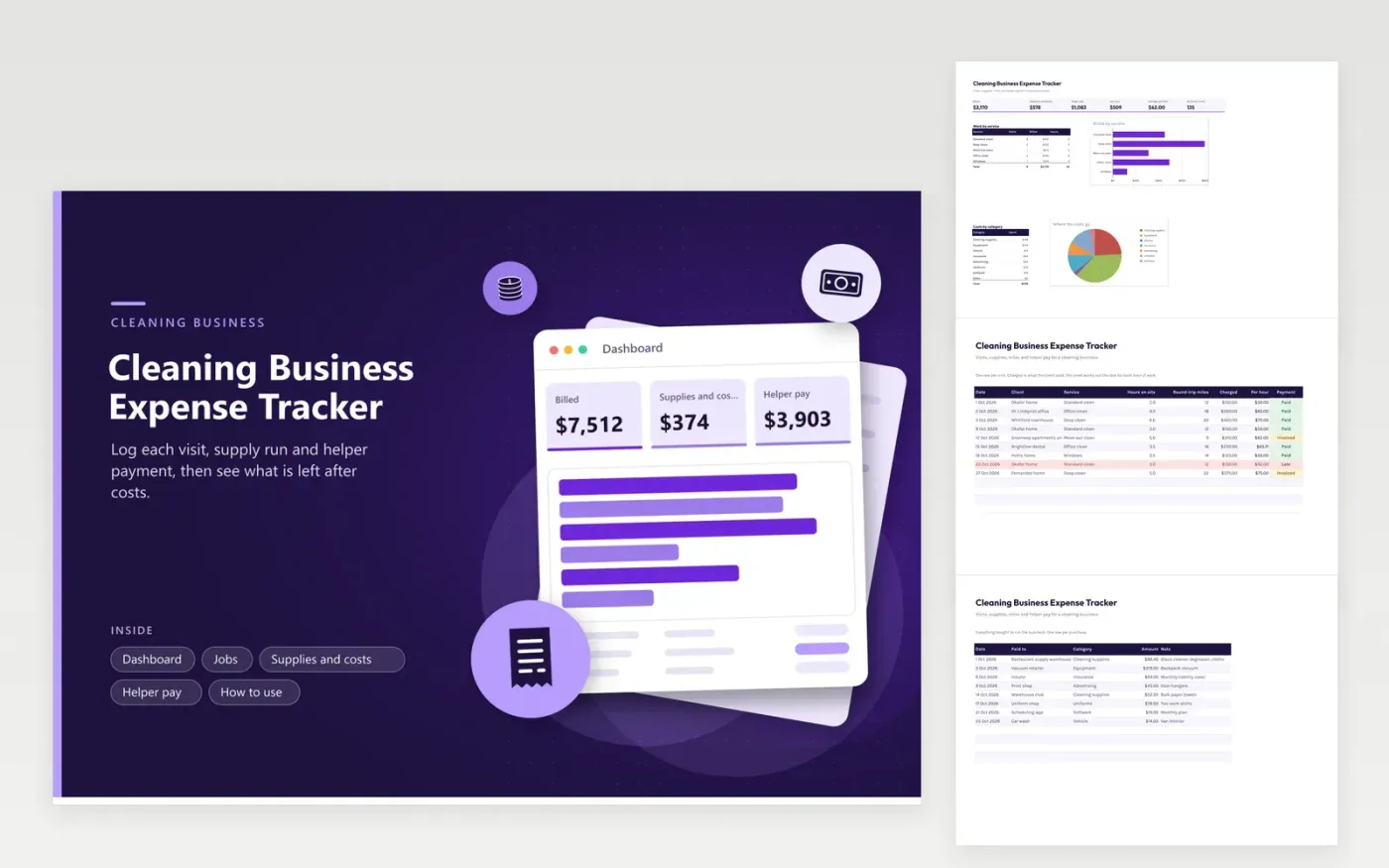
Owners of small cleaning businesses and solo cleaners use this tracker to see where each week went. The Jobs tab records each visit with the client, service, hours, miles and payment status, and works out what each hour earned. The Supplies and costs tab lists products, equipment and insurance. The Helper pay tab turns hours and hourly pay into a total for each pay date, and the Dashboard brings the three together.
Add each visit the same day, before the route blurs together. Watch the Per hour column: a deep clean that runs long can pay less than a quick standard visit. Record supplies when you buy them and note the store or product in the row. Once the books are done for the year, send your tax professional the totals and the helper pay list.
Click Make a copy in Google Sheets, then confirm on the Google page. The copy is saved to your own Google Drive.
Start on the Jobs tab: replace the sample rows with your own.
Keep the formula columns as they are; they fill in as you type.
Read the How to use tab for tips. For Excel, download the .xlsx file instead.
Track supplies, equipment, insurance, advertising, uniforms, software and vehicle costs, plus pay for any helpers. Keep a receipt for each. The Supplies and costs tab has a category list so the totals are ready when you sort your records.
Write down the round-trip miles for each visit in the Jobs tab on the day you drive. A running total appears on the Dashboard. Check the IRS or CRA rules for what counts as business driving and which rate applies for the year.
Use the Helper pay tab with a row per person per pay date, showing hours and hourly pay. Choose whether each person is an employee or a contractor, and ask a tax professional if you are unsure which applies.
Docs + Word6 pages
FeaturedFree
Excel
FeaturedFree
Sheets + Excel6 tabs
Free








