
Annual Report
Docs + Word6 pages
FeaturedFree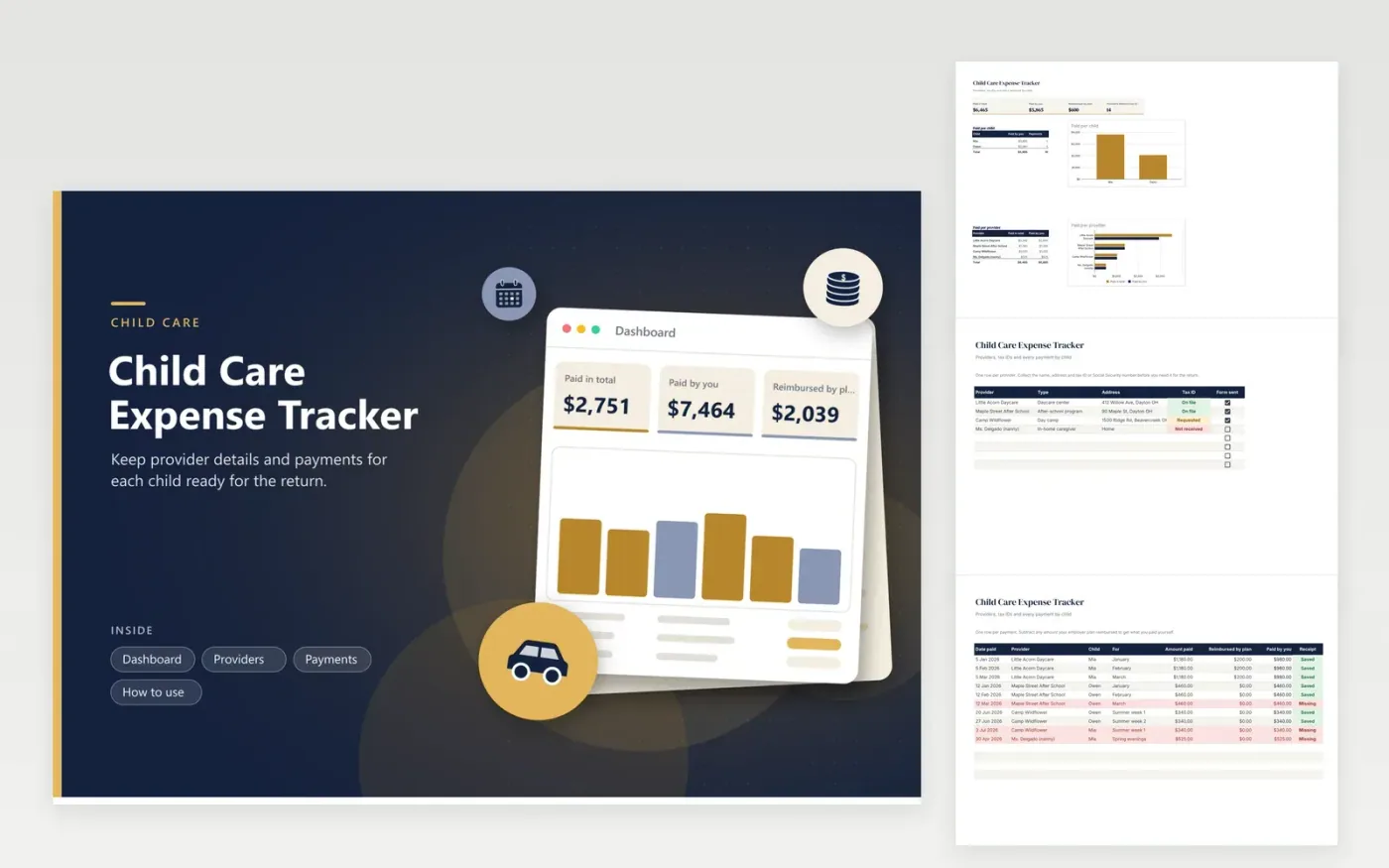
Parents who pay for daycare, camps, after-school care or a nanny use this child care expense tracker to have every figure ready when the tax forms ask for them. The Providers tab stores each provider's address and whether you have their tax ID. The Payments tab logs what was paid, for which child, and how much a workplace plan reimbursed. The Dashboard totals the amounts per child and per provider.
Chase missing tax IDs in the spring, not at the filing deadline. The red Tax ID status shows who still owes you the number. Put payments in as they happen, then compare your yearly total with each provider's year-end statement. If the two disagree, find the gap while the receipts are fresh.
Click Make a copy in Google Sheets, then confirm on the Google page. The copy is saved to your own Google Drive.
Start on the Providers tab: replace the sample rows with your own.
Keep the formula columns as they are; they fill in as you type.
Read the How to use tab for tips. For Excel, download the .xlsx file instead.
Usually the provider's name, address and tax identification number or Social Security number, plus the amount you paid. Ask for it early. This sheet tracks who has sent theirs.
Enter the full payment in Amount paid and the part the plan covered in Reimbursed by plan. The Paid by you column does the subtraction, and the Dashboard totals both.
Rules differ by program type and by year, so the sheet records every cost and leaves the decision to you. Before you claim a payment, read current IRS guidance or talk to a tax professional.
Docs + Word6 pages
FeaturedFree
Excel
FeaturedFree
Sheets + Excel6 tabs
Free








