
Annual Report
Docs + Word6 pages
FeaturedFree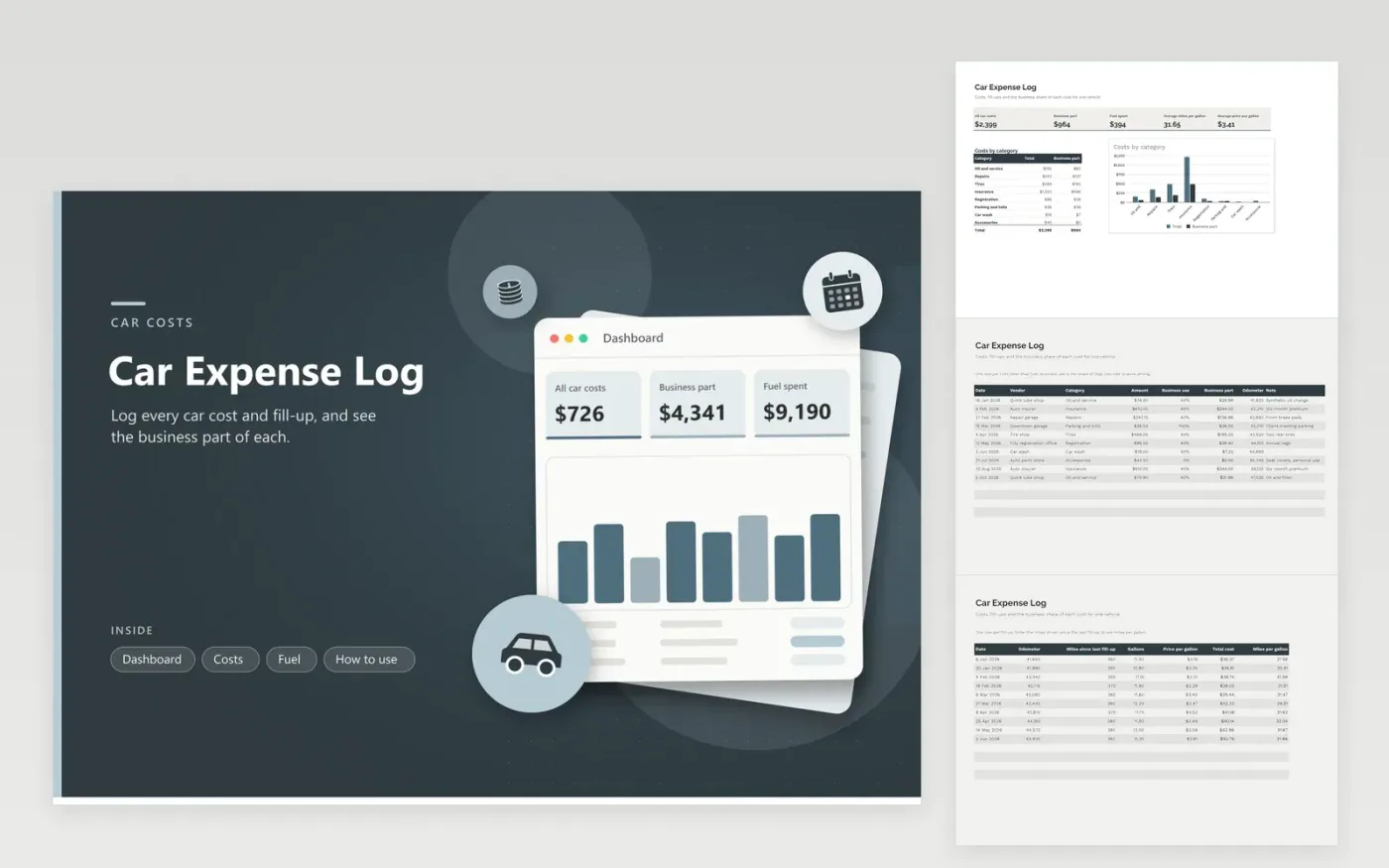
Anyone who uses one car for both work and personal driving can use this car expense log to keep a clean record. The Costs tab shows each non-fuel cost with the business-use share and the business part worked out. The Fuel tab records each fill-up with the odometer, gallons and price, and calculates cost and miles per gallon. The Dashboard shows totals, the business part and average fuel economy, and charts costs by category.
Set the business-use percentage from your mileage log, not from memory. Keep the odometer reading on every row so the log doubles as a service history. Fuel sits on its own tab because fill-ups come up far more often than other costs. Ask a tax professional which method applies to you before you use any total.
Click Make a copy in Google Sheets, then confirm on the Google page. The copy is saved to your own Google Drive.
Start on the Costs tab: replace the sample rows with your own.
Keep the formula columns as they are; they fill in as you type.
Read the How to use tab for tips. For Excel, download the .xlsx file instead.
Log each cost with its date, vendor, amount and the share used for work. Add a mileage log for the trips themselves. This sheet adds up the business part per category.
It helps. Fill-ups happen often, and a separate tab lets you see cost and miles per gallon without crowding the main list of repairs and insurance.
Use business miles divided by all miles from your mileage log. The percentage can differ by cost, such as parking that was all for work. Write the basis in the note column.
Docs + Word6 pages
FeaturedFree
Excel
FeaturedFree
Sheets + Excel6 tabs
Free








