
Annual Report
Docs + Word6 pages
FeaturedFree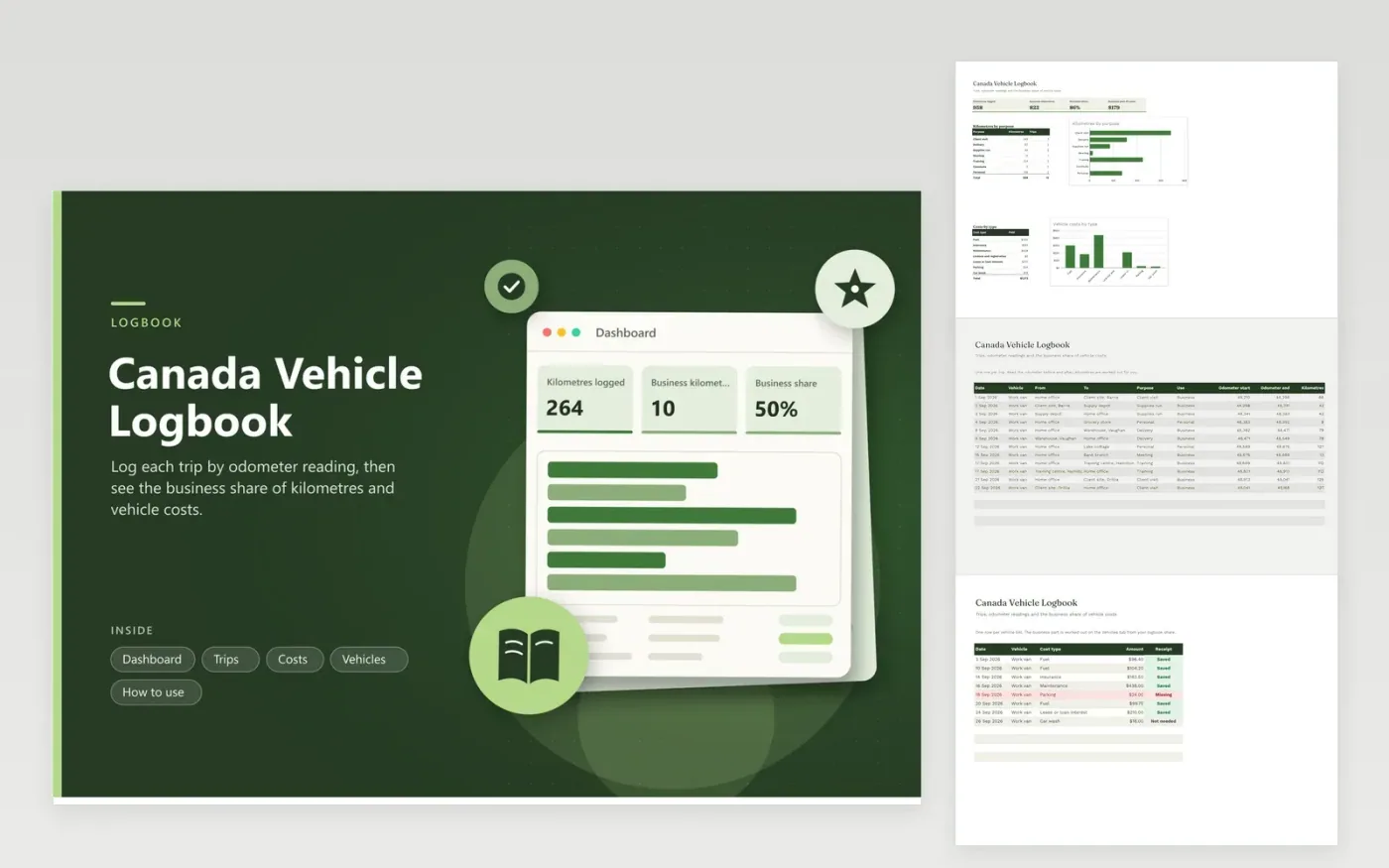
Self-employed Canadians and employees with vehicle costs use this logbook to back up a claim. The Trips tab records each trip with the odometer at both ends, its purpose and whether it was business or personal. The Costs tab lists fuel, insurance, repairs and other bills. The Vehicles tab uses your January and December odometer readings to turn the logbook into a business share and a business part of costs. The Dashboard summarizes kilometres and spending.
Fill in the logbook on the day of the trip. Odometer readings are harder to rebuild from memory than a date and a destination. Log personal trips as well, since the business share compares business kilometres with all kilometres. Keep the bills in a folder and mark any row that is missing a receipt. Check the CRA guide on vehicle logs for current requirements, and talk to a tax professional if you use the car for both employment and self-employment.
Click Make a copy in Google Sheets, then confirm on the Google page. The copy is saved to your own Google Drive.
Start on the Trips tab: replace the sample rows with your own.
Keep the formula columns as they are; they fill in as you type.
Read the How to use tab for tips. For Excel, download the .xlsx file instead.
The CRA asks for enough records to show your business use, and the rules for a sample period are set out in its guidance. Check the current guide, or consult a tax professional on which method fits your situation.
The Vehicles tab divides your logged business kilometres by the total kilometres driven in the year, taken from your January and December odometer readings. Costs are multiplied by that share.
Yes. Give each vehicle its own row on the Vehicles tab, use the same name on the Trips and Costs tabs, and each vehicle gets its own share and cost split.
Docs + Word6 pages
FeaturedFree
Excel
FeaturedFree
Sheets + Excel6 tabs
Free








