
Annual Report
Docs + Word6 pages
FeaturedFree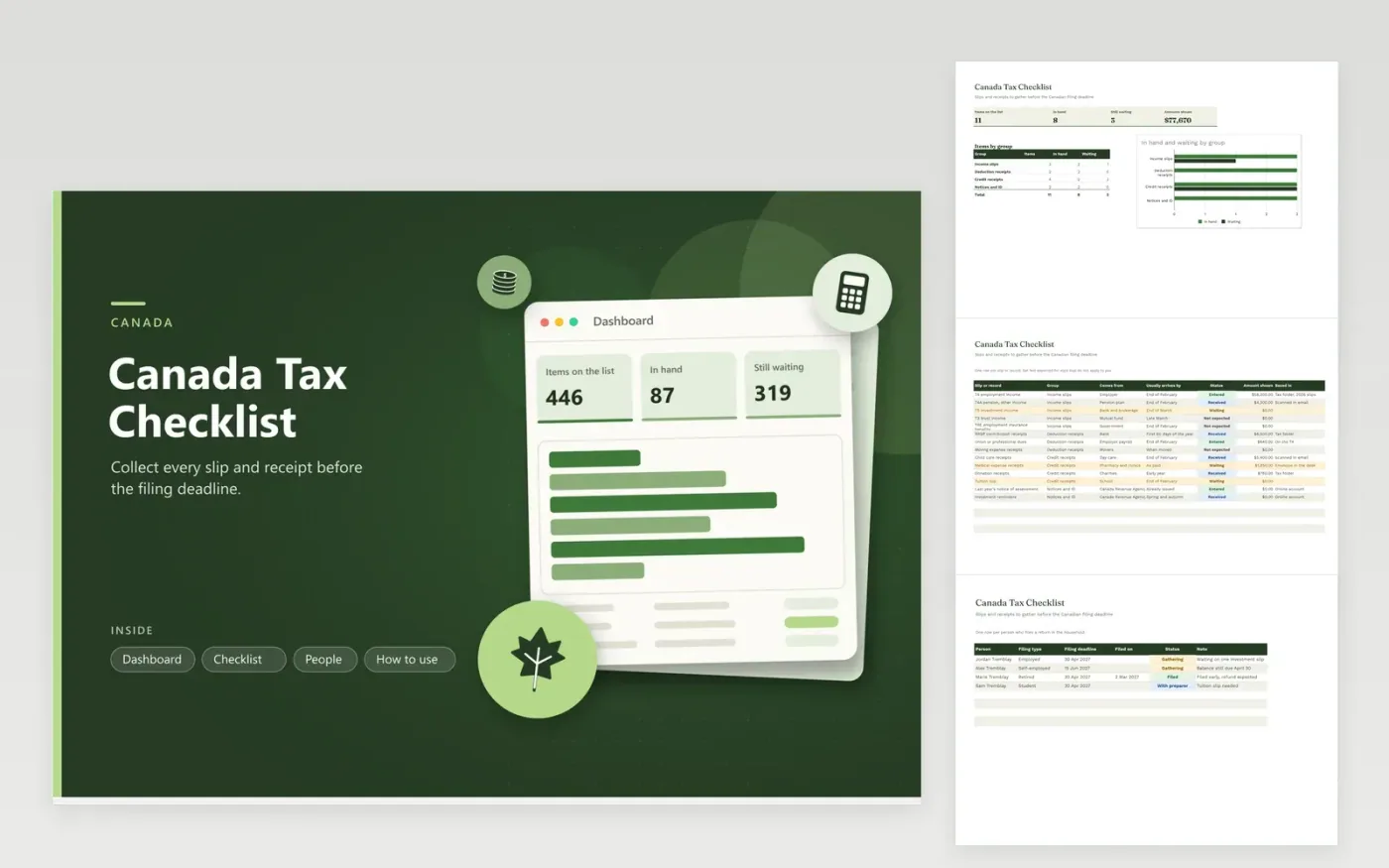
Canadians who prepare their own return, or who send papers to a preparer, use this checklist to collect every slip before the deadline. The Checklist tab lists common slips and receipts by group, with the issuer, usual arrival time, status, amount shown and where the file is saved. The People tab tracks each filer's deadline and progress. The Dashboard counts what is in hand against what is still pending.
Start in January by marking the slips that do not apply to you as Not expected. Open your online CRA account in February and March to look for slips that have not arrived by mail. Type the amounts as they come, then match them to your own records before filing. Self-employed filers can use the People tab to keep a later filing date apart from the balance due date.
Click Make a copy in Google Sheets, then confirm on the Google page. The copy is saved to your own Google Drive.
Start on the Checklist tab: replace the sample rows with your own.
Keep the formula columns as they are; they fill in as you type.
Read the How to use tab for tips. For Excel, download the .xlsx file instead.
That depends on your year. Common ones are the T4 for employment, T4A for pensions and other income, T5 for investments, RRSP receipts, and receipts for child care, medical costs and donations. The checklist lists them; remove what does not apply.
Most slips are issued by the end of February, though some investment slips come later. If one is missing in March, look in your online CRA account or ask the issuer for a copy.
Self-employed filers often have a later filing date, but a balance owing is still due on the regular date. Check the current CRA deadlines, and enter the person as Self-employed on the People tab so the date is easy to see.
Docs + Word6 pages
FeaturedFree
Excel
FeaturedFree
Sheets + Excel6 tabs
Free








