
Annual Report
Docs + Word6 pages
FeaturedFree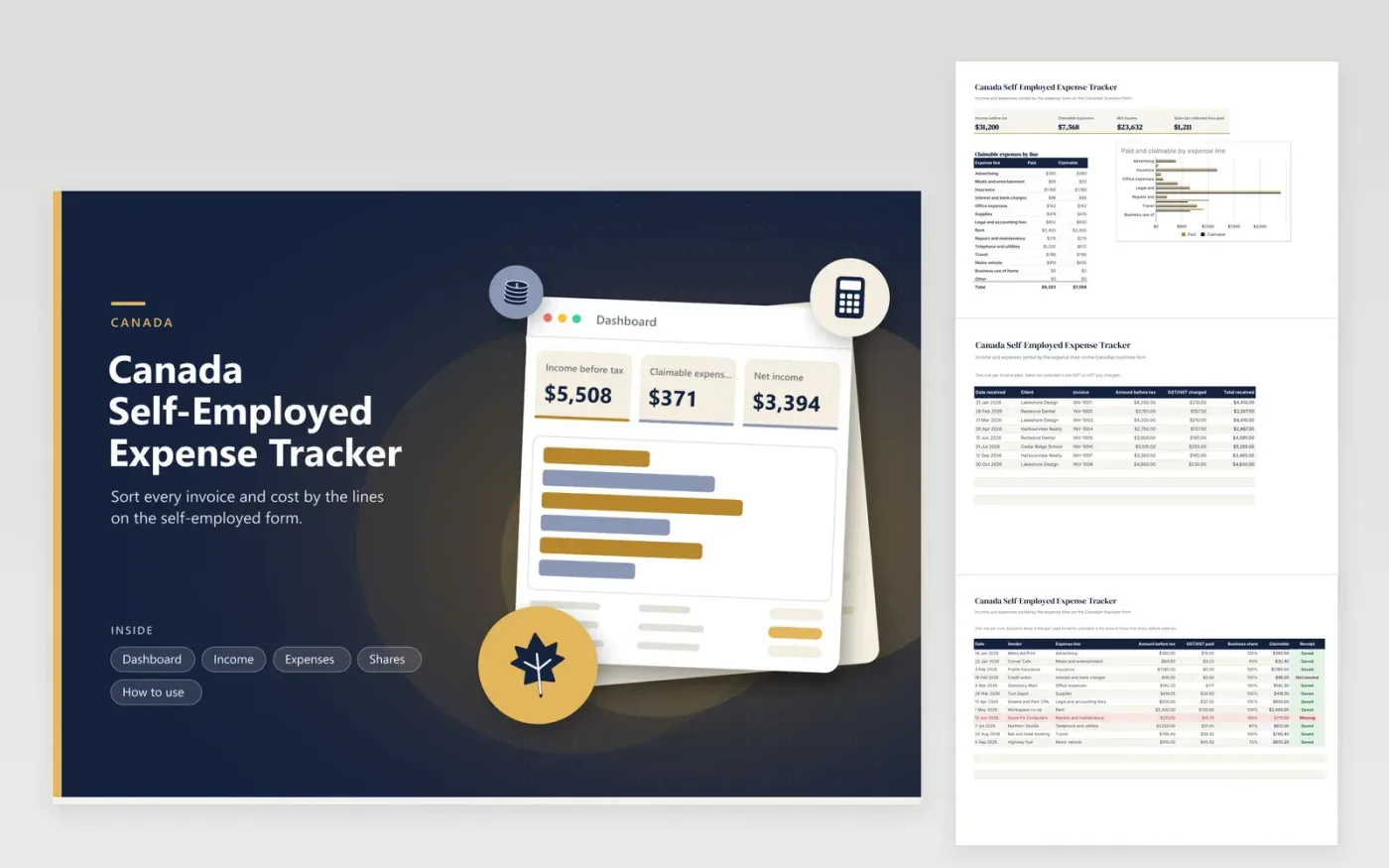
Canadian freelancers, contractors and sole proprietors use this tracker to prepare the business section of their return. The Income tab lists invoices with GST or HST charged. The Expenses tab sorts costs into fourteen lines that follow the self-employed form, with sales tax paid, business share and the claimable amount. The Shares tab turns kilometres and floor area into vehicle and home percentages, and the Dashboard shows net income and costs by line.
Record every payment when it arrives and every cost as you pay it. Choose the expense line carefully so the totals map straight to the form later. Fill in the Shares tab from your logbook and a measured workspace, then type those percentages on the rows that need them. At year end, give the line totals and the sales tax difference to your accountant or enter them in your tax software.
Click Make a copy in Google Sheets, then confirm on the Google page. The copy is saved to your own Google Drive.
Start on the Income tab: replace the sample rows with your own.
Keep the formula columns as they are; they fill in as you type.
Read the How to use tab for tips. For Excel, download the .xlsx file instead.
For each cost, record the date, vendor, amount, sales tax and expense line, and keep the receipt. The Expenses tab does this and totals each line on the Dashboard, ready to compare with the form.
Divide business kilometres by total kilometres from a logbook kept for the year. The Shares tab does the division, and you type the result in the vehicle rows. Check current CRA rules on logbooks.
Registrants usually claim sales tax paid as an input credit rather than as part of the cost, so a separate column here holds it. Ask an accountant how it applies to you.
Docs + Word6 pages
FeaturedFree
Excel
FeaturedFree
Sheets + Excel6 tabs
Free








