
Annual Report
Docs + Word6 pages
FeaturedFree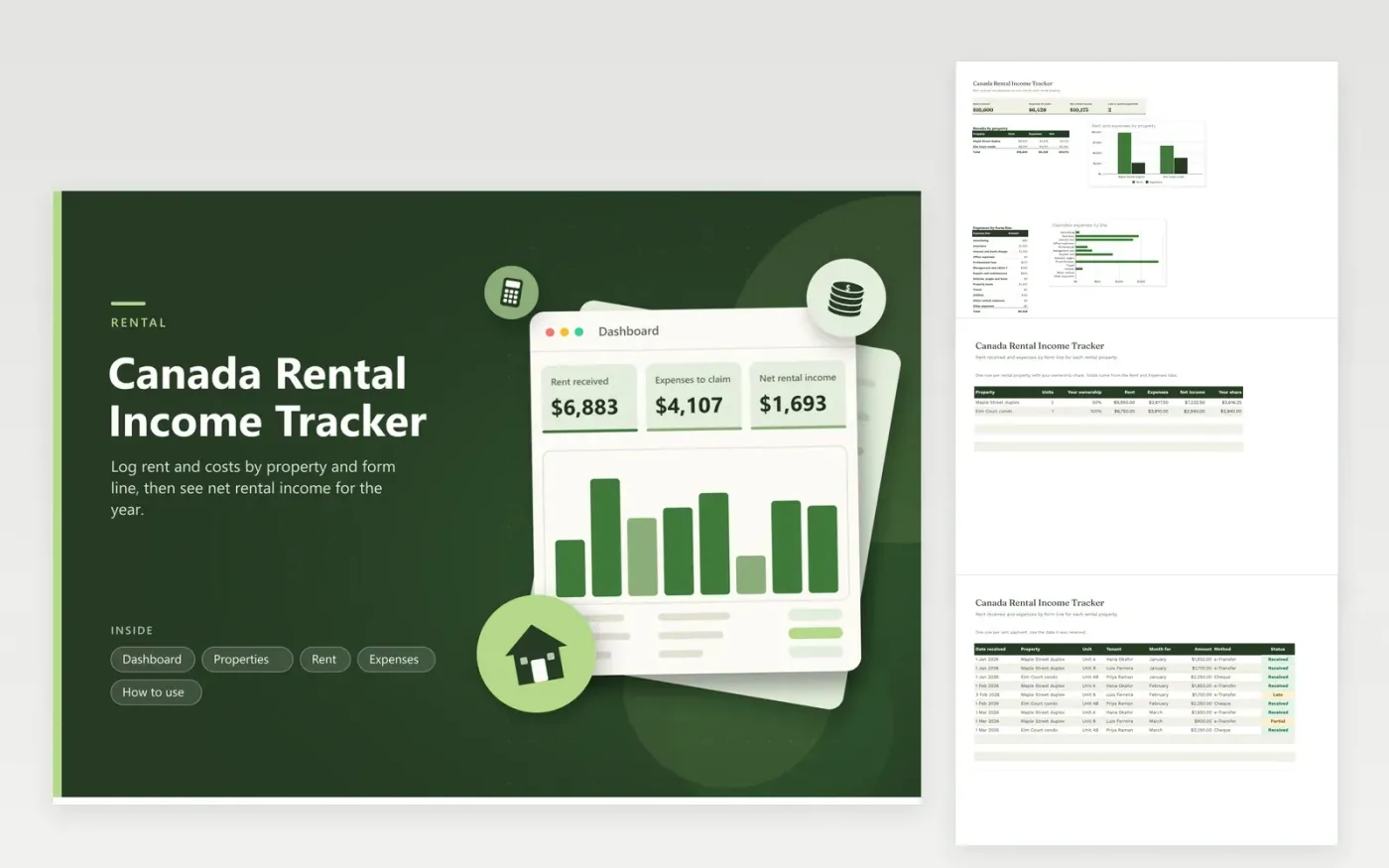
Landlords with one or more properties use this tracker to get ready for the rental form of their Canadian return. The Properties tab sets ownership shares and totals each property. The Rent tab records each payment with tenant, unit and status, including late and partial payments. The Expenses tab files costs under the lines of the rental form with a rental-use share. The Dashboard compares rent and expenses by property and shows a chart by line.
Record rent as it arrives and expenses when the bill is paid. Use the rental-use share for a mixed cost, such as utilities for a property you also use. Keep repairs apart from improvements and ask your accountant about anything that adds lasting value. Co-owners should set each person's share on the Properties tab.
Click Make a copy in Google Sheets, then confirm on the Google page. The copy is saved to your own Google Drive.
Start on the Properties tab: replace the sample rows with your own.
Keep the formula columns as they are; they fill in as you type.
Read the How to use tab for tips. For Excel, download the .xlsx file instead.
They follow the headings of the CRA rental form, such as repairs, insurance and property taxes, so you can copy totals across. Check the current form because the layout can change.
Enter your ownership share on the Properties tab. The sheet multiplies the net income by that share to give your part. Co-owners often keep a shared copy and agree on the figures together.
Add a row with the status Vacant and an amount of zero so the month is on record. The dashboard counts only late and partial payments as problems, and vacancy rows simply keep the history complete.
Docs + Word6 pages
FeaturedFree
Excel
FeaturedFree
Sheets + Excel6 tabs
Free








