
Annual Report
Docs + Word6 pages
FeaturedFree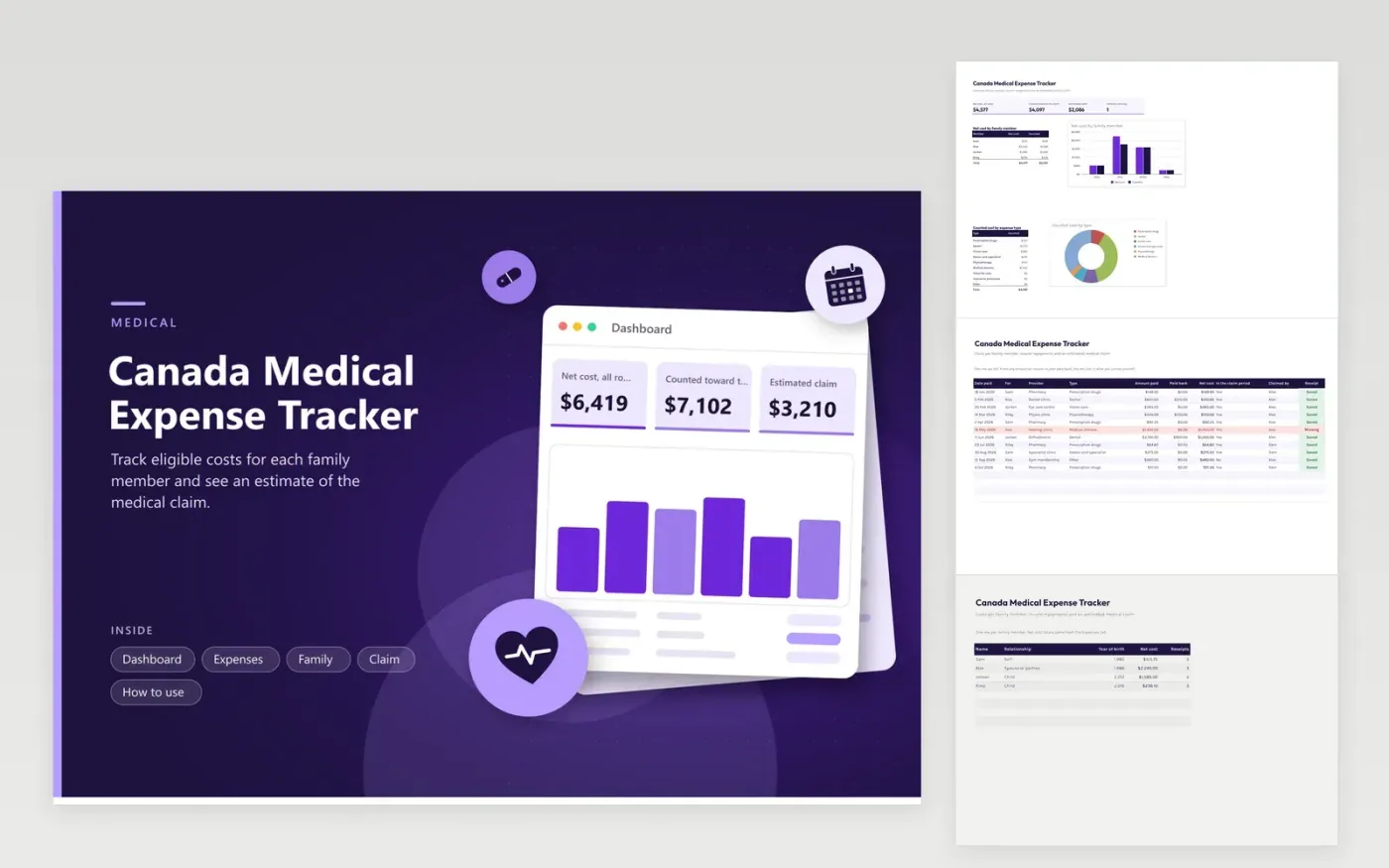
Families use this tracker to gather medical receipts before filing. The Expenses tab lists each bill with who it was for, the type, the amount paid and any amount paid back. The Family tab totals each person. The Claim tab compares counted costs with a threshold built from your net income and two CRA figures that you type in, then shows an estimated claim. The Dashboard charts costs by person and by type.
Add a bill right after you pay it and save the receipt in a folder with the same date. Fill in the paid-back column when the insurer pays, so only your net cost counts. Choose the claim period with your tax professional, mark which bills fall in it and decide who will claim. The estimate is only a guide and the final claim is worked out on your return.
Click Make a copy in Google Sheets, then confirm on the Google page. The copy is saved to your own Google Drive.
Start on the Expenses tab: replace the sample rows with your own.
Keep the formula columns as they are; they fill in as you type.
Read the How to use tab for tips. For Excel, download the .xlsx file instead.
The CRA publishes lists of eligible medical expenses and the rules for the claim period. This tracker records costs and lets you mark each one, but it does not decide eligibility. Check the CRA list or ask a tax professional.
The claim usually starts after a threshold that depends on a share of net income and a fixed amount, and the lower one applies. Both are set by the CRA and change by year, so you type them in.
Either spouse or common-law partner can often claim for the family, and the best choice depends on both returns. Fill in the Claim tab for each person and ask a tax professional which result you prefer.
Docs + Word6 pages
FeaturedFree
Excel
FeaturedFree
Sheets + Excel6 tabs
Free








