
Annual Report
Docs + Word6 pages
FeaturedFree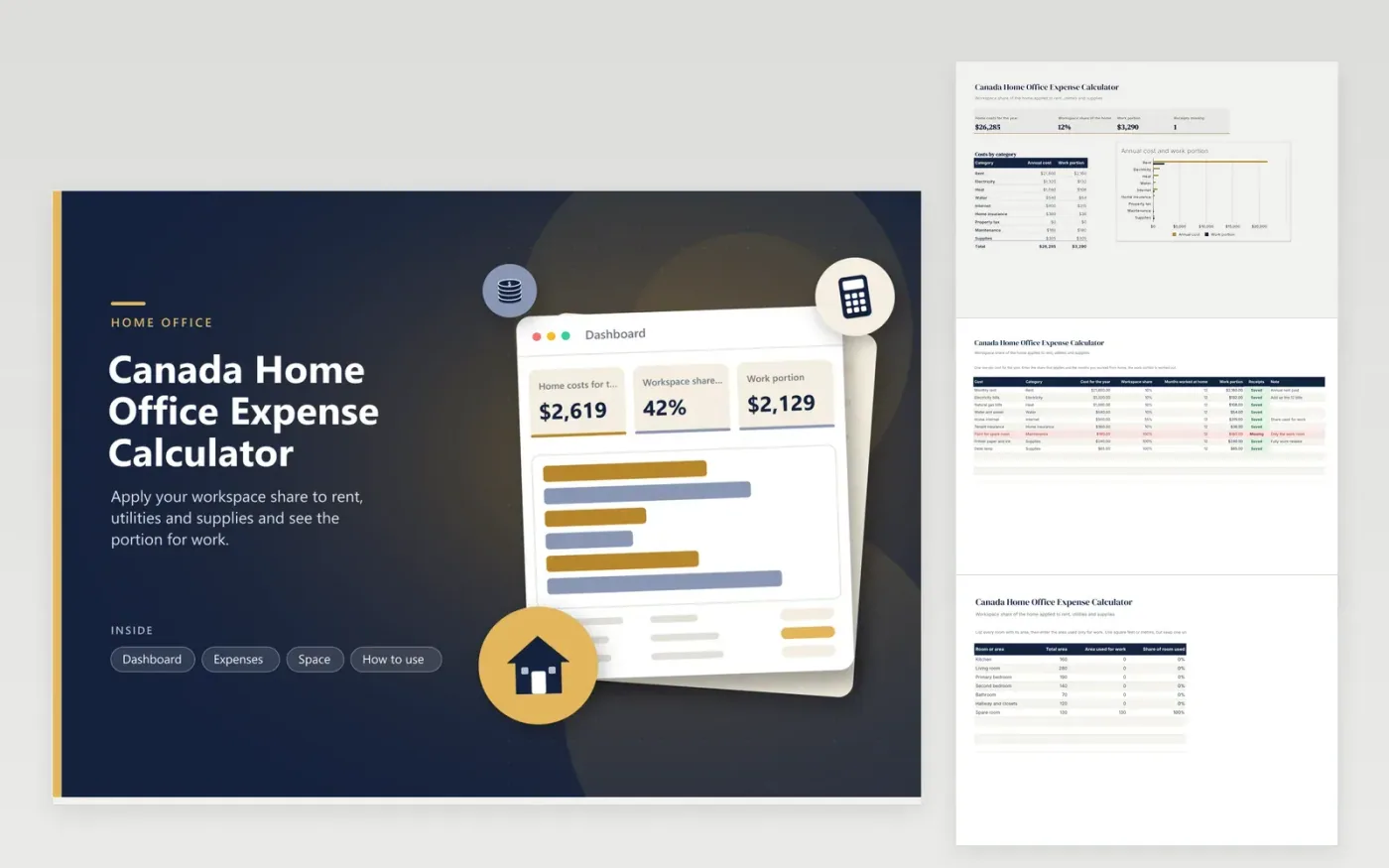
Employees who work from home and self-employed Canadians use this calculator to prepare a home office claim. The Space tab covers each room with its area and the area used for work. The Expenses tab holds each household cost with its yearly amount, share and months worked at home, then shows the work portion. The Dashboard sums the costs, the workspace share and the portion by category in a chart.
Measure the work area once and keep the notes with the sheet. Set a lower share for shared costs like rent and heat, and 100 percent for items bought only for work. Count only the months you worked from home. Check the CRA guidance for your situation before you claim, and consult a tax professional if you cannot tell whether you are an employee or in business.
Click Make a copy in Google Sheets, then confirm on the Google page. The copy is saved to your own Google Drive.
Start on the Expenses tab: replace the sample rows with your own.
Keep the formula columns as they are; they fill in as you type.
Read the How to use tab for tips. For Excel, download the .xlsx file instead.
It divides the area used for work by the total area of the home, using the Space tab. The Dashboard shows the result. You can also type a different share on any expense row if a cost follows another rule.
Whatever your own rules and the CRA guidance allow for your case. The categories cover common household bills, but whether each can be claimed depends on your status and the year. For any you doubt, consult a tax professional.
Employees are often asked for a signed form that confirms the work-from-home arrangement. This sheet does not replace it. Read the CRA page for employees and ask your employer for the form if it applies.
Docs + Word6 pages
FeaturedFree
Excel
FeaturedFree
Sheets + Excel6 tabs
Free








