
Annual Report
Docs + Word6 pages
FeaturedFree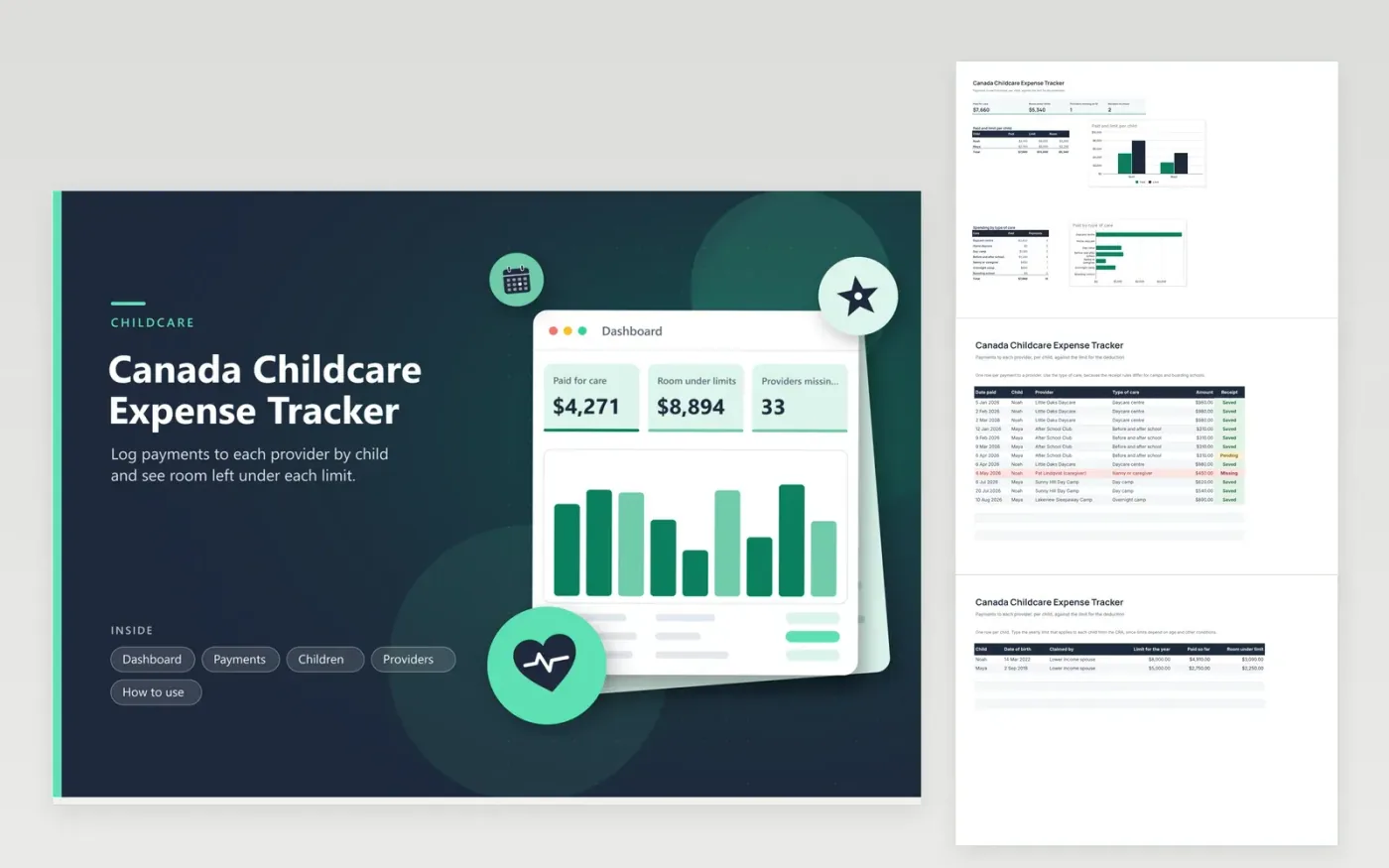
Parents paying for daycare, camps or a caregiver use this tracker to build the childcare expense deduction. The Payments tab logs each payment with the child, provider, type of care and receipt status. The Children tab holds each child with a limit you enter and shows what is paid and what remains. The Providers tab lists each provider and whether their tax ID is on a receipt. The Dashboard charts paid against limit per child and spending by type of care.
Ask for a receipt each time you pay and note the provider's tax ID the first time. A caregiver paid privately may not give a receipt automatically, so ask early. Look at the Providers tab each month for red rows. Limits and rules differ for each child and each type of care, so confirm them with the CRA and ask an accountant which spouse should claim.
Click Make a copy in Google Sheets, then confirm on the Google page. The copy is saved to your own Google Drive.
Start on the Payments tab: replace the sample rows with your own.
Keep the formula columns as they are; they fill in as you type.
Read the How to use tab for tips. For Excel, download the .xlsx file instead.
The CRA publishes the limits and the conditions, which depend on the age of the child and on the type of care. Type the amount into the Children tab. No limit is built in, because it can change.
Ask for the provider's name, the dates, the amount paid and their tax ID. The Providers tab has an ID column, so an empty cell shows which provider still owes you that detail.
Often the lower income spouse claims, with some exceptions set by the CRA. Fill the Claimed by column on the Children tab and review your case with a tax professional.
Docs + Word6 pages
FeaturedFree
Excel
FeaturedFree
Sheets + Excel6 tabs
Free








