
Annual Report
Docs + Word6 pages
FeaturedFree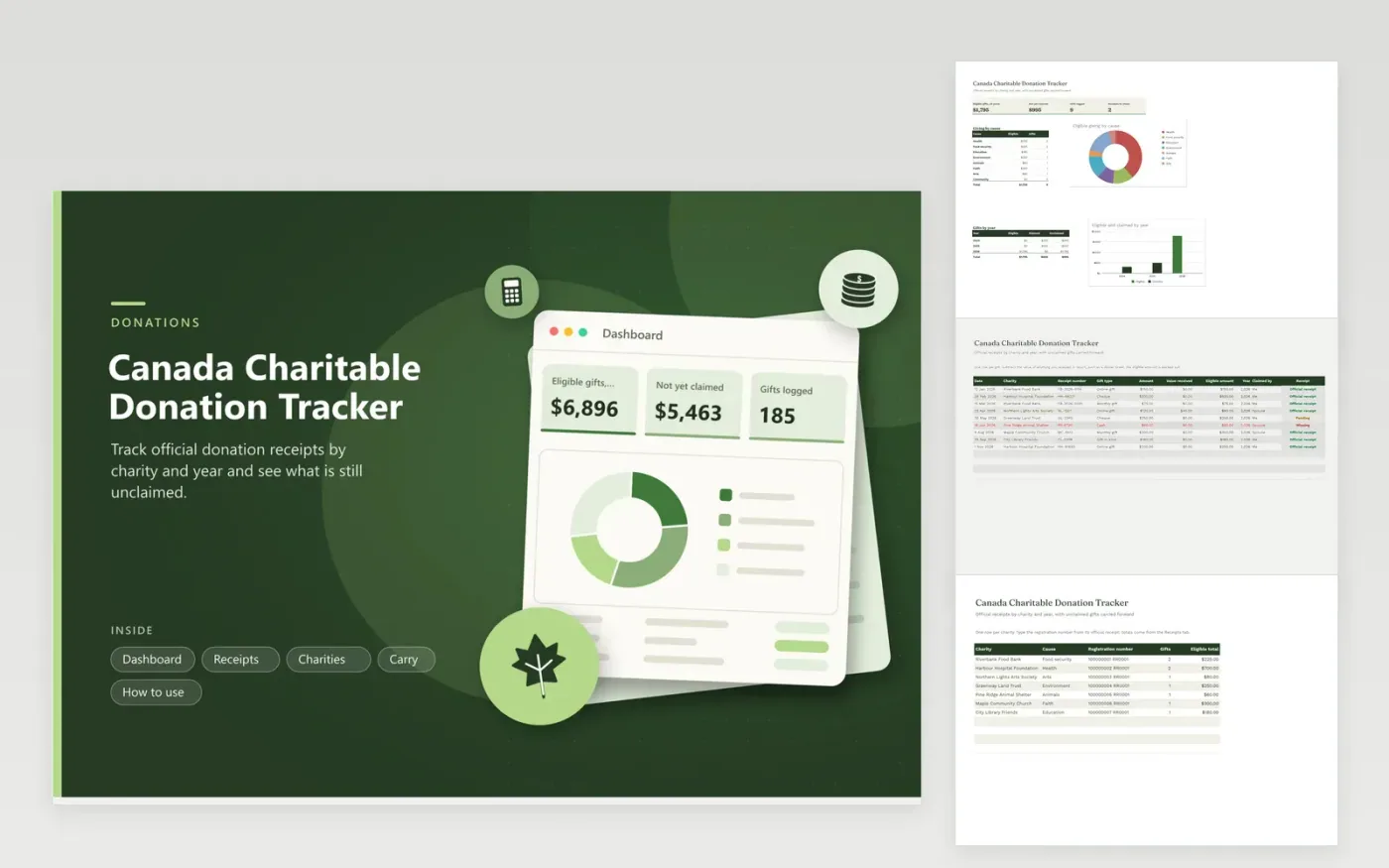
Donors who give to several charities use this tracker to get the donation credit ready on their return. The Receipts tab lists each gift with the receipt number, any benefit received, the eligible amount and who will claim it. The Charities tab groups giving by cause with registration numbers. The Carry tab compares eligible gifts with what was claimed each year and shows the use-by year. The Dashboard charts giving by cause and by year.
Ask for an official receipt when you give and enter its number right away. Subtract the value of any ticket, meal or gift you received, since only the eligible part counts. Mark receipts that are pending or missing and chase them before you file. Enter what you claimed each year on the Carry tab to see what is left, and ask an accountant how spouses should split claims.
Click Make a copy in Google Sheets, then confirm on the Google page. The copy is saved to your own Google Drive.
Start on the Receipts tab: replace the sample rows with your own.
Keep the formula columns as they are; they fill in as you type.
Read the How to use tab for tips. For Excel, download the .xlsx file instead.
It is the gift minus the value of anything you received in return. The Receipts tab does the subtraction for you. The charity's official receipt normally states the eligible amount, so match your row to it.
Unclaimed gifts can often be carried forward for a limited number of years under the CRA rules. Enter that number on the Carry tab and the sheet shows the last year each gift can be used.
No. They are placeholders in the format charities use. Replace each one with the registration number printed on your receipt, and check the charity is registered on the CRA list.
Docs + Word6 pages
FeaturedFree
Excel
FeaturedFree
Sheets + Excel6 tabs
Free








