Monthly Calendar
Docs + Word2 pages
Free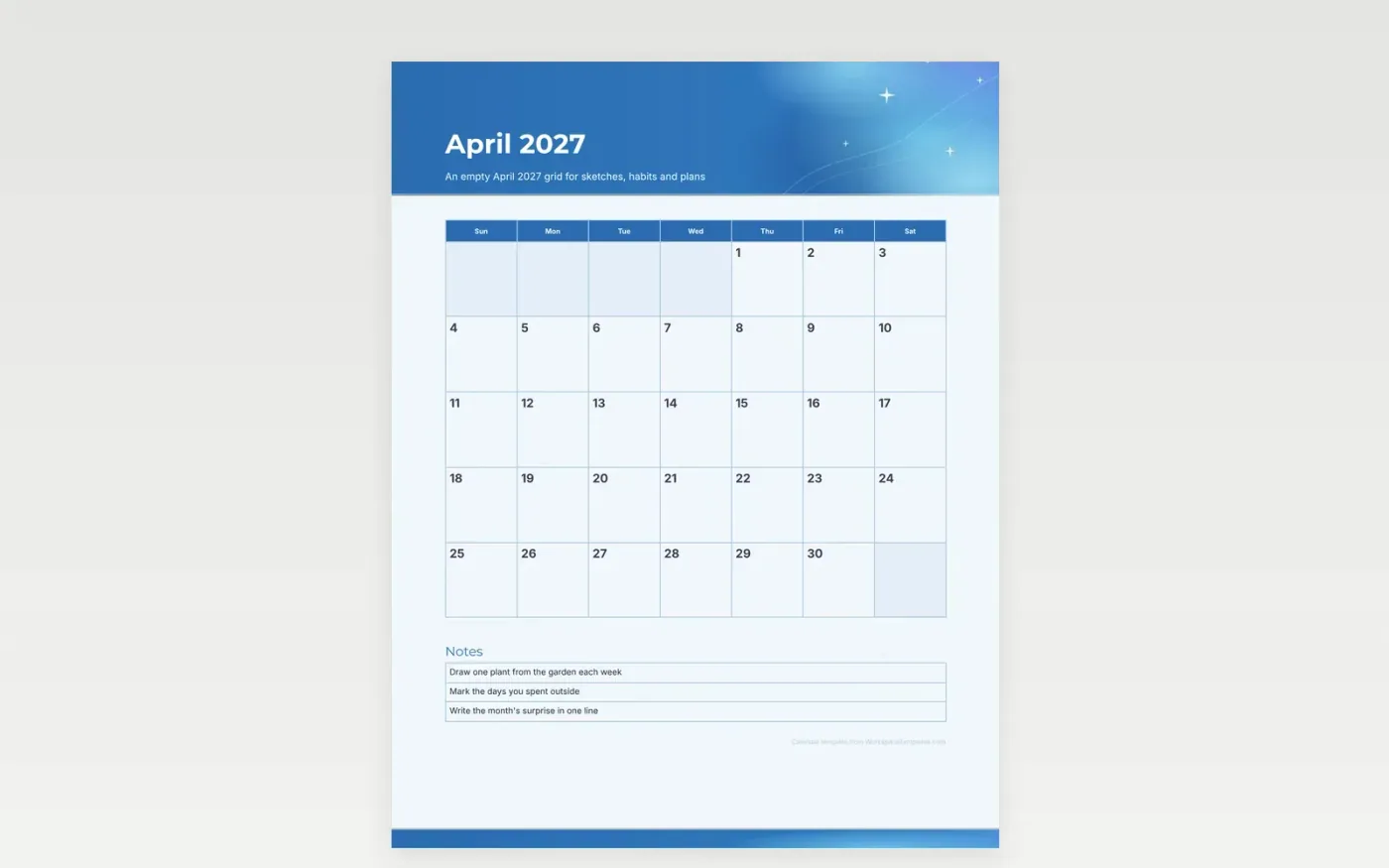
April is a good month for a blank page. This version carries only the header, the year and an open grid, with no entries written in and no holidays shown. Each day box fits a word or a small sketch, so the month can take whatever form suits you.
Use the page for a daily drawing, a row of habit marks, or a plan you change as the month goes. Print a few copies and file the used ones to see the month at the end. The grid works in pencil, ink or a colored marker, and it copies cleanly if you need a second sheet.
Make a copy in Google Docs, or download the Word file.
Type over the sample text with your own details.
Delete the guide page when you are done.
Print it, or save it as a PDF.
Just the month and year, with no holidays on this grid.
Yes. The frost-blue header looks crisp in color, and the grid still reads well in gray.
Yes. The grid uses the standard Sunday start.
Docs + Word2 pages
Free
Docs + Word2 pages
Free
Docs + Word2 pages
Free
Docs + Word1 page
Free
Docs + Word11 pages
Free
Docs + Word11 pages
Free
Docs + Word11 pages
Free
Docs + Word11 pages
Free
Docs + Word11 pages
Free
Docs + Word1 page
Free
Docs + Word11 pages
Free
Docs + Word11 pages
Free
Docs + Word1 page
Free
Docs + Word1 page
Free
Docs + Word11 pages
Free










