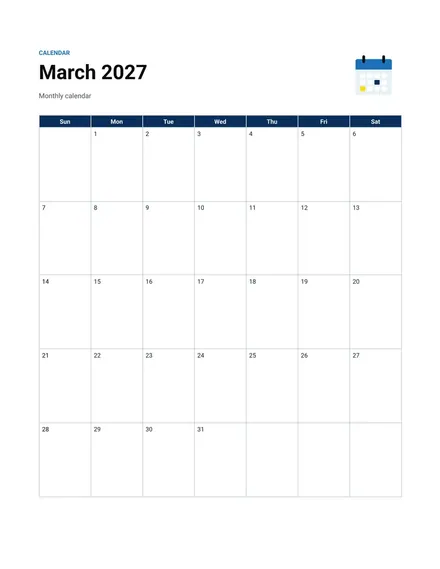
Monthly Calendar
Docs + Word2 pages
Free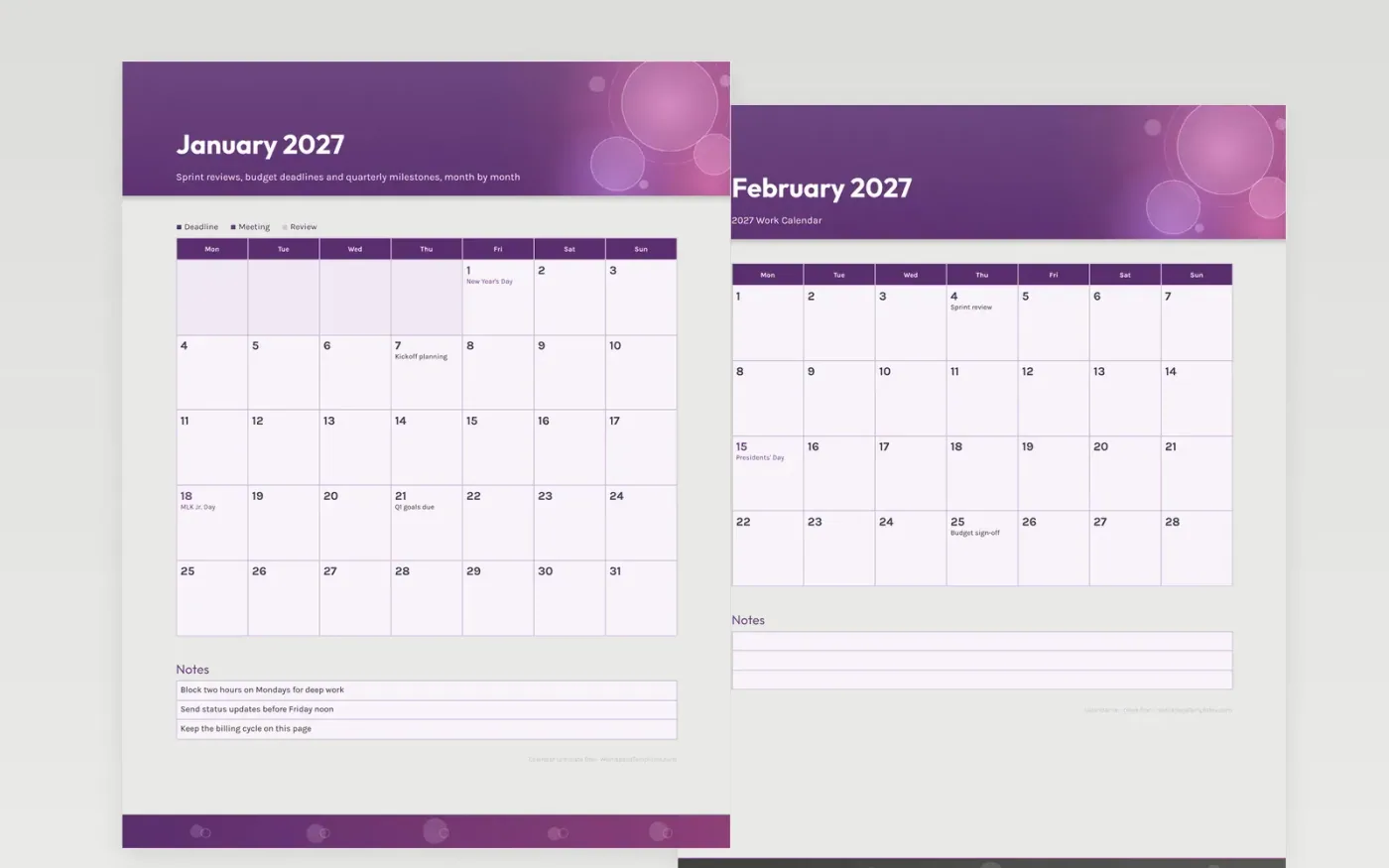
Work months usually fill up with recurring meetings and a handful of hard deadlines, and the trick is seeing both at once. The sample entries follow a steady rhythm: a sprint review in early February, a budget sign-off in late February, a client demo in March and a year-end close in November. Holidays appear in their squares, so working days are easy to count before a launch.
The plum header and the three-part key keep deadlines, meetings and reviews apart. Put one or two priorities each week in the notes box, and type your own dates over the examples. Print one month to bring to planning, or keep the full year at the desk for quarter-end checks.
Make a copy in Google Docs, or download the Word file.
Type over the sample text with your own details.
Delete the guide page when you are done.
Print it, or save it as a PDF.
Yes. Each holiday is marked on its date, so you can spot short weeks before you commit to a deadline.
No. It is a printable page. Copy the dates into your work calendar app if you want reminders.
Yes. Print one copy per person or project and keep the color key the same across the team.
Docs + Word2 pages
Free
Docs + Word2 pages
Free
Docs + Word2 pages
Free
Docs + Word1 page
Free
Docs + Word11 pages
Free
Docs + Word11 pages
Free
Docs + Word11 pages
Free
Docs + Word11 pages
Free
Docs + Word11 pages
Free
Docs + Word1 page
Free
Docs + Word11 pages
Free
Docs + Word11 pages
Free
Docs + Word1 page
Free
Docs + Word1 page
Free
Docs + Word11 pages
Free










