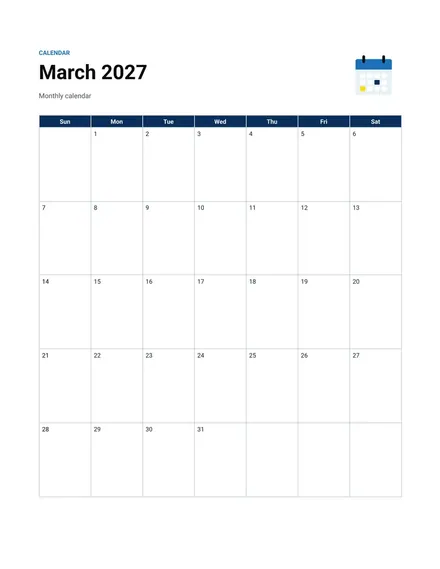
Monthly Calendar
Docs + Word2 pages
Free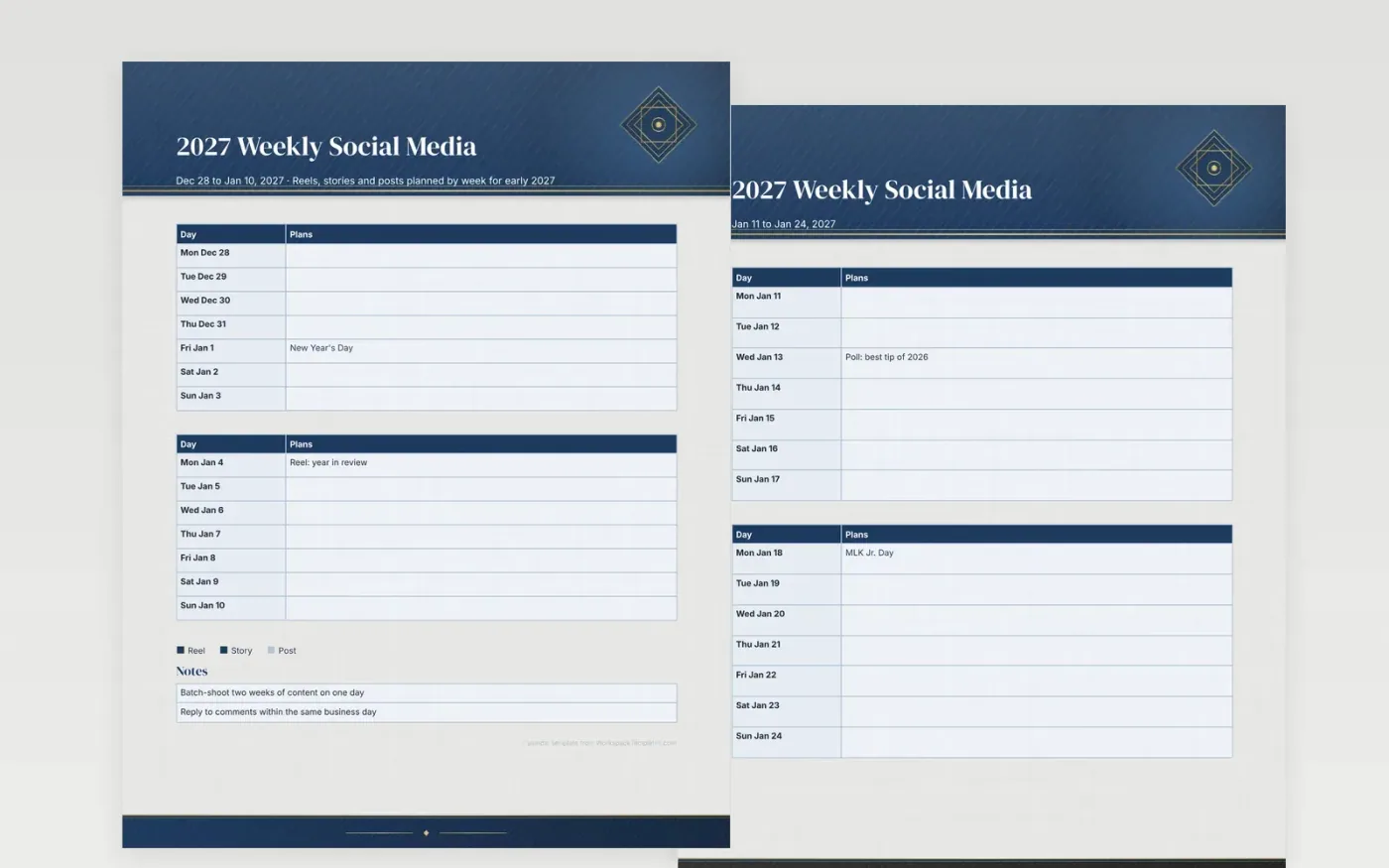
A feed looks effortless only when someone has planned the gaps between posts. This weekly sheet gives each format its own line, so a reel, a story series and a single image sit in different rows and the week's rhythm reads in one look. The sample entries include a poll, a live question session and a customer spotlight, placed in the weeks where they would work best.
The notes area holds routines that steady the account, like replying to comments the same day and writing the caption before choosing the picture. Change the key colors to match your brand palette, and print a week for the team to review before the batch shoot. Three months is enough to test which formats earn attention.
Make a copy in Google Docs, or download the Word file.
Type over the sample text with your own details.
Delete the guide page when you are done.
Print it, or save it as a PDF.
Yes. Split the day cell into two lines, one for each account, and label them in the key.
No separate row exists for ads. Add a short label such as Boost in the day cell when a campaign runs.
A plain sheet works best, since the colored key and the notes box need only a little room to read clearly.
Docs + Word2 pages
Free
Docs + Word2 pages
Free
Docs + Word2 pages
Free
Docs + Word1 page
Free
Docs + Word11 pages
Free
Docs + Word11 pages
Free
Docs + Word11 pages
Free
Docs + Word11 pages
Free
Docs + Word11 pages
Free
Docs + Word1 page
Free
Docs + Word11 pages
Free
Docs + Word11 pages
Free
Docs + Word1 page
Free
Docs + Word1 page
Free
Docs + Word11 pages
Free










