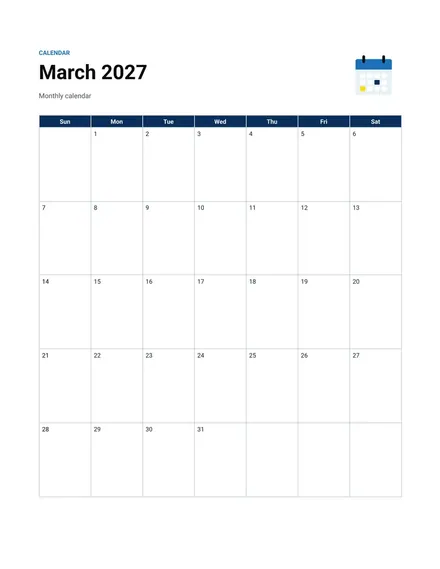
Monthly Calendar
Docs + Word2 pages
Free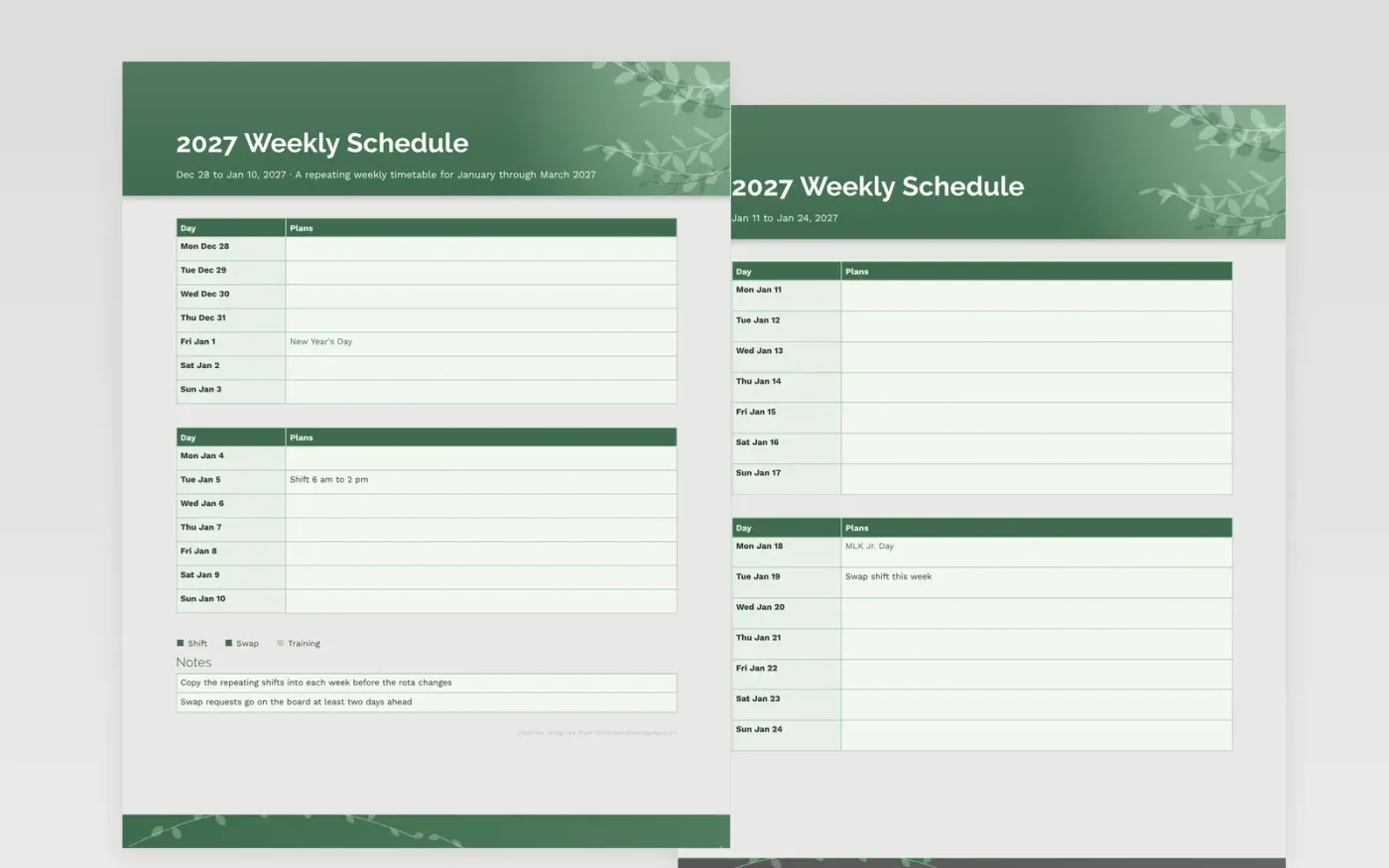
A repeating timetable is simpler to run when every week follows one layout. These sheets give every day a clear box for the shift or class, and the margin is kept for breaks and short notes that do not belong in the main grid. The key marks shifts, swaps and training, so a change to the rota stands out at a glance.
Copy the standing shifts into the first week, then adjust the rest when the new rota is posted. Keep one printout by the staff time clock and another in your bag, and cross out old versions instead of erasing them. That way it is easy to show what was agreed and when.
Make a copy in Google Docs, or download the Word file.
Type over the sample text with your own details.
Delete the guide page when you are done.
Print it, or save it as a PDF.
Yes. Write each class in its day box and add the room number beside it.
Cross out the old shift, write the new one beside it, and initial the change with the date.
Federal dates are marked. Add any employer or school closure yourself in pencil.
Docs + Word2 pages
Free
Docs + Word2 pages
Free
Docs + Word2 pages
Free
Docs + Word1 page
Free
Docs + Word11 pages
Free
Docs + Word11 pages
Free
Docs + Word11 pages
Free
Docs + Word11 pages
Free
Docs + Word11 pages
Free
Docs + Word1 page
Free
Docs + Word11 pages
Free
Docs + Word11 pages
Free
Docs + Word1 page
Free
Docs + Word1 page
Free
Docs + Word11 pages
Free










