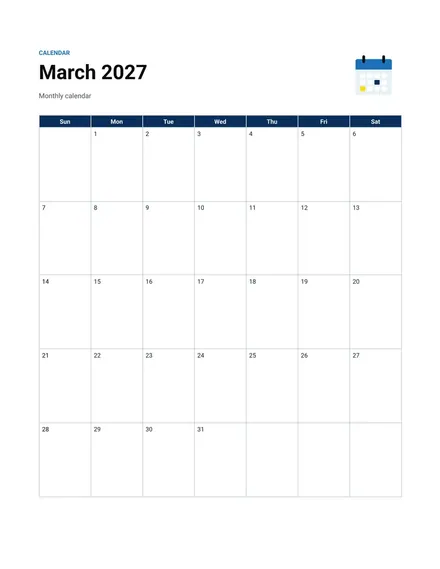
Monthly Calendar
Docs + Word2 pages
Free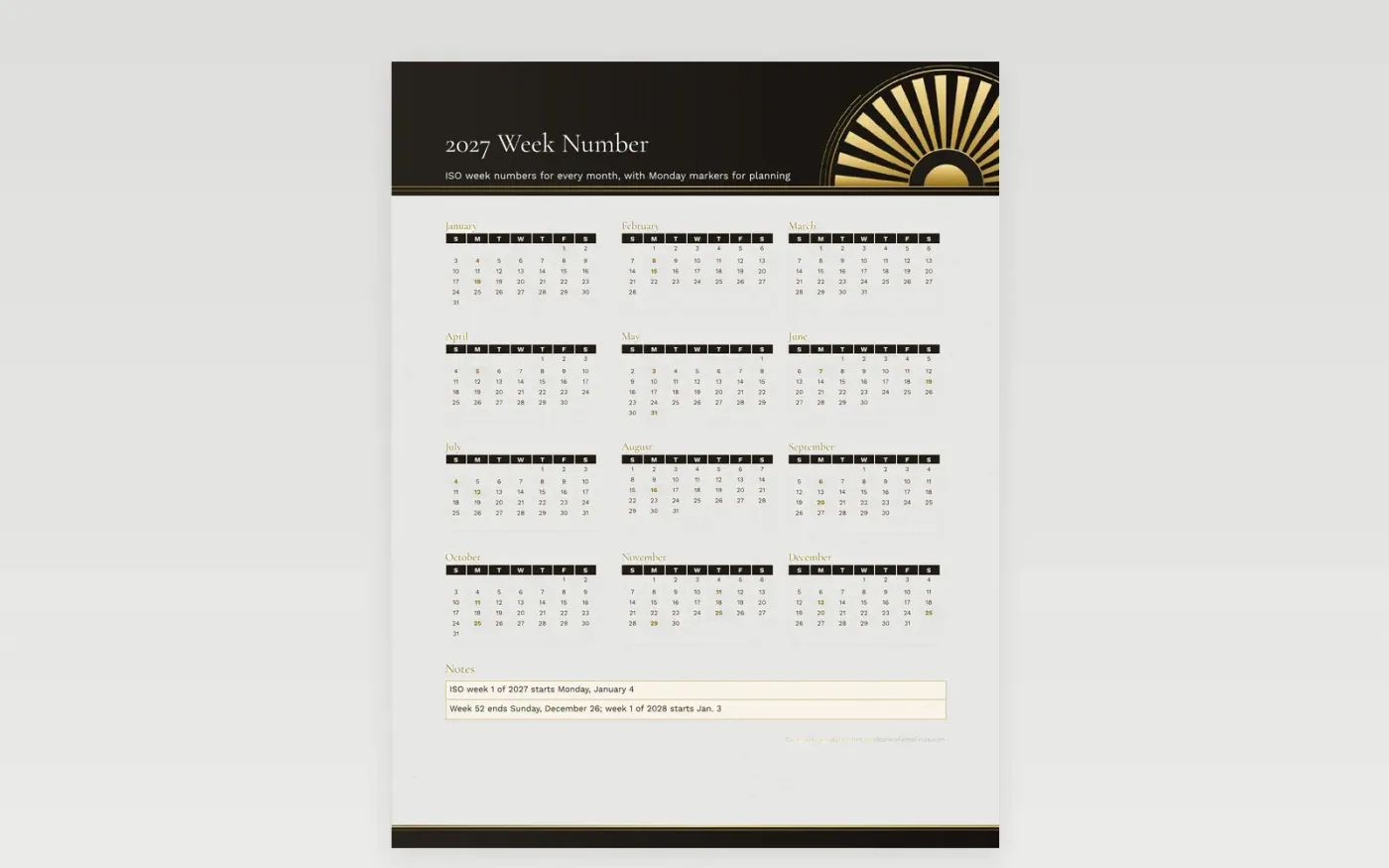
Week numbers help teams talk about time without counting dates, which is useful for project schedules, shift plans and recurring meeting series. This year view shows the ISO week numbers in each month, with a Monday marker for the first day of selected weeks. Because 2027 begins on a Friday, week 1 starts on Monday, January 4, and the first three days of January belong to the last week of 2026.
A holiday week can be labeled in the notes before the team plans around it. Record the week conventions your team relies on, such as the start of a fiscal quarter or the week a release ships. Print the calendar for the planning room and store the file in the team folder.
Make a copy in Google Docs, or download the Word file.
Type over the sample text with your own details.
Delete the guide page when you are done.
Print it, or save it as a PDF.
Not always. ISO weeks start on Monday, and week 1 is the first week with four days in January, so January 1 2027 falls in week 53 of 2026.
This calendar uses Monday starts, which is the ISO standard. Use another calendar if your team counts from Sunday.
Holidays are printed. Write any company closure in the margin, or inside the day square.
Docs + Word2 pages
Free
Docs + Word2 pages
Free
Docs + Word2 pages
Free
Docs + Word1 page
Free
Docs + Word11 pages
Free
Docs + Word11 pages
Free
Docs + Word11 pages
Free
Docs + Word11 pages
Free
Docs + Word11 pages
Free
Docs + Word1 page
Free
Docs + Word11 pages
Free
Docs + Word11 pages
Free
Docs + Word1 page
Free
Docs + Word1 page
Free
Docs + Word11 pages
Free










