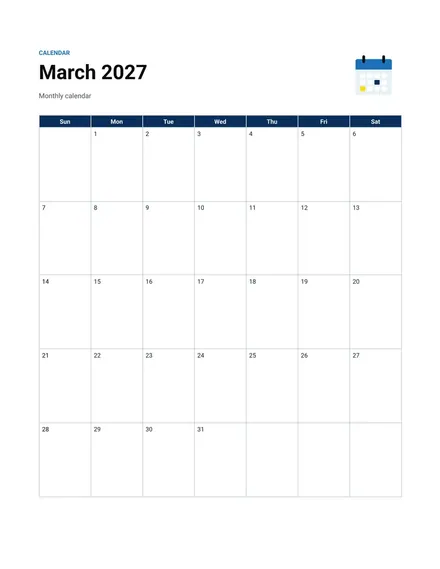
Monthly Calendar
Docs + Word2 pages
Free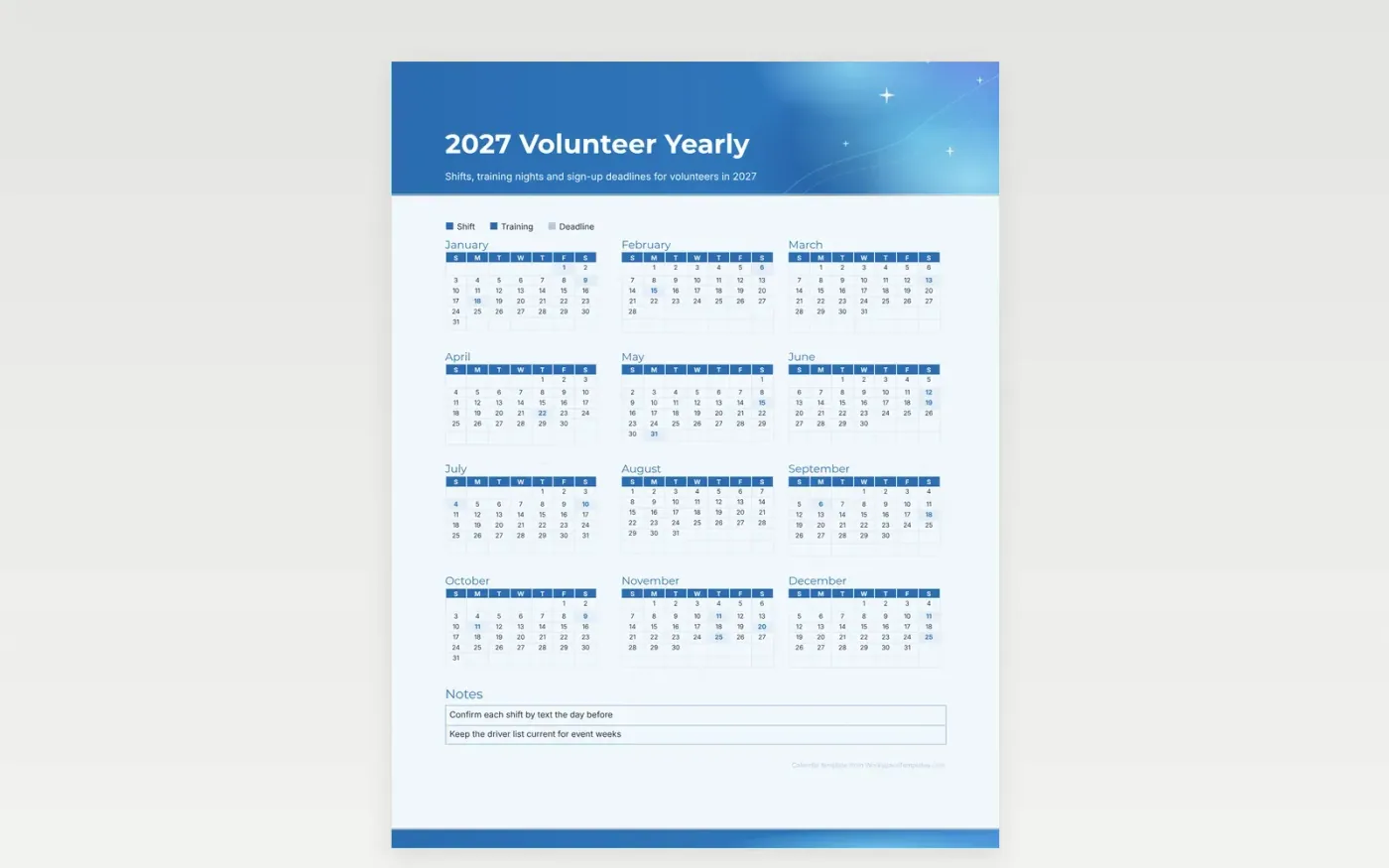
Volunteer schedules fill up fast, and a shift that was easy to take in January can clash with a family trip in July. This year page sets each shift, training night and sign-up deadline into its month, so a volunteer can see the open weeks before saying yes. The key separates shifts from training and from deadlines, which keeps the page quick to scan.
Coordinators can print a copy for the volunteer board and mark the drives that need extra hands. The notes box holds reminders such as who drives, which shifts need a second person, and when hours are due for the grant report. Change the sample dates to real ones, then post the page where the team meets.
Make a copy in Google Docs, or download the Word file.
Type over the sample text with your own details.
Delete the guide page when you are done.
Print it, or save it as a PDF.
Yes. Hand a copy to each lead or pin it to the board where volunteers check in.
The notes box is the place for hours. Jot the running total beside the shifts you worked, once a month.
Cross it out and write the new date in the same cell. Pencil works well if plans change often.
Docs + Word2 pages
Free
Docs + Word2 pages
Free
Docs + Word2 pages
Free
Docs + Word1 page
Free
Docs + Word11 pages
Free
Docs + Word11 pages
Free
Docs + Word11 pages
Free
Docs + Word11 pages
Free
Docs + Word11 pages
Free
Docs + Word1 page
Free
Docs + Word11 pages
Free
Docs + Word11 pages
Free
Docs + Word1 page
Free
Docs + Word1 page
Free
Docs + Word11 pages
Free










