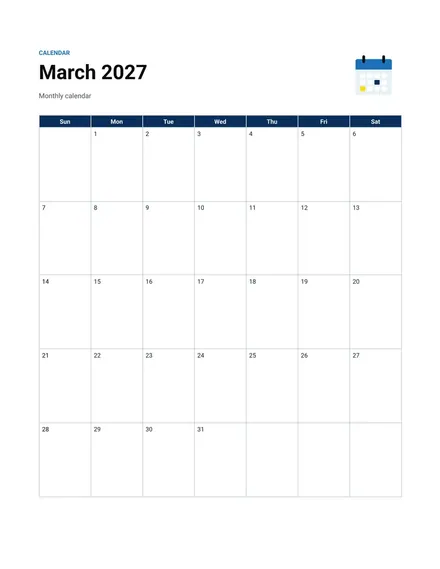
Monthly Calendar
Docs + Word2 pages
Free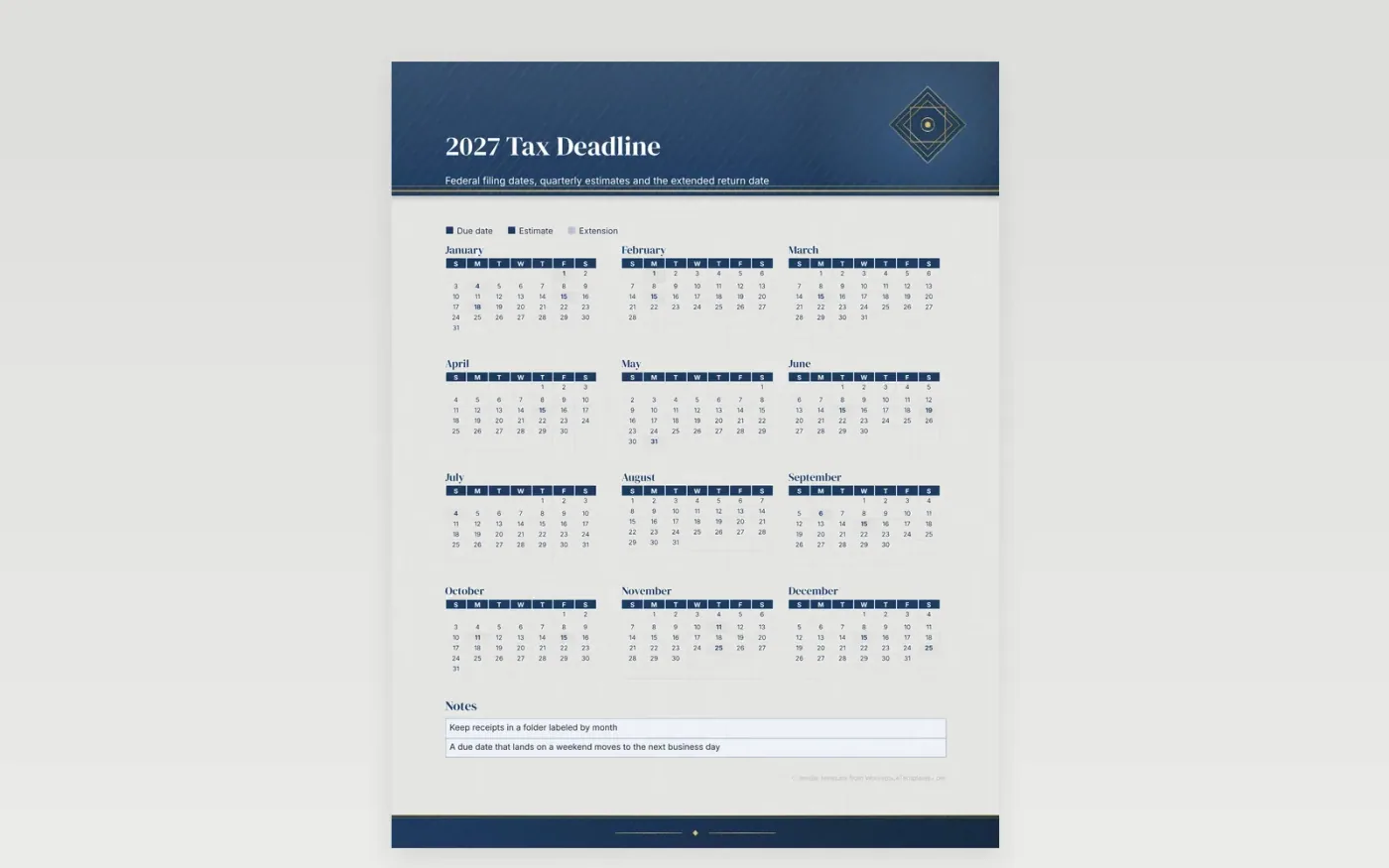
Tax deadlines arrive in clusters: the early-year information returns, the March filings for pass-through businesses, the April individual return and the quarterly estimates that fall between them. This calendar gives each deadline its own square so nothing hides behind a long weekend. Any due date that rolls to the next business day is easy to spot against the printed holidays. Keep the sheet near the desk where receipts land each month.
Use the key to separate filing dates from payment dates, because a return can be due on a different day than the check that goes with it. If you work with a preparer, copy their appointment dates into the day squares and note the extension deadline. Each square can hold a short reminder, and the margin holds the documents to collect before the next deadline.
Make a copy in Google Docs, or download the Word file.
Type over the sample text with your own details.
Delete the guide page when you are done.
Print it, or save it as a PDF.
It marks the main 2027 federal dates in the sample entries. Check the current IRS calendar for your own forms and for any changes.
Federal due dates that land on a weekend or holiday move to the next business day. Note the moved date inside its square where it stands out.
Yes. Use one key color for each entity, such as personal, sole proprietor or payroll, and note which return each date belongs to.
Docs + Word2 pages
Free
Docs + Word2 pages
Free
Docs + Word2 pages
Free
Docs + Word1 page
Free
Docs + Word11 pages
Free
Docs + Word11 pages
Free
Docs + Word11 pages
Free
Docs + Word11 pages
Free
Docs + Word11 pages
Free
Docs + Word1 page
Free
Docs + Word11 pages
Free
Docs + Word11 pages
Free
Docs + Word1 page
Free
Docs + Word1 page
Free
Docs + Word11 pages
Free










