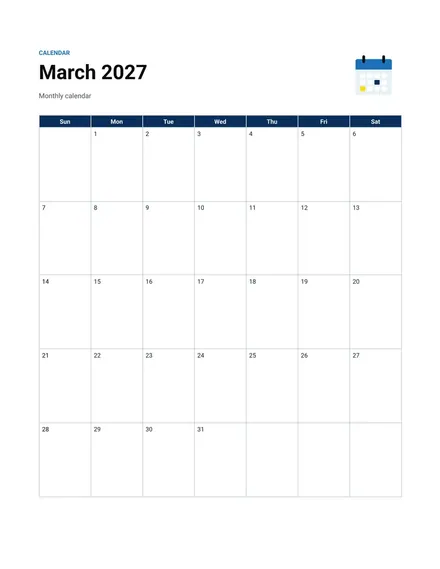
Monthly Calendar
Docs + Word2 pages
Free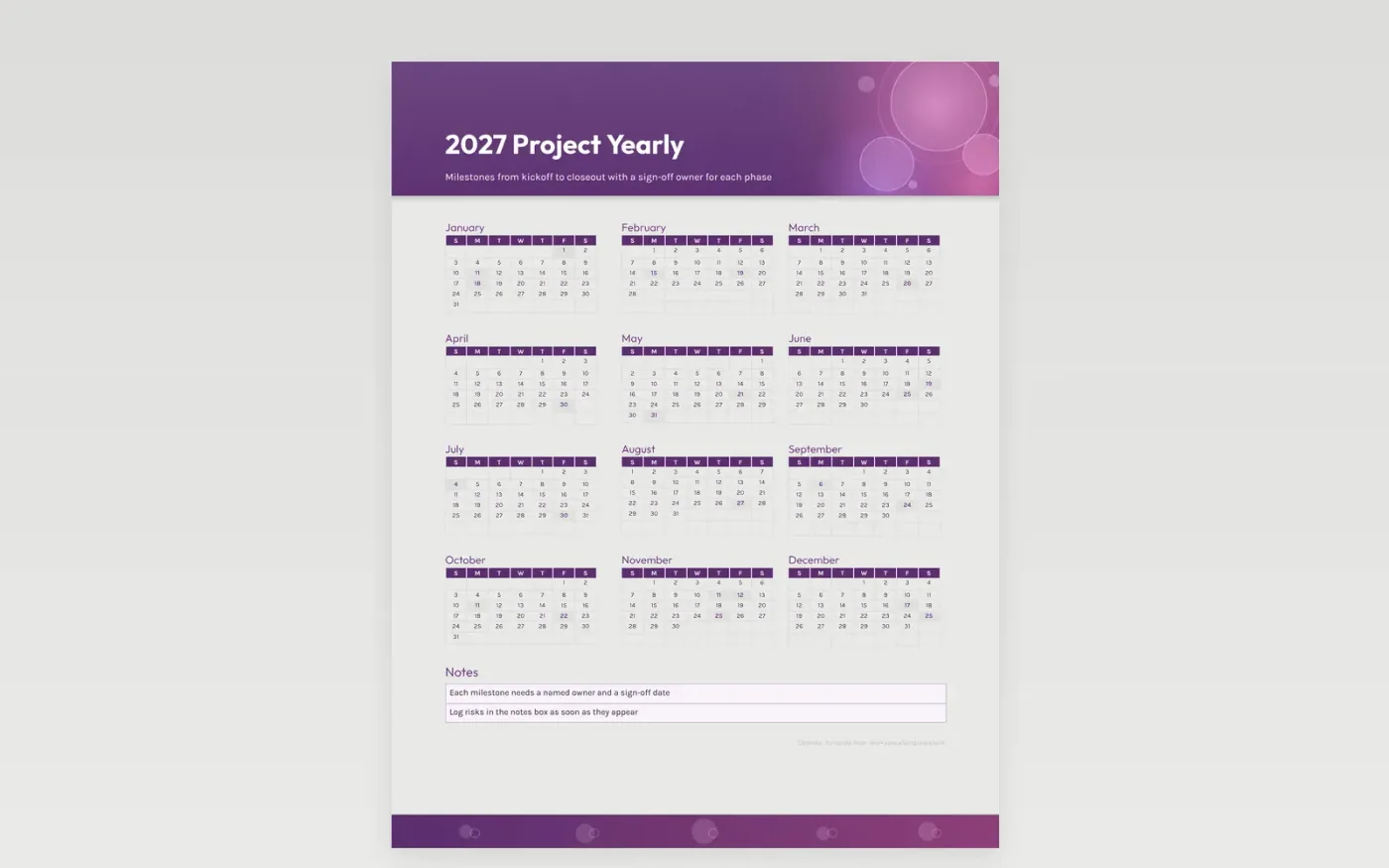
A project calendar keeps the timeline honest by putting every milestone on a date and naming the person who signs it off. This year view runs from kickoff through closeout, with one Friday milestone a month in the sample entries. Printed federal holidays sit in the grid, so review meetings are not set for a day when the team is out.
The notes box is for risks, decisions and dependencies, the three things that move a plan most. Log each risk the day it shows up and every decision beside its date, so the next review opens with facts. Project leads can print the year for the team room and store the editable copy in the project folder.
Make a copy in Google Docs, or download the Word file.
Type over the sample text with your own details.
Delete the guide page when you are done.
Print it, or save it as a PDF.
Put your own milestones in the squares, and the monthly grid stays the same.
Write them in the notes box next to the milestone they affect, such as design sign-off waiting on legal review.
Yes. Mark sprint ends as milestones or write the sprint number in each square.
Docs + Word2 pages
Free
Docs + Word2 pages
Free
Docs + Word2 pages
Free
Docs + Word1 page
Free
Docs + Word11 pages
Free
Docs + Word11 pages
Free
Docs + Word11 pages
Free
Docs + Word11 pages
Free
Docs + Word11 pages
Free
Docs + Word1 page
Free
Docs + Word11 pages
Free
Docs + Word11 pages
Free
Docs + Word1 page
Free
Docs + Word1 page
Free
Docs + Word11 pages
Free










