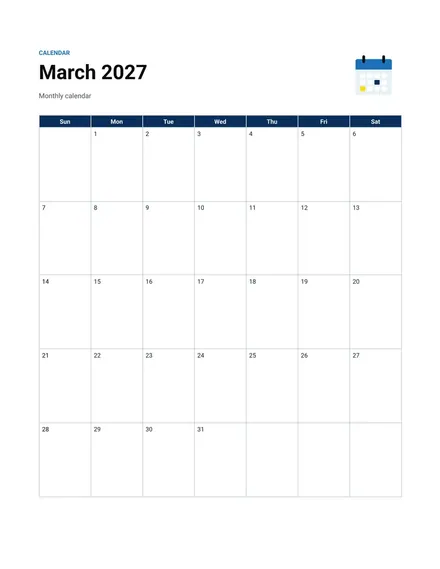
Monthly Calendar
Docs + Word2 pages
Free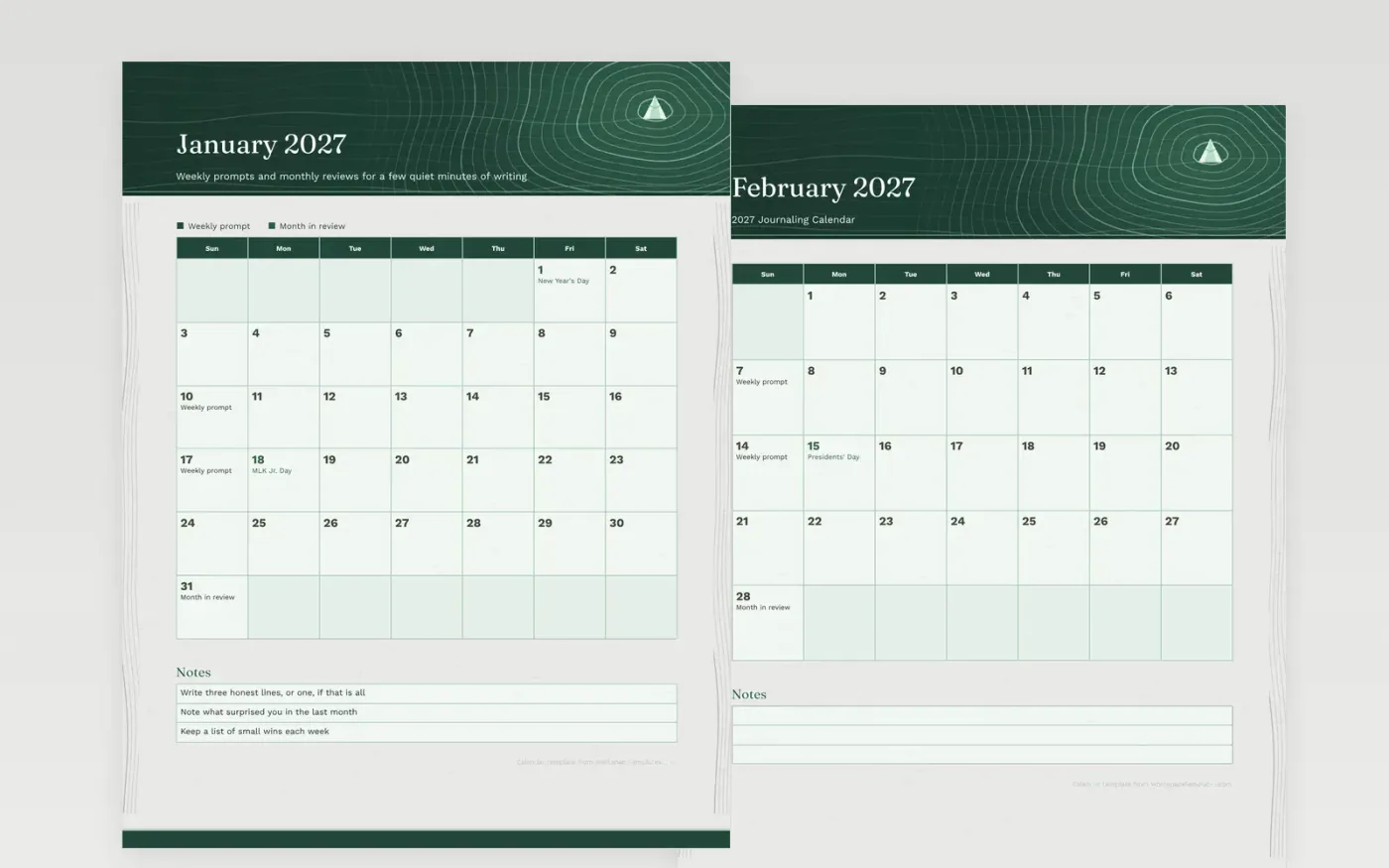
This sample places a short prompt on two Sundays a month and a review on the last Sunday. The aim is a page that takes two minutes, not an hour. The dates are examples, and you can swap prompts for ones you like, such as gratitude, goals or memories from the week.
Write whatever fits the box, even if it is a single word or a short list. Over a year, the monthly reviews show which months were heavy and which were light. Keep the calendar in the same notebook or folder as your entries so the grid and the writing stay together.
Make a copy in Google Docs, or download the Word file.
Type over the sample text with your own details.
Delete the guide page when you are done.
Print it, or save it as a PDF.
No. The layout works at any pace, from daily entries to a single weekly page.
No. Type over any sample before printing, or write your own in the lines.
No. Only the federal holidays appear, leaving the rest of the grid open for notes.
Docs + Word2 pages
Free
Docs + Word2 pages
Free
Docs + Word2 pages
Free
Docs + Word1 page
Free
Docs + Word11 pages
Free
Docs + Word11 pages
Free
Docs + Word11 pages
Free
Docs + Word11 pages
Free
Docs + Word11 pages
Free
Docs + Word1 page
Free
Docs + Word11 pages
Free
Docs + Word11 pages
Free
Docs + Word1 page
Free
Docs + Word1 page
Free
Docs + Word11 pages
Free










