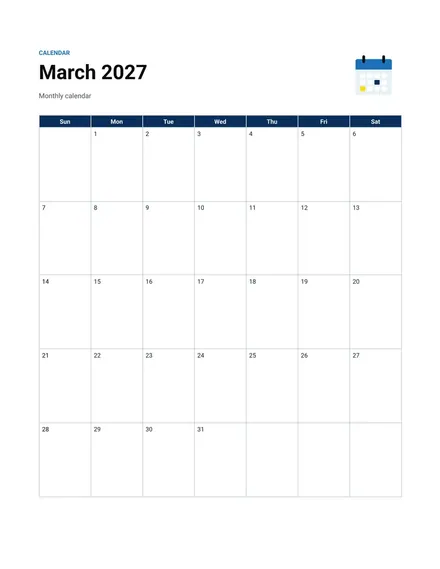
Monthly Calendar
Docs + Word2 pages
Free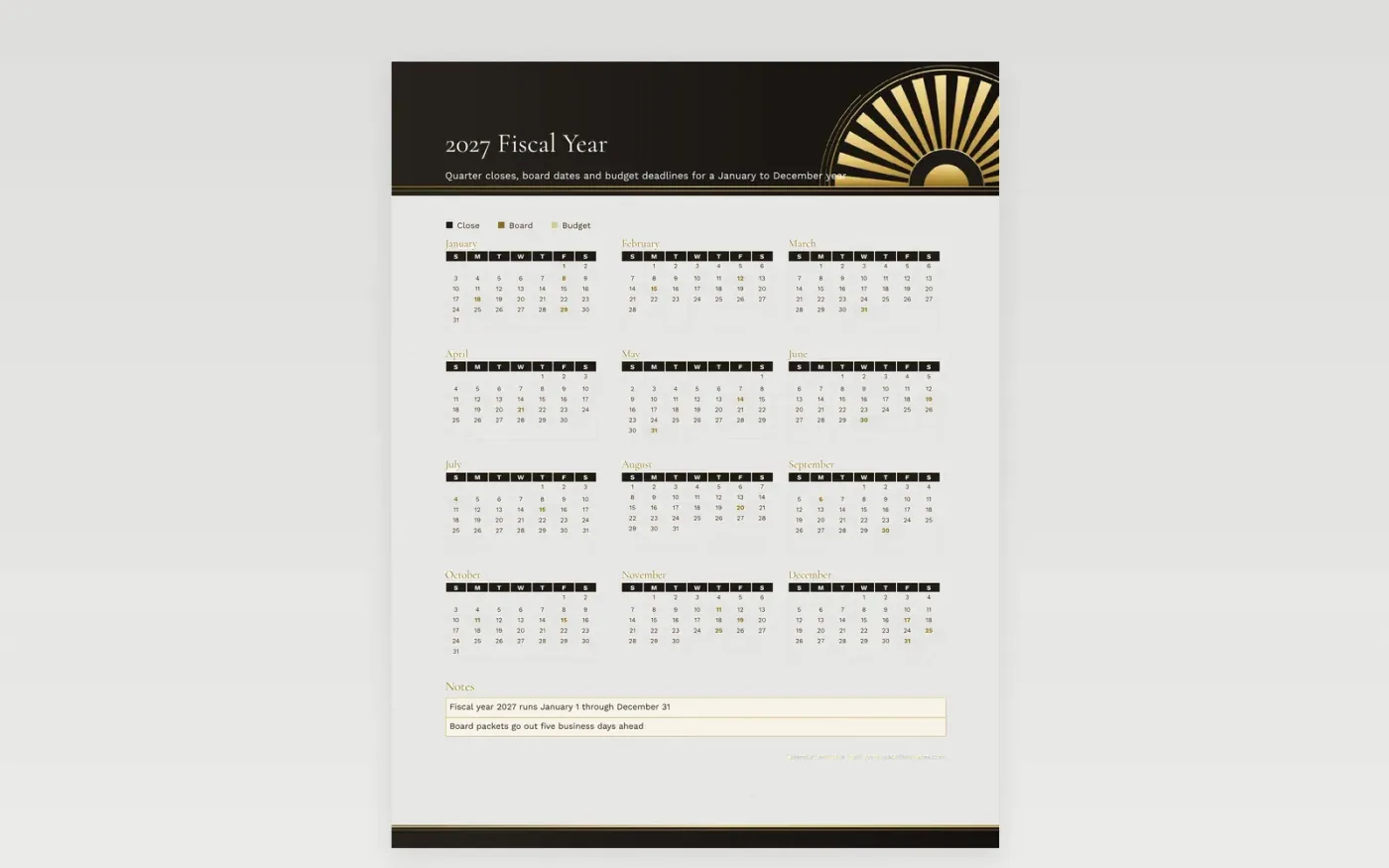
A fiscal year does not have to match the calendar year, but for this sheet it does: January 1 through December 31, 2027. Each quarter close sits in its own square, so the finance lead can see the books-closing dates before the board packet is due. Closes that fall beside a long weekend stand out, since the grid already marks the federal holidays. Jot the audit window and the date the capital request list locks in the margin.
Write budget reviews, board meetings and vendor reviews in the days they land, then color-code them with the key so the team can scan a quarter in seconds. Department heads can mark their own deadlines in the margin of each month. Print one copy for the finance office and another for the operations room, and keep the year file in shared storage so edits reach everyone.
Make a copy in Google Docs, or download the Word file.
Type over the sample text with your own details.
Delete the guide page when you are done.
Print it, or save it as a PDF.
This sheet runs January to December. For a fiscal year that starts elsewhere, shift the labels in the notes box to match your start month.
Type the date into its square and mark it with a key color. The printed federal holidays stay where they are.
Print on US Letter for a desk copy or Tabloid for a wall. Landscape gives the whole year the most room.
Docs + Word2 pages
Free
Docs + Word2 pages
Free
Docs + Word2 pages
Free
Docs + Word1 page
Free
Docs + Word11 pages
Free
Docs + Word11 pages
Free
Docs + Word11 pages
Free
Docs + Word11 pages
Free
Docs + Word11 pages
Free
Docs + Word1 page
Free
Docs + Word11 pages
Free
Docs + Word11 pages
Free
Docs + Word1 page
Free
Docs + Word1 page
Free
Docs + Word11 pages
Free










