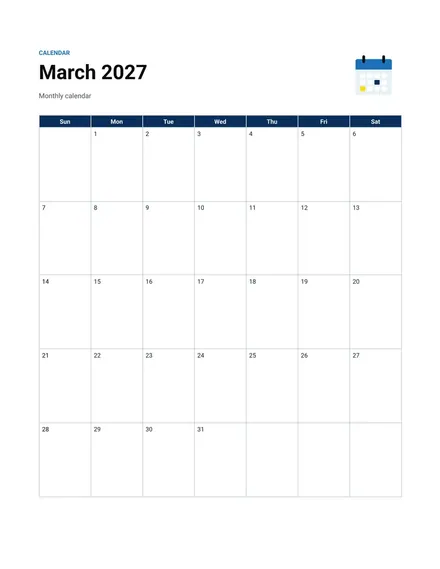
Monthly Calendar
Docs + Word2 pages
Free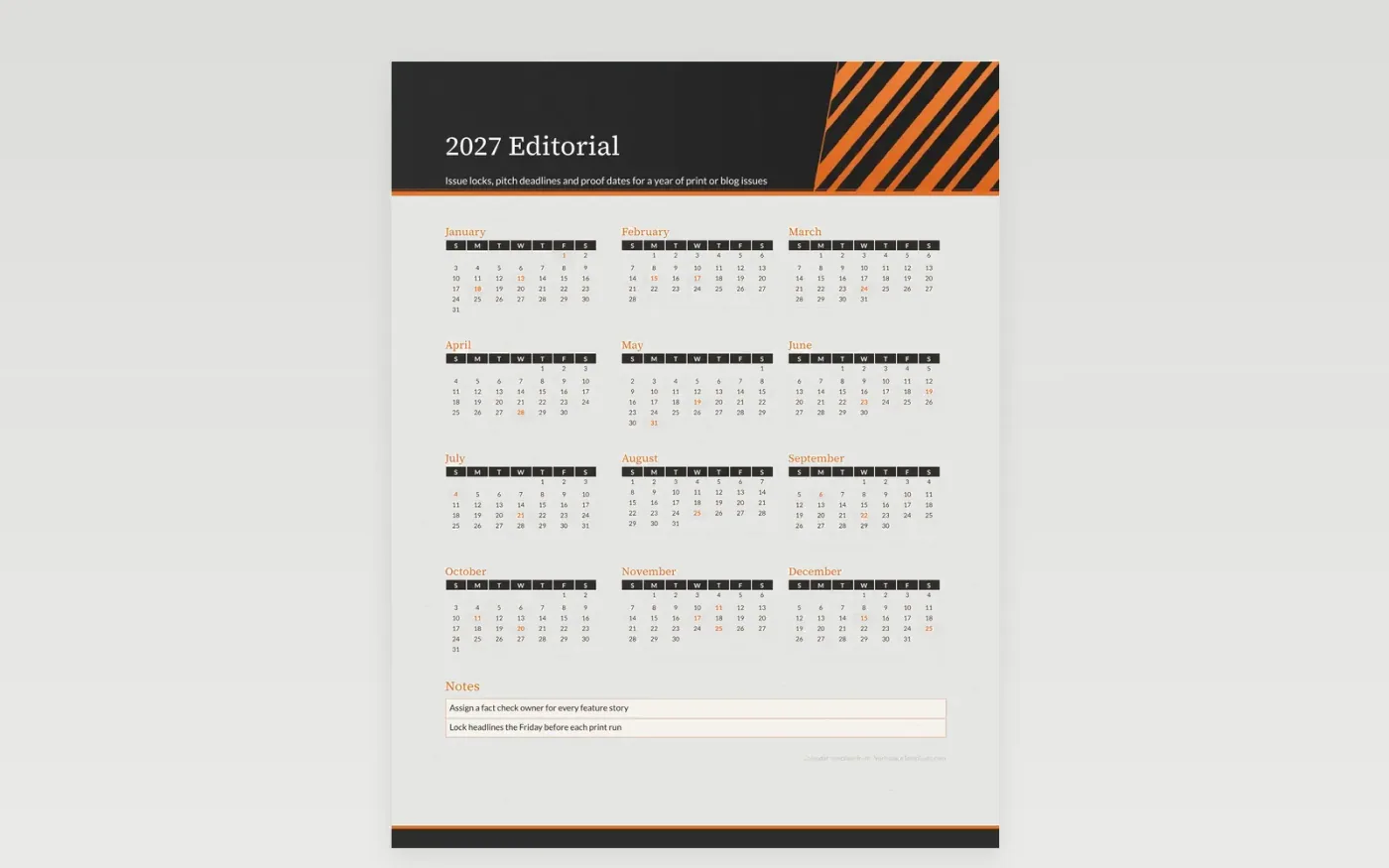
An editorial calendar works backward from the print or launch date. Each issue has a lock date for headlines, a deadline for feature pitches and a proof date when the design must be final. This calendar places those milestones in the month they belong, so the editor can see the gaps in the year before the pitches arrive.
The notes area holds the rules every writer should know: how many words a feature runs, who checks the facts and where art files are stored. Print one copy for the production desk and keep the editable file in the shared folder so changes reach everyone in the same week.
Make a copy in Google Docs, or download the Word file.
Type over the sample text with your own details.
Delete the guide page when you are done.
Print it, or save it as a PDF.
Yes. Swap the print dates for publishing dates and list the blog rules in a corner of the sheet.
Write the issue name in its square and tint it with a key color if your layout uses one.
The year grid shows deadlines by day. Add the week number in the notes if your team plans by week.
Docs + Word2 pages
Free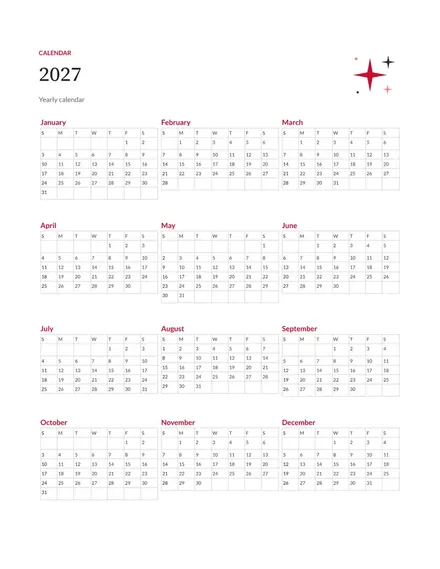
Docs + Word2 pages
Free
Docs + Word2 pages
Free
Docs + Word1 page
Free
Docs + Word11 pages
Free
Docs + Word11 pages
Free
Docs + Word11 pages
Free
Docs + Word11 pages
Free
Docs + Word11 pages
Free
Docs + Word1 page
Free
Docs + Word11 pages
Free
Docs + Word11 pages
Free
Docs + Word1 page
Free
Docs + Word1 page
Free
Docs + Word11 pages
Free










